Blog
Build Once, Get Paid Monthly: Turning WordPress Builds Into Care Plans
Frank Lora, founder of Native WP AI, shares a simple way for WordPress freelancers to turn one-time builds into monthly care plans: what to include, how to deliver it, and example math.
On this page
I've been building WordPress sites for a long time, and if you freelance, you know the cycle.
You land a project. You build something great. The client pays, says thanks, and goes quiet. And on Monday you're back at zero, hunting for the next one.
The way out I believe in is simple: stop selling only websites and start selling months. Care plans. Retainers. Whatever you call it, it's money that shows up whether or not you closed a new build this week.
Here's my playbook for doing that with Native WP AI: what to put in a plan, how to deliver it, and an example of the math.
Why single builds keep you on the treadmill#
A website project has a finish line. That's great for the client and tough for your income.
The ongoing value lives after launch: keeping the site secure, making sure form emails reach someone, fixing what breaks, and adding the small improvements that make the site earn its keep.
Clients need all of that. The problem is delivery. A traditional care plan often means a security plugin, an SEO plugin, an analytics service, an SMTP plugin, an automation tool and a reporting tool, each with its own license and settings screen. Then you spend time every month stitching screenshots into a report. The margin gets eaten before you notice.
That's the part I wanted to fix.
What clients actually pay for every month#
My take: clients don't really buy "maintenance." They buy three feelings.
My site is safe. Nobody is breaking in, and nothing is quietly broken.
Someone is watching. They get proof every month, in plain words.
It's getting better. More visitors, more leads, less busywork.
Build your plans around those three, and the feature list almost writes itself.
Three plans you can package with Native WP AI#
Every Native WP AI plan includes every feature, so all three of these work on Pro or Agency. Here's how I'd stack them.
Plan 1: Safe and Sound#
The base plan. This is what every client site should have.
Security: a firewall with a learning mode, sign in protection with lockouts and two factor codes, a hardening checklist, spam blocking, and a malware and file scan with repairs.
Email delivery: send the site's email through a real SMTP account or email service, with a backup connection and a log that explains in plain English when an email didn't go out.
A monthly Site Report: a PDF emailed to the client on a schedule, with the site's status, what needs attention and why, health checks, updates and security.
A way back: undo, published versions and restore points, so changes are never scary.
Plan 2: Grow#
Everything in Safe and Sound, plus the stuff that moves numbers.
Analytics: cookieless by default, stored in the client's own WordPress database, with goals so you can count form sends and key clicks as conversions.
SEO: an audit of every page with scores, plus AI that writes titles, descriptions and alt text for many pages at once, as suggestions you review.
Content Studio: blog posts written in the site's voice, saved as WordPress drafts, and planned on a content calendar.
A marketing report template on top of the maintenance one, so the client sees growth, not just upkeep.
Plan 3: Run It For Me#
Everything in Grow, plus the automation layer. This is where you become hard to replace.
CRM: forms, new users and WooCommerce orders can become contacts, with tags, lists, segments and email campaigns.
Automations: "when this happens, do that." A quote request comes in, the contact gets tagged in the CRM, the team gets a Slack message, and a row lands in Google Sheets, with a log of every run.
The AI agent: describe an automation in plain words and it drafts it for you to check before you switch it on.
Let the report do the selling#
Here's the secret of a care plan that keeps renewing: the client has to see the value.
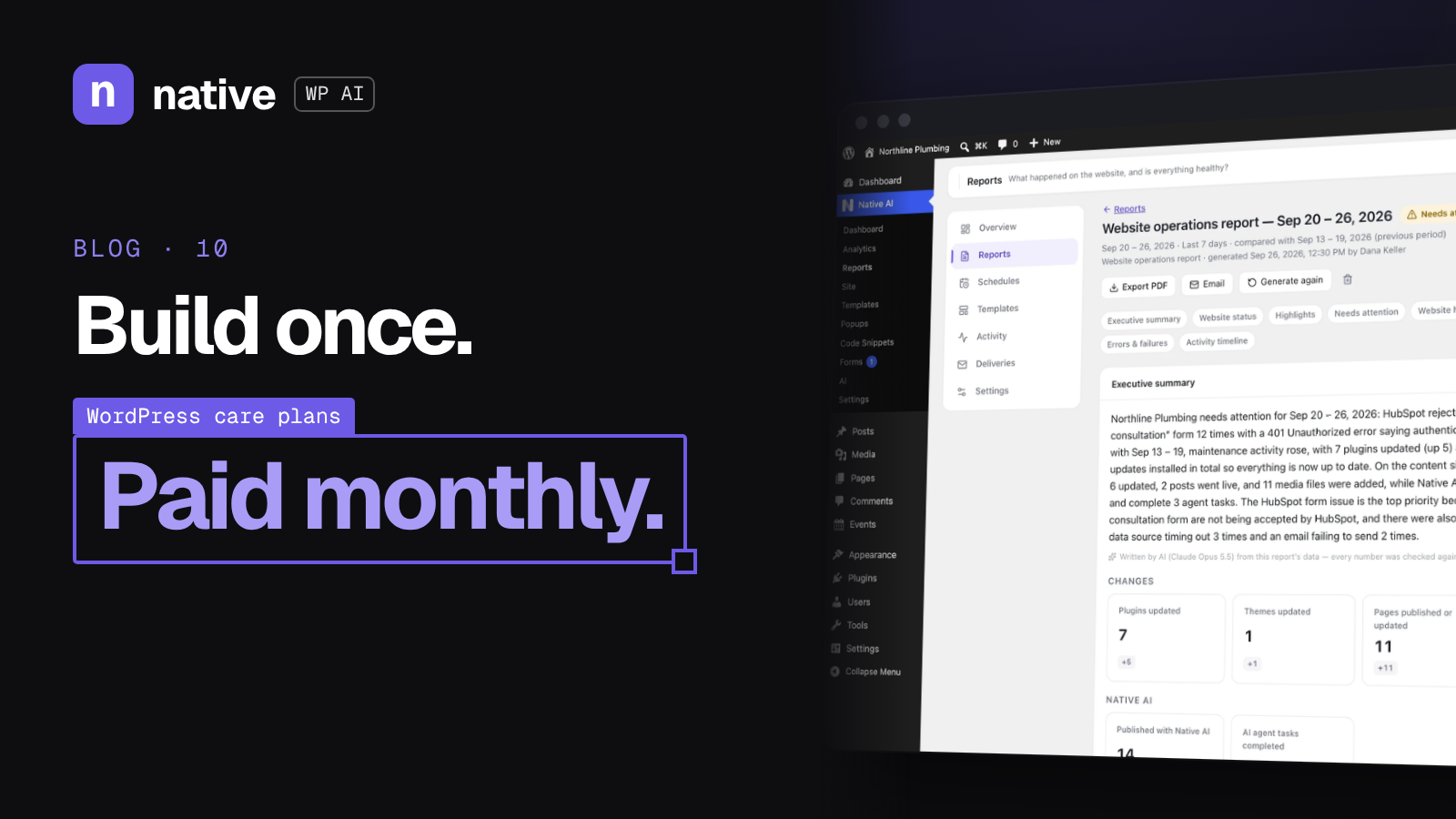
Site Reports handle that. A report can include up to 16 sections, from an executive summary and site health to updates, analytics, security, forms and errors. There are three templates (operations, marketing and maintenance), and you can make your own.
The executive summary is written by AI and fact checked against the report's data. Schedule it monthly, choose the recipients, subject and message, and it goes out as a PDF on its own.
On the Agency plan there's white label too: your own product name, logo and plugin folder on client sites, with no sign of Native WP AI. So the report and the dashboard feel like your service, because they are.
A worked example (example numbers only)#
These are example numbers, not results from real customers. Plug in your own prices.
Say you have 9 client sites and you sign them up like this:
Safe and Sound: 5 clients at an example $120/month = $600
Grow: 3 clients at an example $300/month = $900
Run It For Me: 1 client at an example $500/month = $500
Total: 9 clients = $2,000/month
Nine sites is more than Pro's 3, so in this example you'd be on Agency: $249/month for unlimited websites and 10,000 AI credits every month.
That leaves $1,751 a month in this example, or $21,012 a year, before your time and any other costs like an email sending service, from sites you already built.
A few notes on credits, straight from the pricing page:
Security, analytics, the CRM, automations (except the AI step), reports and building by hand don't use credits.
An AI summary for a site report used about 5 credits while the Native WP AI team built its demo site.
Writing blog posts and bulk SEO jobs do use credits. The amount depends on how much a request does and the model you pick, and every request shows what it used.
If a busy month runs you low, credit packs are 1,000 for $15, 5,000 for $65 or 20,000 for $240, and bought credits never expire. On Pro and Agency you can also use your own Anthropic or OpenAI key instead of credits.
Just starting out? Pro is $99/month for 3 websites and 3,000 AI credits every month. Three care plan clients is a perfectly good first step.
How to deliver it without drowning#
This is the monthly routine I'd use:
Set it up once per client. Try it on a staging copy first, switch on Security, Analytics, SEO and Email delivery, and connect a sending service.
Schedule the report. Pick the template, set it to monthly and add the client as a recipient.
Build one automation that saves them time. Start from one of the 17 automation templates or describe it to the agent.
Do a monthly check. Read the report, clear what needs attention, and ask the agent something like "Which pages lost visitors this month?"
Ship one visible improvement. A fixed SEO issue, a new popup, a fresh blog post. Something they can point to.
That last step matters most. A plan that only keeps things the same feels like insurance. A plan that makes one thing better every month feels like a partner.
How to pitch it#
Keep it simple and honest. At the end of every build, say something like: "The site is live. Now the question is who keeps it safe and keeps making it better. Here's what that looks like each month." Then show them a sample report.
Don't sell hours. Sell the three feelings: safe, watched, growing.
Build your first care plan free#
Here's my offer. Start a free 14 day Native WP AI trial on one site, with 500 AI credits and no card needed. Every feature is included.
Use it to set up your Safe and Sound plan on one site: switch on Security, schedule a monthly Site Report, and build one automation. By the end, you'll have a real report PDF to show your next client when you pitch your first care plan.
Was this post useful?
Comments
No comments yet. Start the conversation.