FeaturesRunControl & safety
Every change can be reviewed, and undone
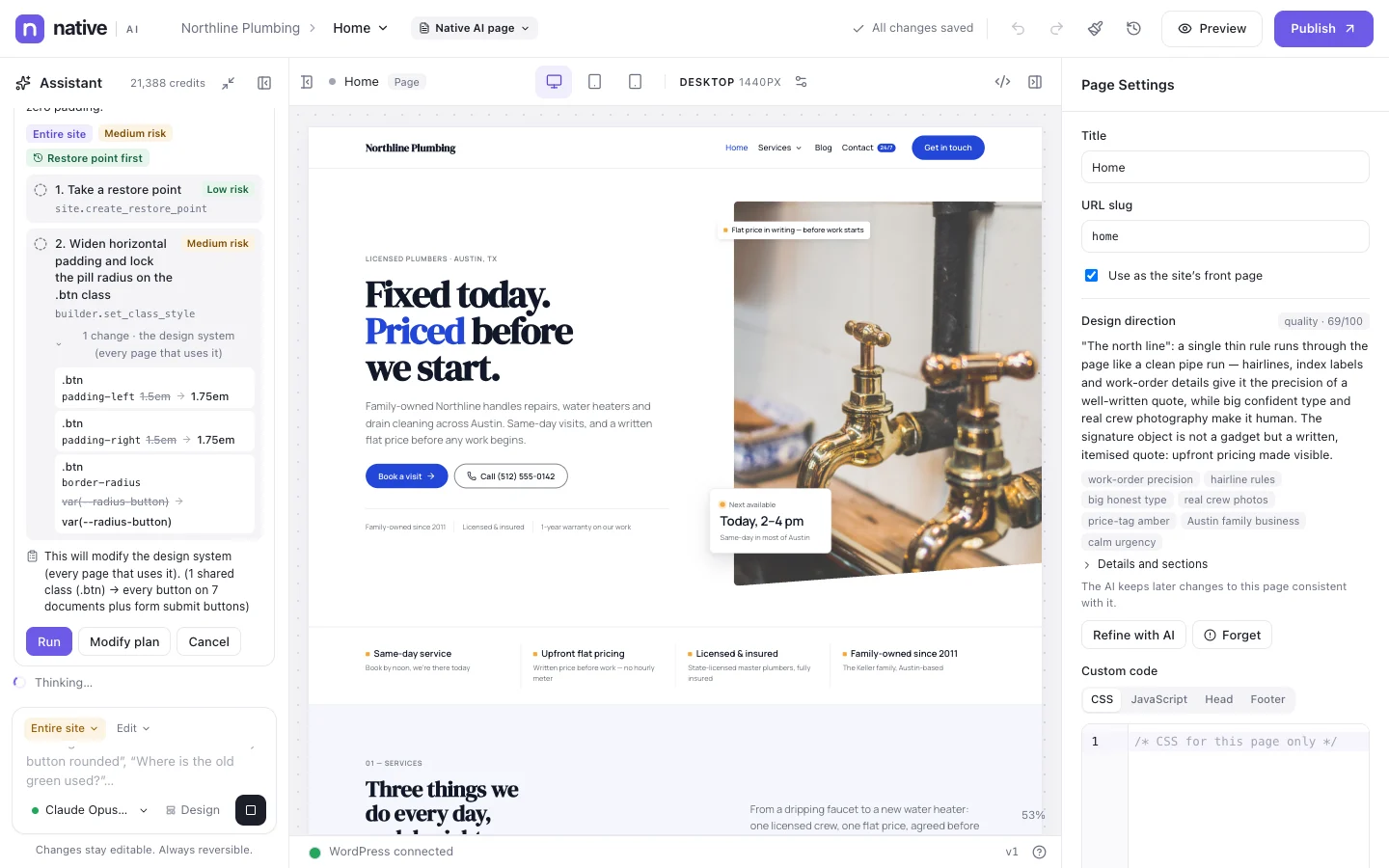
Native AI is built for sites people rely on. Changes are undoable and versioned; the AI asks before broad changes and takes restore points; permissions decide who can do what; secrets are encrypted and never sent to the AI; analytics are cookieless by default. When something goes wrong, there’s a way back.
- Undo, history and published versions
- Approvals and restore points for AI changes
- Encrypted secrets that never reach the AI
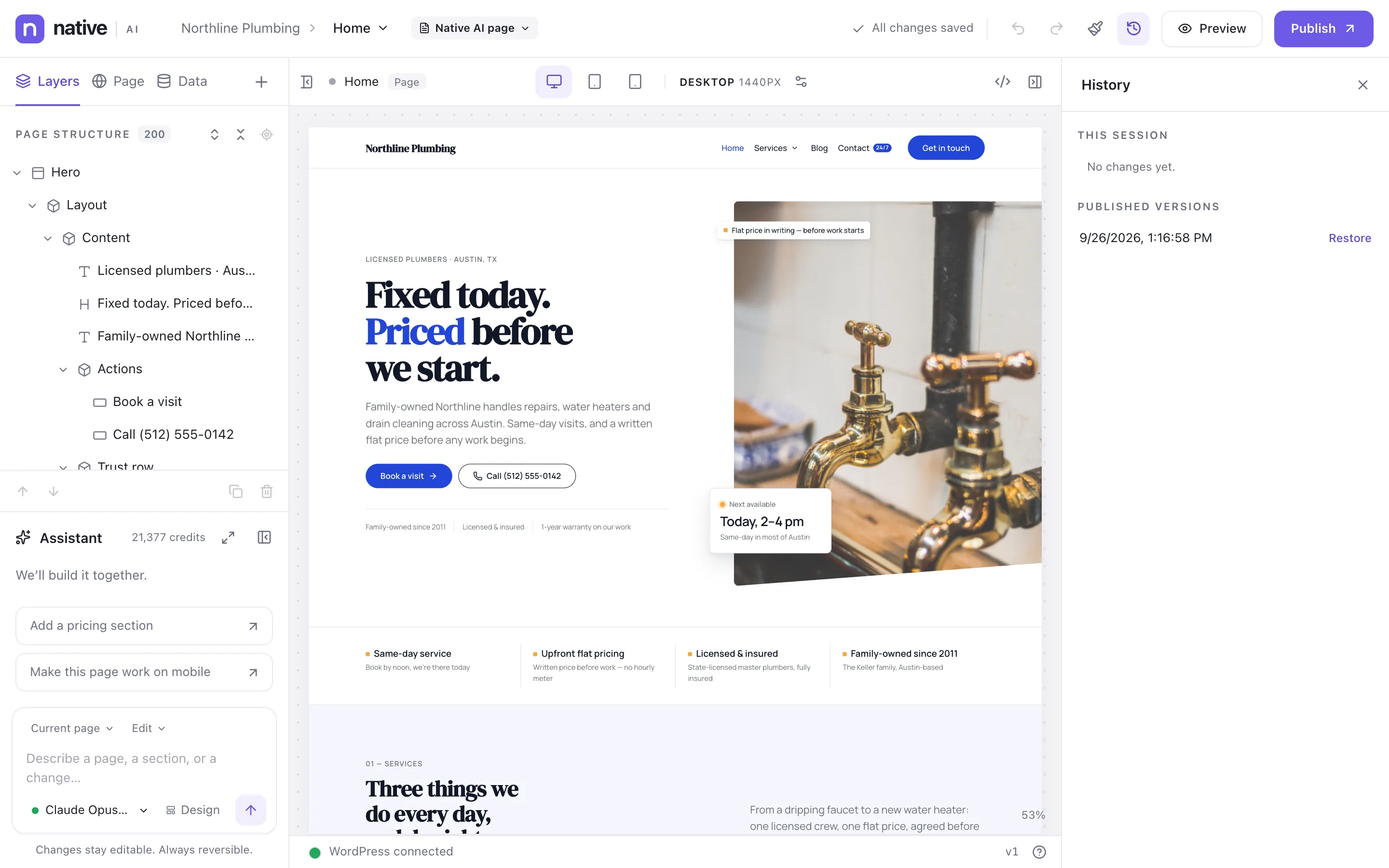
A way back from every change
Every change in the builder — yours or the AI’s — is a step in History. Publishing creates a version you can restore. Before the AI makes site-wide changes or a site is regenerated, a restore point of the whole site is taken; restoring never deletes anything.
- Undo and redo
- Published versions
- Site restore points and snapshots
The AI asks first
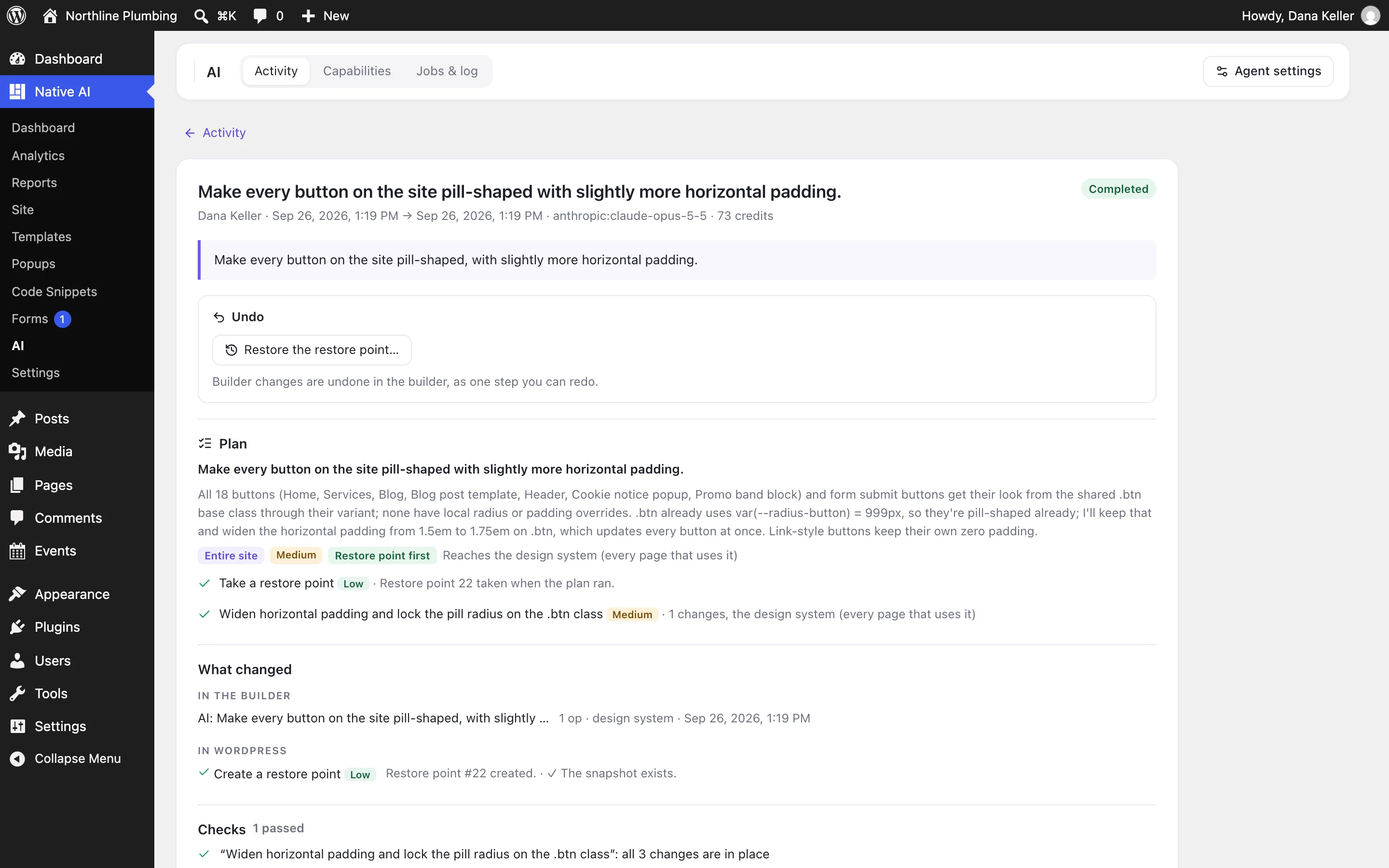
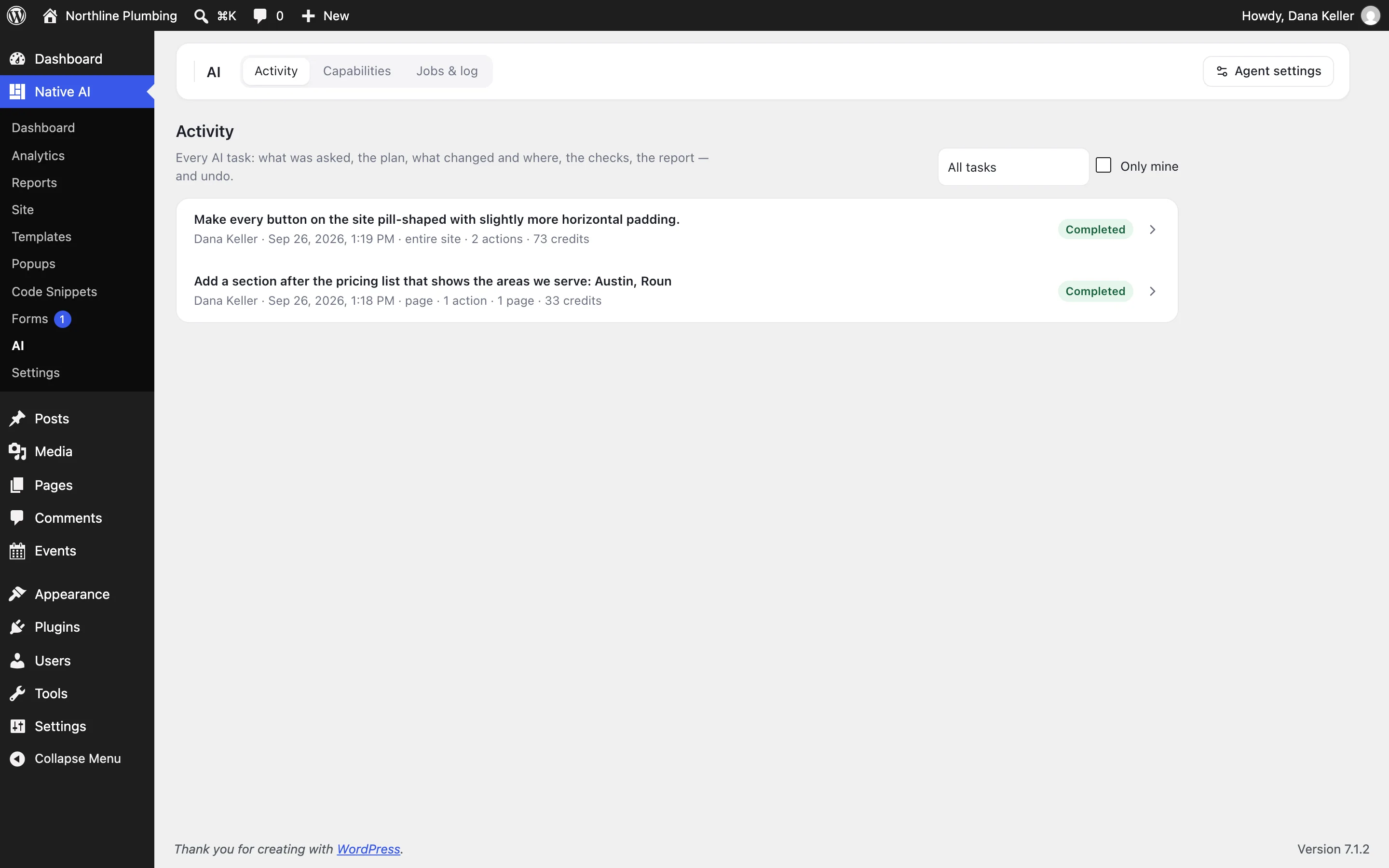
Broad changes come as a plan with the risk of each step. High-risk actions always ask. The AI works with the permissions of the person asking, and everything it does is recorded with a one-click undo.
- Plans and approvals
- Risk levels
- AI activity log with undo
Secrets and privacy
API keys and credentials for integrations and data sources are encrypted in WordPress (AES-256-GCM) and never shown again, never sent to the AI. Form submissions and personal data stay in your database. Analytics are cookieless by default; report summaries are written from facts, never from content.
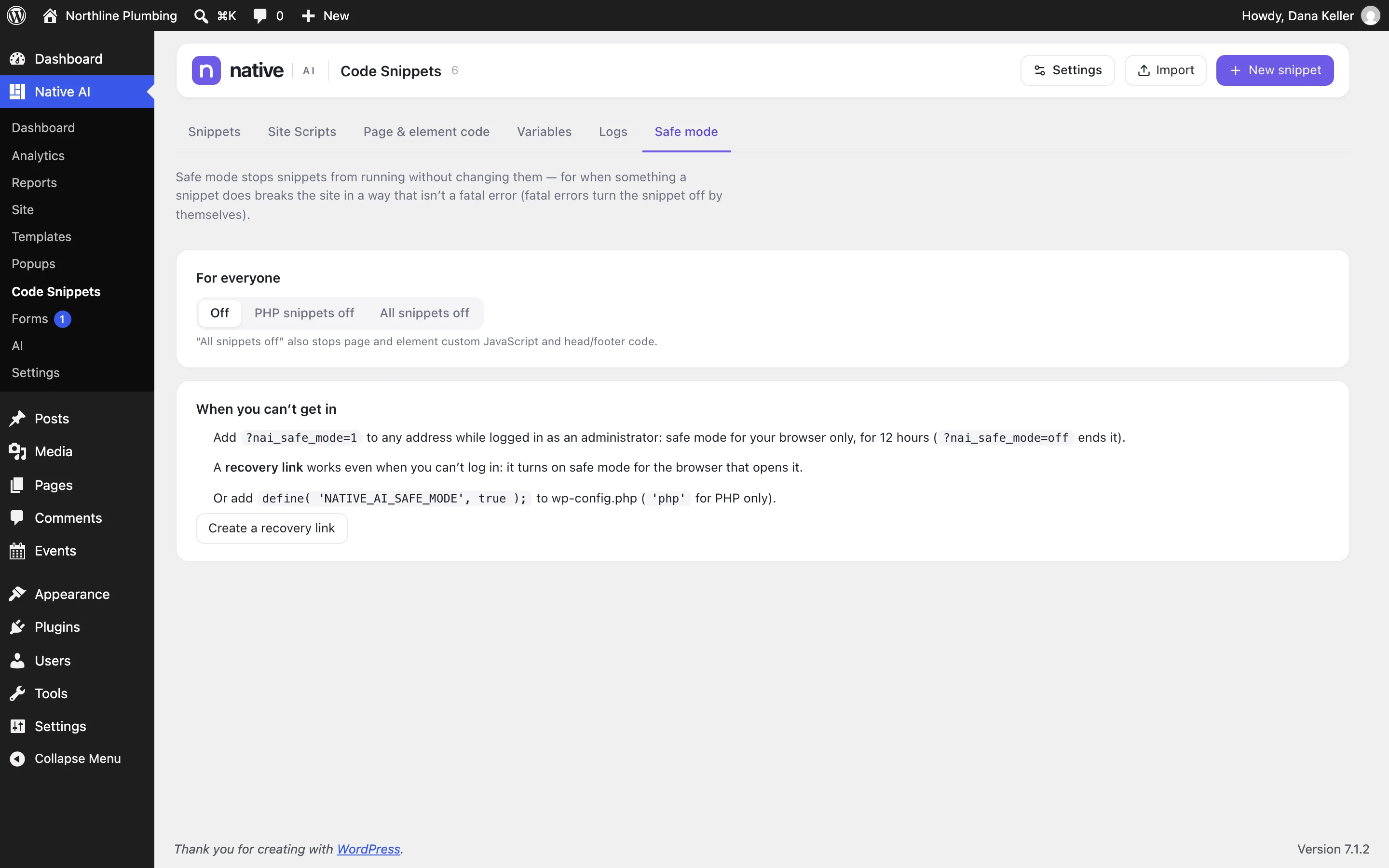
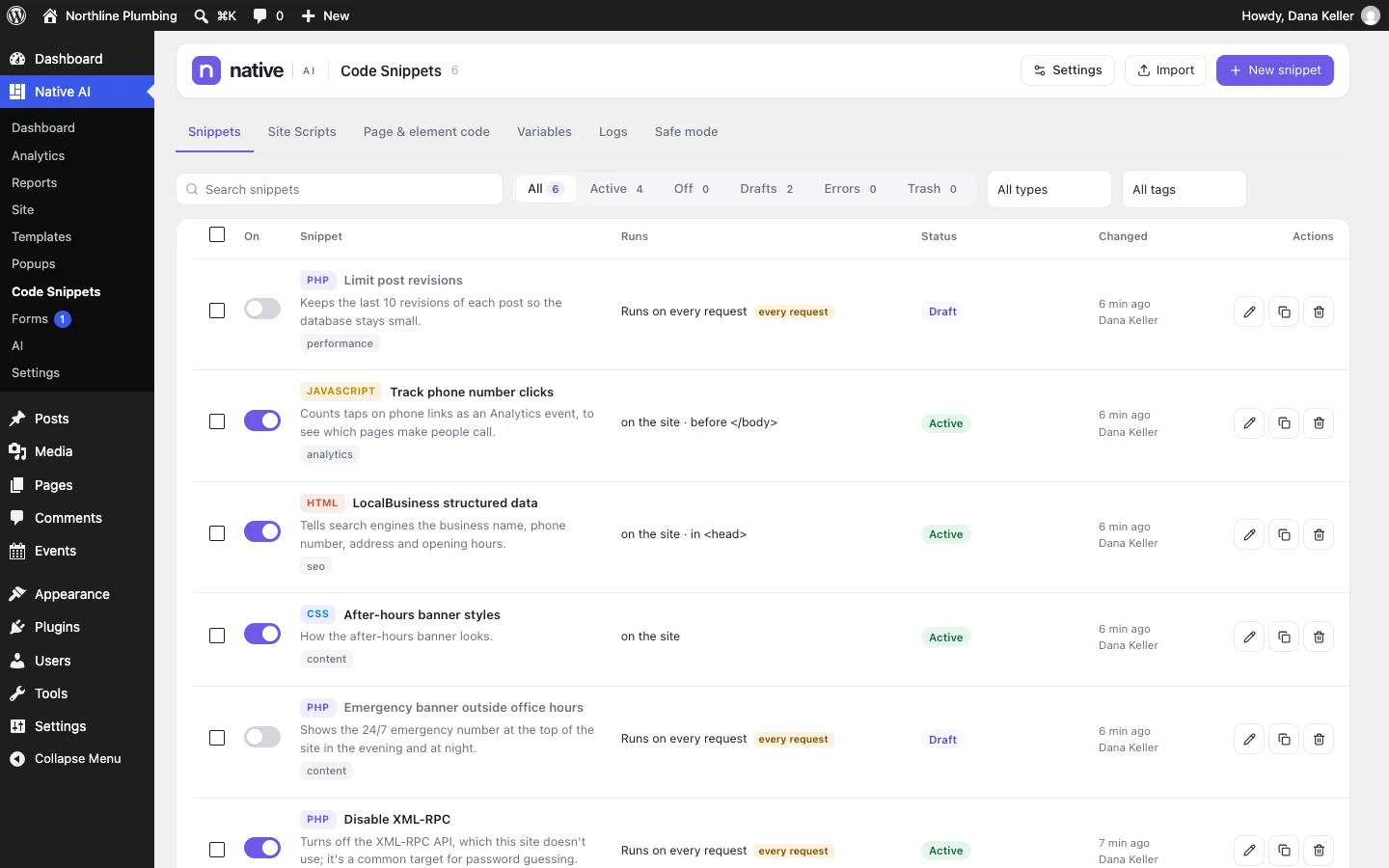
If a snippet breaks the site, safe mode and recovery links get you back in.
- Encrypted credentials
- Nothing personal sent to the AI
- Cookieless analytics by default
- Safe mode and recovery links
Control & safetyEverything included
Everything in control & safety
Undo
- Undo and redo in the builder
- Published versions
- Site snapshots and restore points
- AI activity with undo
Control
- Plans and approvals for AI changes
- Risk levels on AI actions
- Roles and permissions
- Content-only editing roles
- Optional features
Privacy & security
- Encrypted secrets (AES-256-GCM)
- No secrets or submissions sent to the AI
- Cookieless analytics by default
- IP addresses not stored by default
- Snippet safe mode and recovery links
Questions about control & safety
What exactly does the AI service receive?
For a builder request: the structure and text of the page or site involved, the design system, image addresses and alt text, and your AI settings. For a report summary: the report’s facts. Never passwords, API keys, integration secrets, form submissions or analytics about individual visitors.
Works well with
Build your next WordPress site with AI you can edit.
Native AI is in early access. Tell us about your sites and we’ll set you up with a license.