FeaturesAISite-wide changes & the AI agent
Change the whole site with one request — after you approve the plan
Some requests reach every page: “make every button pill-shaped”, “where is the old green still used?”, “add the new phone number everywhere”. With the scope Entire site, the AI works like an agent: it finds the right level to change (Theme Styles, a shared class, a template, a Global Block), proposes a plan with the risk of each step, takes a restore point, makes the changes, checks them and reports what it did.
- A plan with each step’s risk before anything changes
- A restore point first, and a one-click undo afterwards
- More than 100 actions across the site, within your permissions
A plan you can read, approve or change
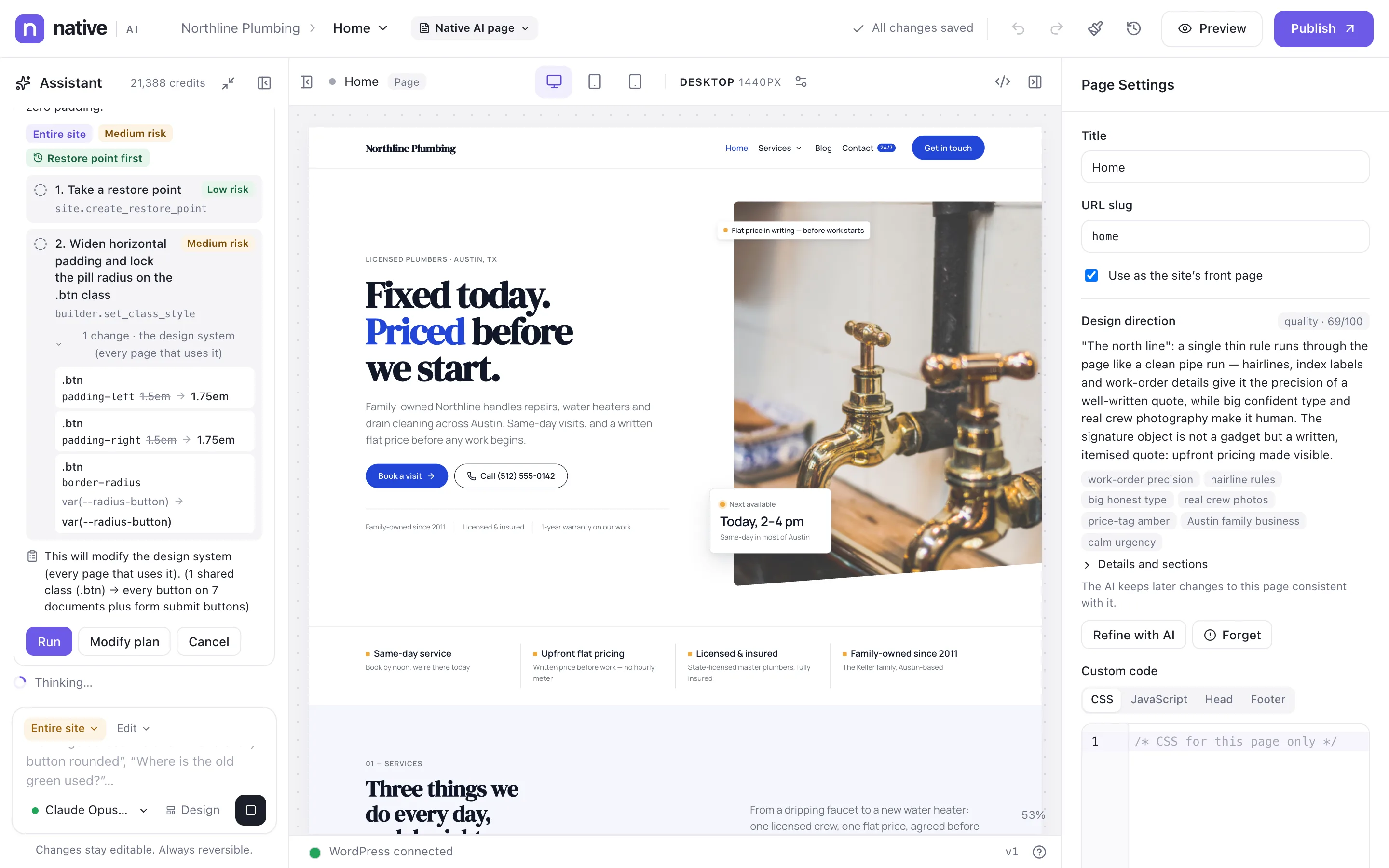
For the request in the picture — “Make every button on the site pill-shaped, with slightly more horizontal padding” — the AI found that all 18 buttons get their look from one shared class. Its plan: take a restore point, then widen the padding on that class, with the exact before and after values and the pages it reaches.
You choose Run, Modify plan (describe what to change) or Cancel. Nothing happens before you decide.
- Each step with its risk: low, medium or high
- Exact changes shown before and after
- Run, modify or cancel
Changed at the right level
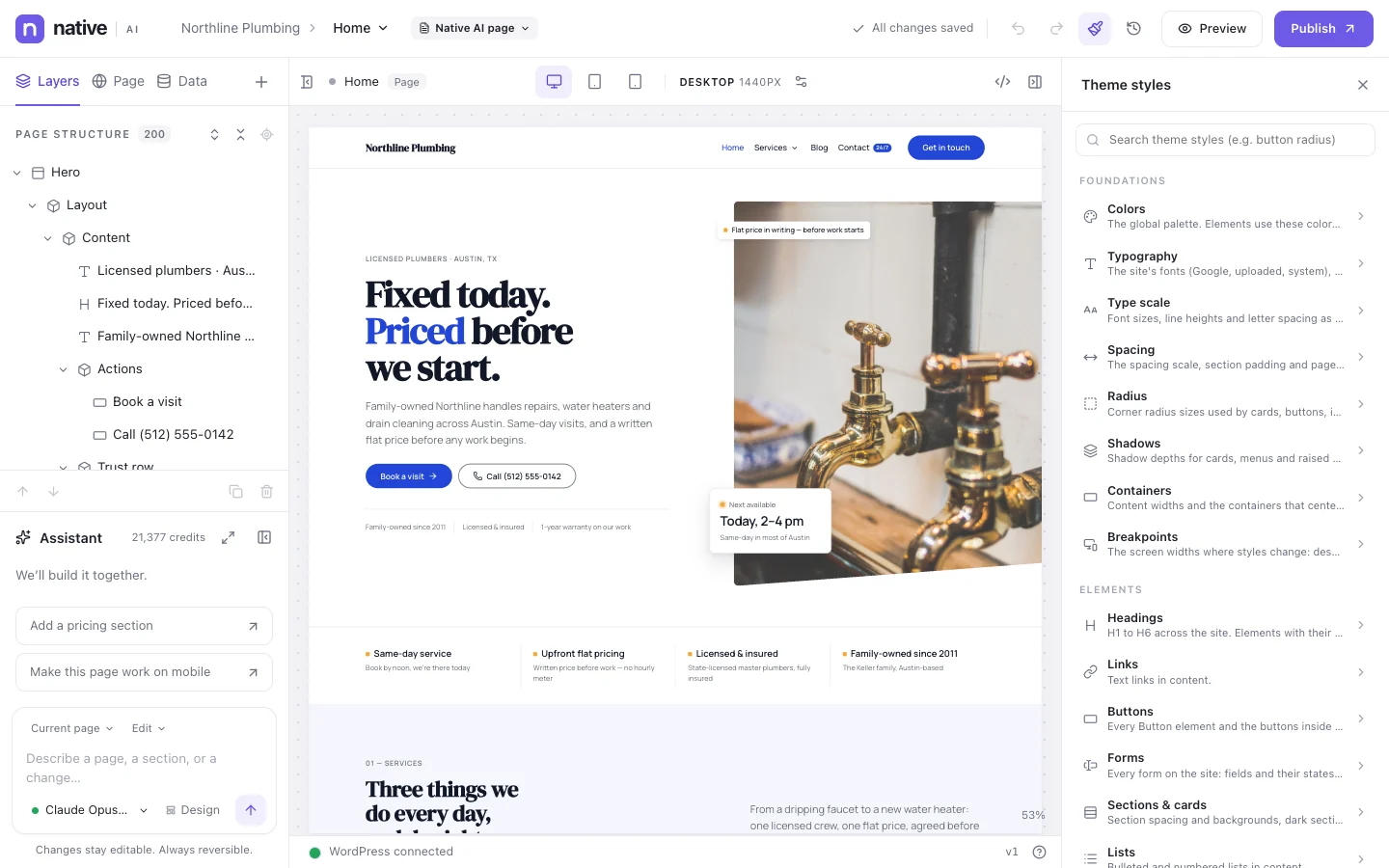
A good developer changes a shared class, not 18 buttons. The agent looks for the highest shared level that covers the change: Theme Styles, a class, a Global Block, a template, a repeated pattern — and only then individual elements.
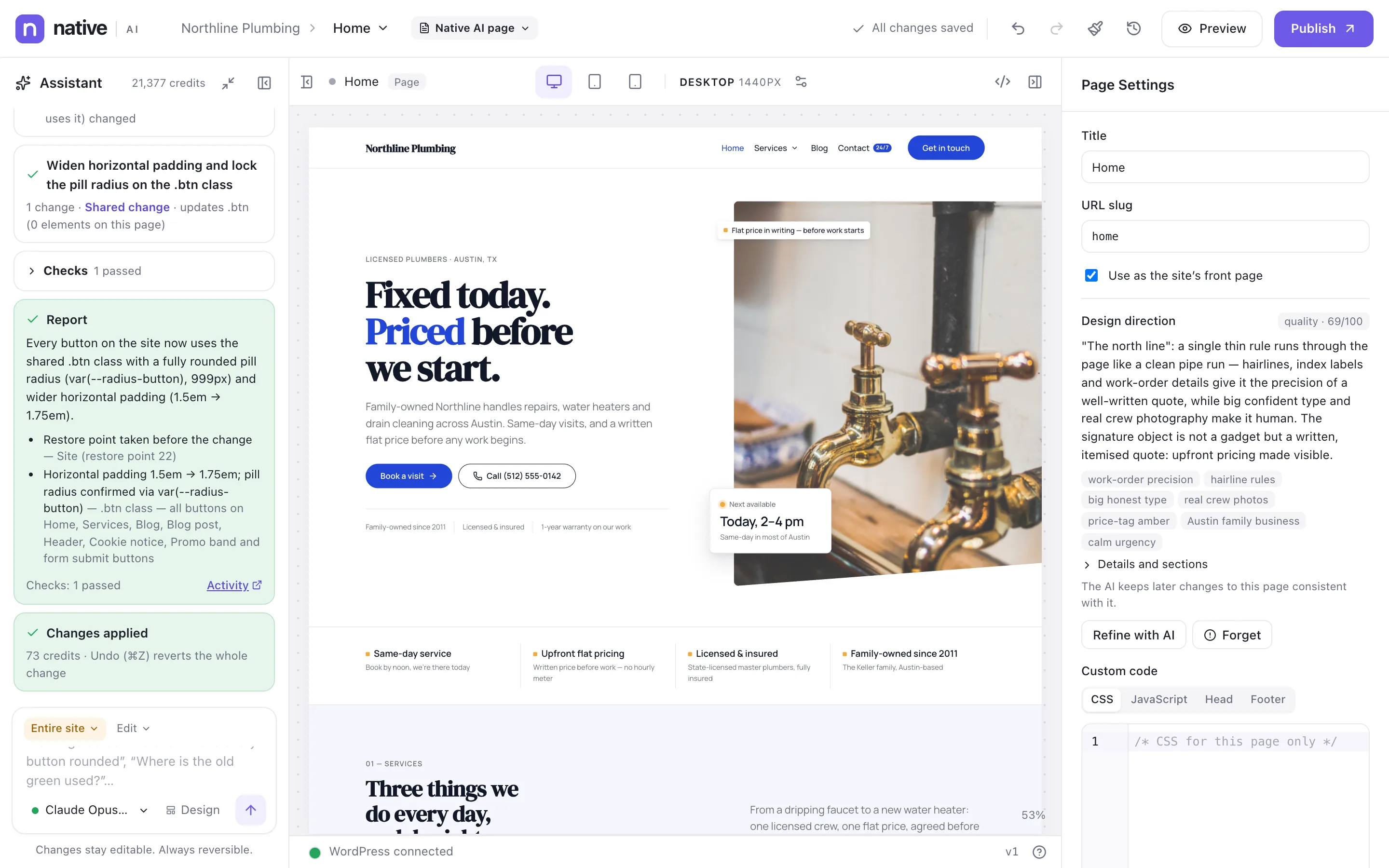
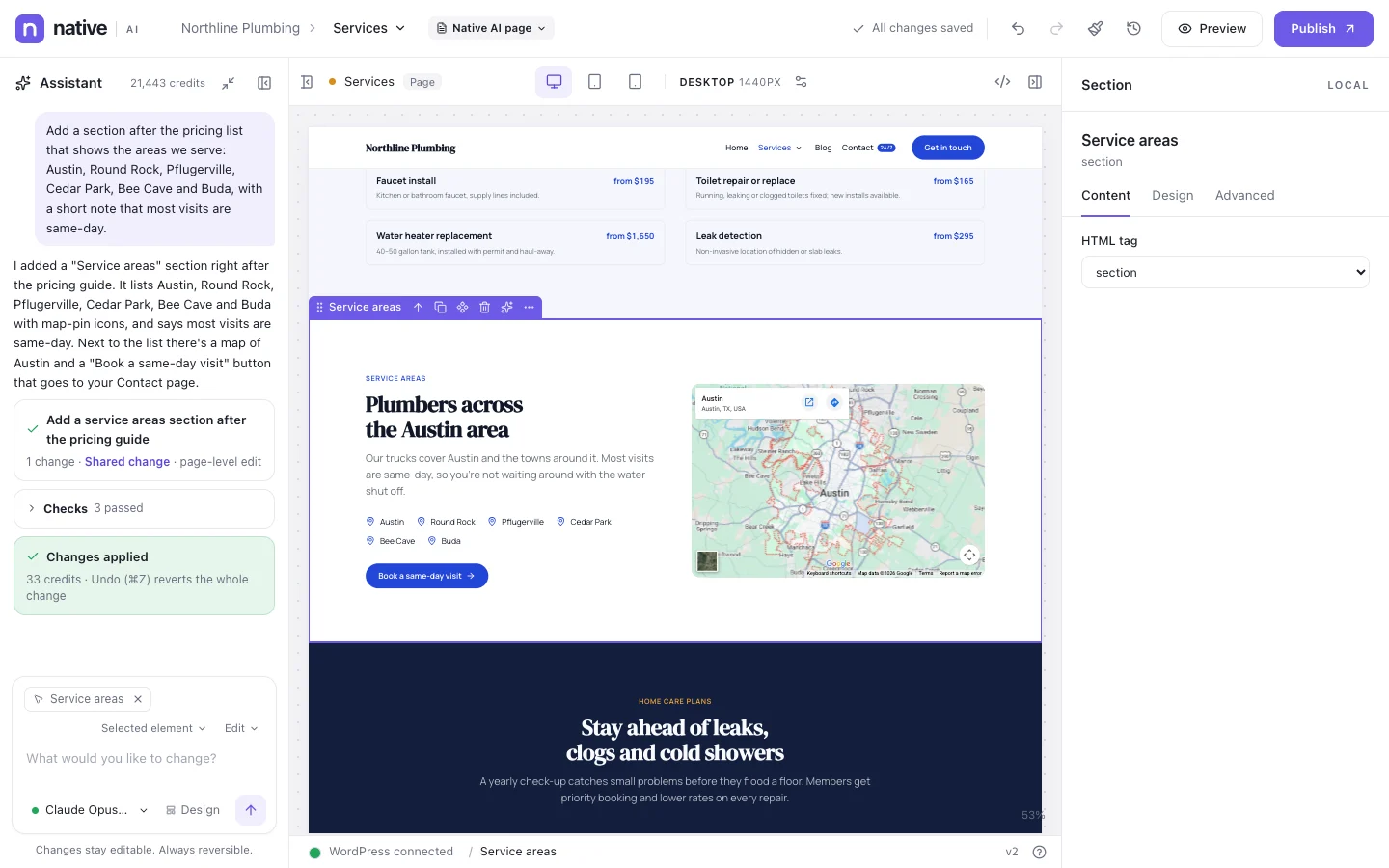
When it’s done, it reports what changed, where, and how it checked it.
- Theme Styles → shared class → Global Block → template → elements
- A report with every change and the checks
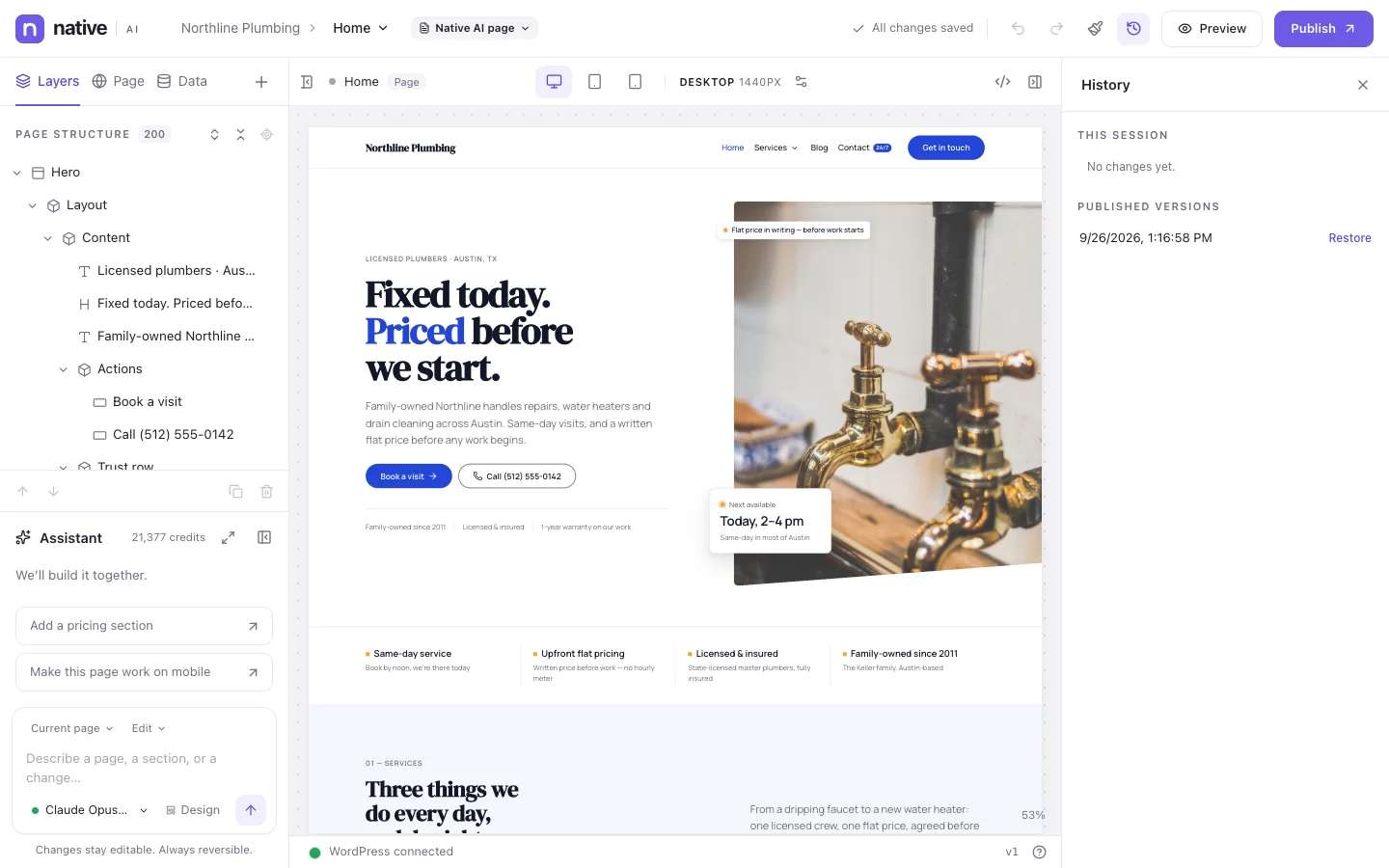
- Undo in the builder, or restore the restore point
Every AI task, on the record
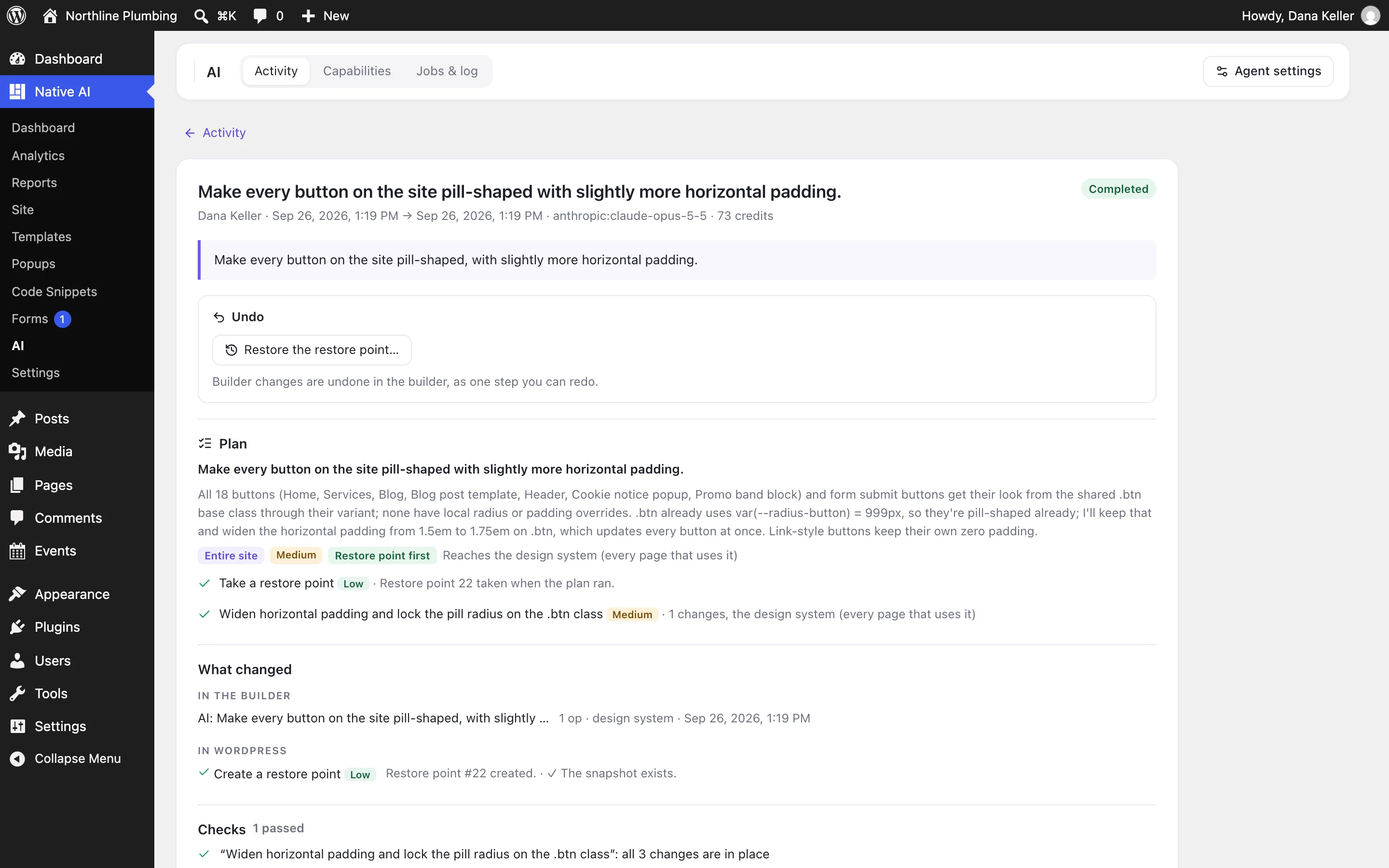
Native AI → AI lists every AI task on the site: what was asked, by whom, the approved plan, every change with its before and after, the checks, the credits, and a way to undo it.
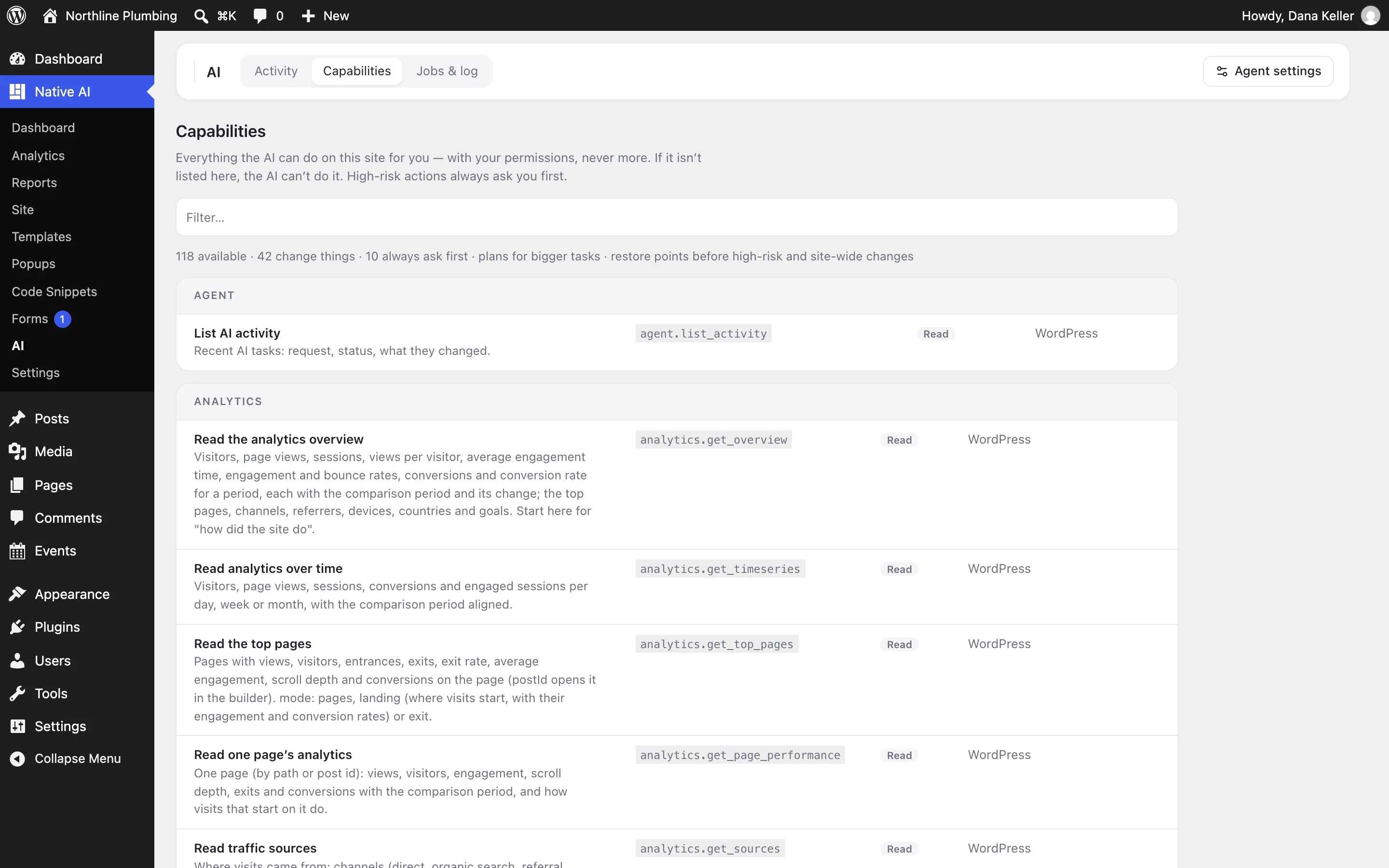
The Capabilities tab lists everything the AI can do on the site — reading analytics and reports, editing pages and templates, managing menus, forms, popups and snippets — and which actions always ask first. If it isn’t listed, the AI can’t do it.
- Activity log with plan, changes, checks and undo
- Capabilities list with risk levels
- The AI acts with the user’s WordPress permissions, never more
Your rules for the agent
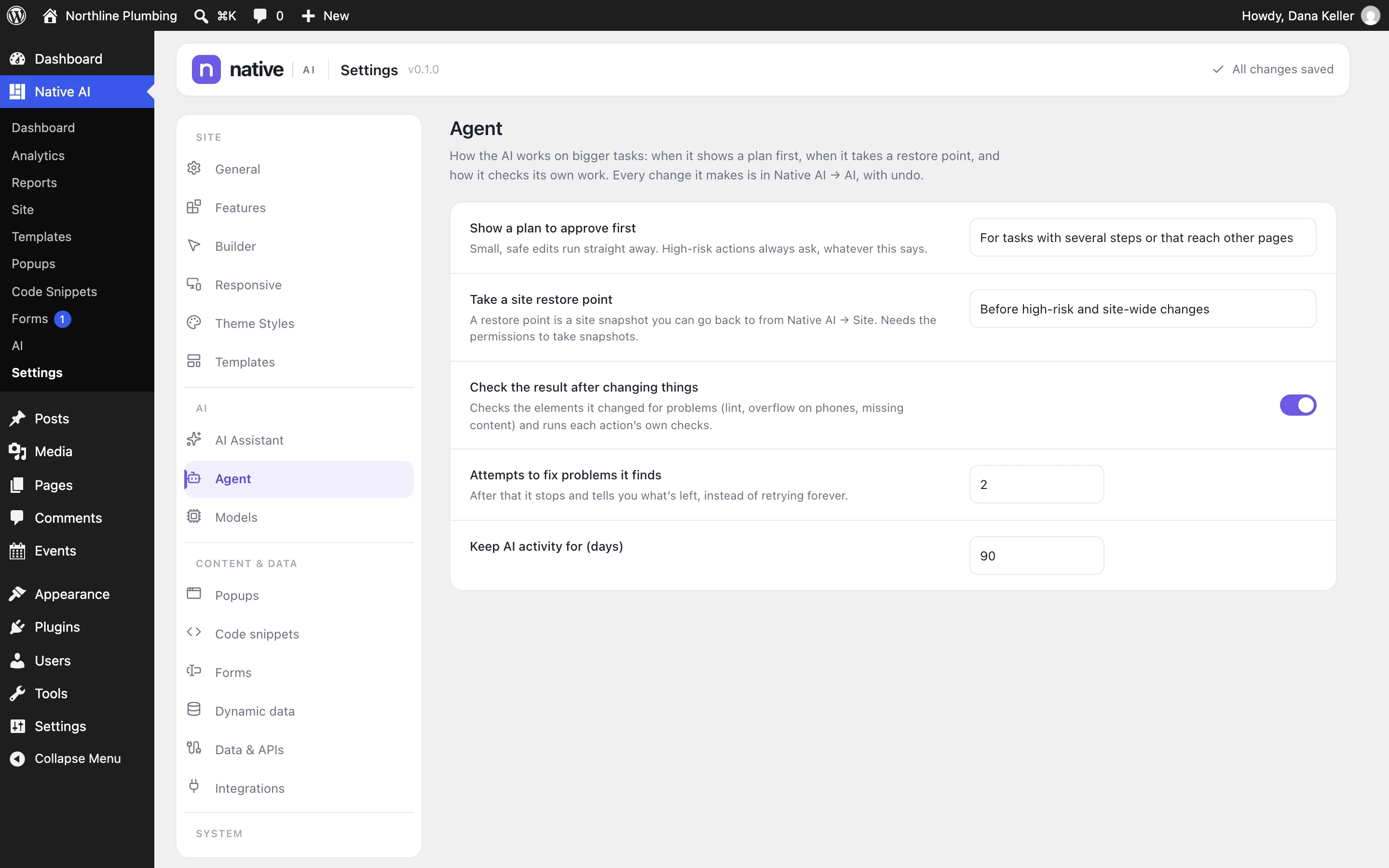
Settings → Agent decides how it works: always show a plan first or only for bigger tasks, take a restore point before changes, check the result afterwards and how many attempts it gets to fix problems, and how long AI activity is kept.
Site-wide changes ask before they apply by default. You can let them apply without asking once you trust them; undo still reverts them.
- Plan first: automatic or always
- Restore points before changes
- Checks and automatic retries
- Retention for the activity log
Site-wide changes & the AI agentEverything included
Everything in site-wide changes & the AI agent
Understanding
- Finds where something is used across the site
- Chooses the highest shared level for a change
- Reads the site model: pages, templates, blocks, menus, forms, popups
- Reads analytics and reports when those features are on
Acting
- More than 100 actions, depending on the features switched on
- Edits pages, templates, Global Blocks and Theme Styles
- Manages menus, forms, popups and code snippets (snippets as drafts)
- Creates restore points before changes
Control
- Plans with risk levels, approved by you
- High-risk actions always ask first
- Checks after changes, with retries
- Activity log with one-click undo
- Works within the user’s own permissions
Questions about site-wide changes & the AI agent
Can the agent do anything on my site?
No. It can only use the capabilities listed in Native AI → AI → Capabilities, with the permissions of the person asking. High-risk actions always ask first, and code snippets it writes are saved as drafts that a person activates.
What if a site-wide change goes wrong?
Undo it in the builder, or restore the restore point it took before changing anything. The AI activity log shows exactly what changed.
Does it work without Analytics or Code Snippets?
Yes. Switching an optional feature off hides it from the AI too; the agent simply has fewer capabilities.
Works well with
Build your next WordPress site with AI you can edit.
Native AI is in early access. Tell us about your sites and we’ll set you up with a license.