FeaturesGrowPopups
Popups that show at the right moment — and not too often
Design popups on the canvas like any page: newsletter sign-ups, exit-intent offers, cookie notices, announcements. Choose the type, the trigger and who sees it, set how often it may appear, and follow views and conversions per popup. Popups never pile up: when several want to open, the highest priority goes first.
- 9 types: modal, full screen, slide-in, bar, side panel, banner, floating box, cookie notice, custom
- 11 triggers, including exit intent, scrolling and inactivity
- Views and conversion rates, without cookies
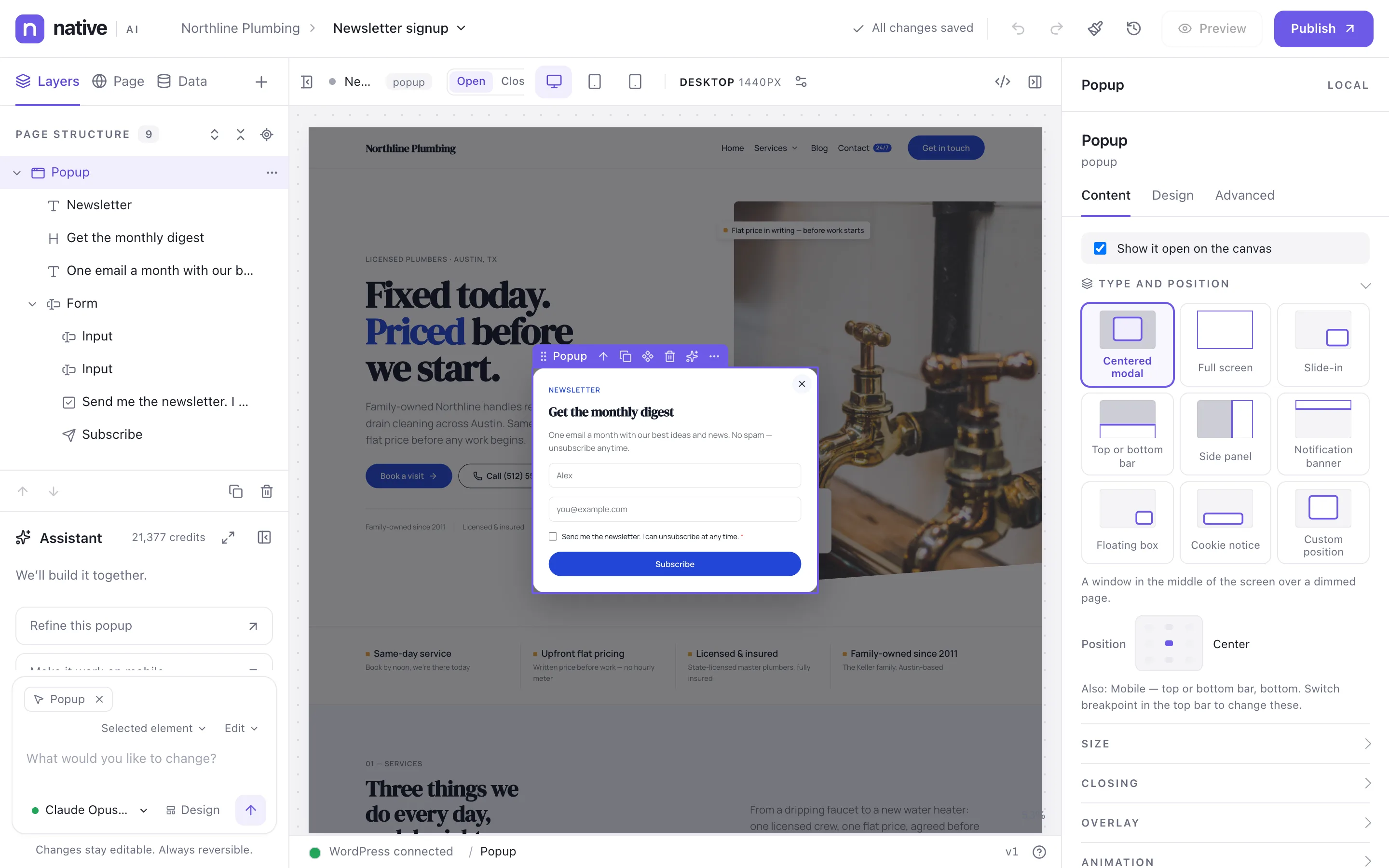
Every kind of popup
Centered modal, full screen, slide-in, top or bottom bar, side panel, notification banner, floating box, cookie notice or a custom position — each with its own size, closing options, overlay and animation settings, per breakpoint.
The canvas shows the popup open over a real page of the site, and you can switch between open and closed.
- 9 types with position, size, overlay and animation
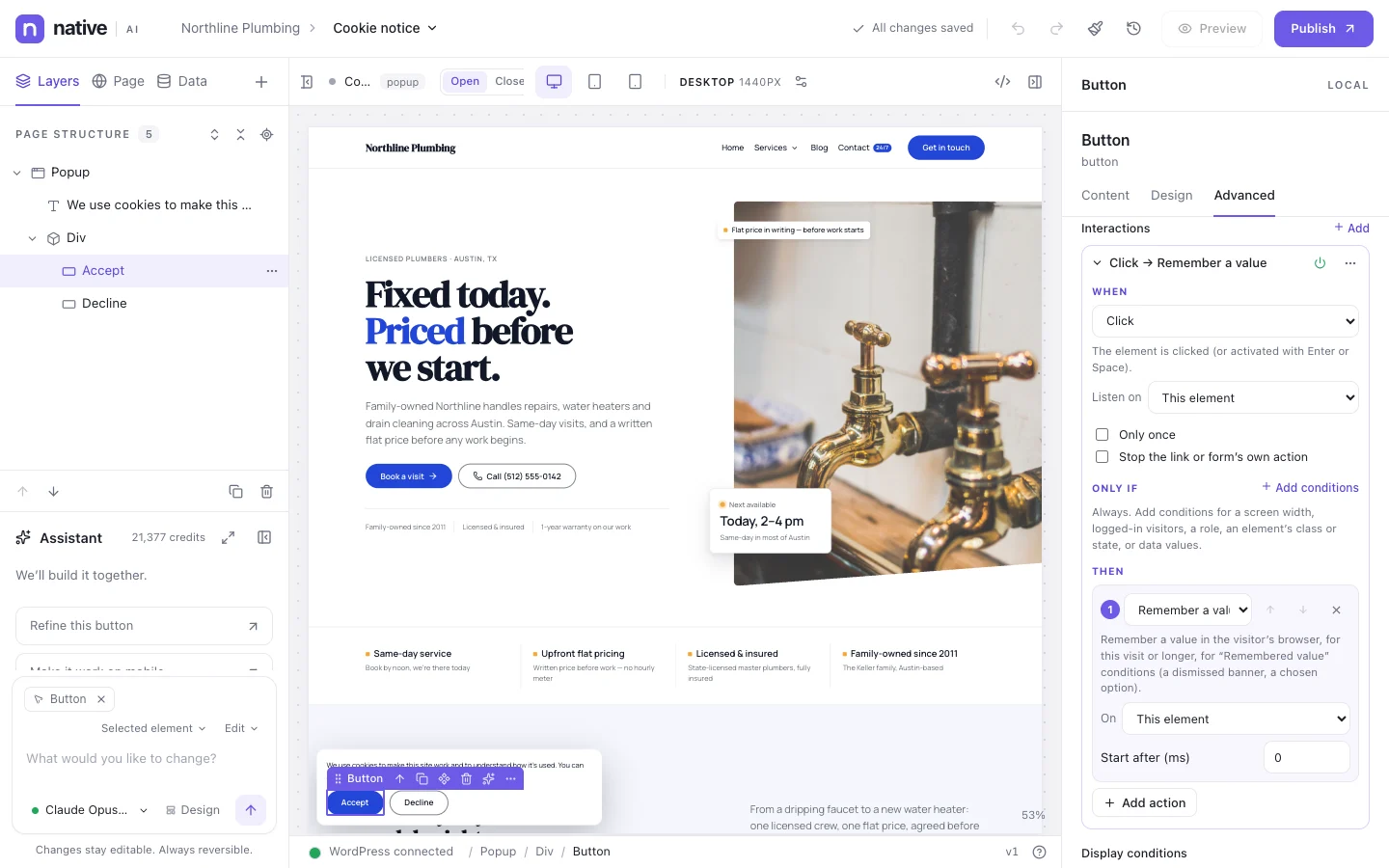
- Closing: button, overlay click, Escape, after a time
- Preview over any page
When, where and how often
Triggers: on page load, after a few seconds, after scrolling, when an element comes into view, exit intent, a click or hover on elements, after a form is sent, a custom event, inactivity, or time on the site. Display conditions choose the pages and the visitors.
Frequency rules decide how often: every page view, once per session, day, week or month, once ever, or every few days — and stop after the visitor closes it, submits its form, clicks or converts.
- 11 triggers
- Page and visitor targeting
- Frequency and stop rules
- Priority when several popups compete
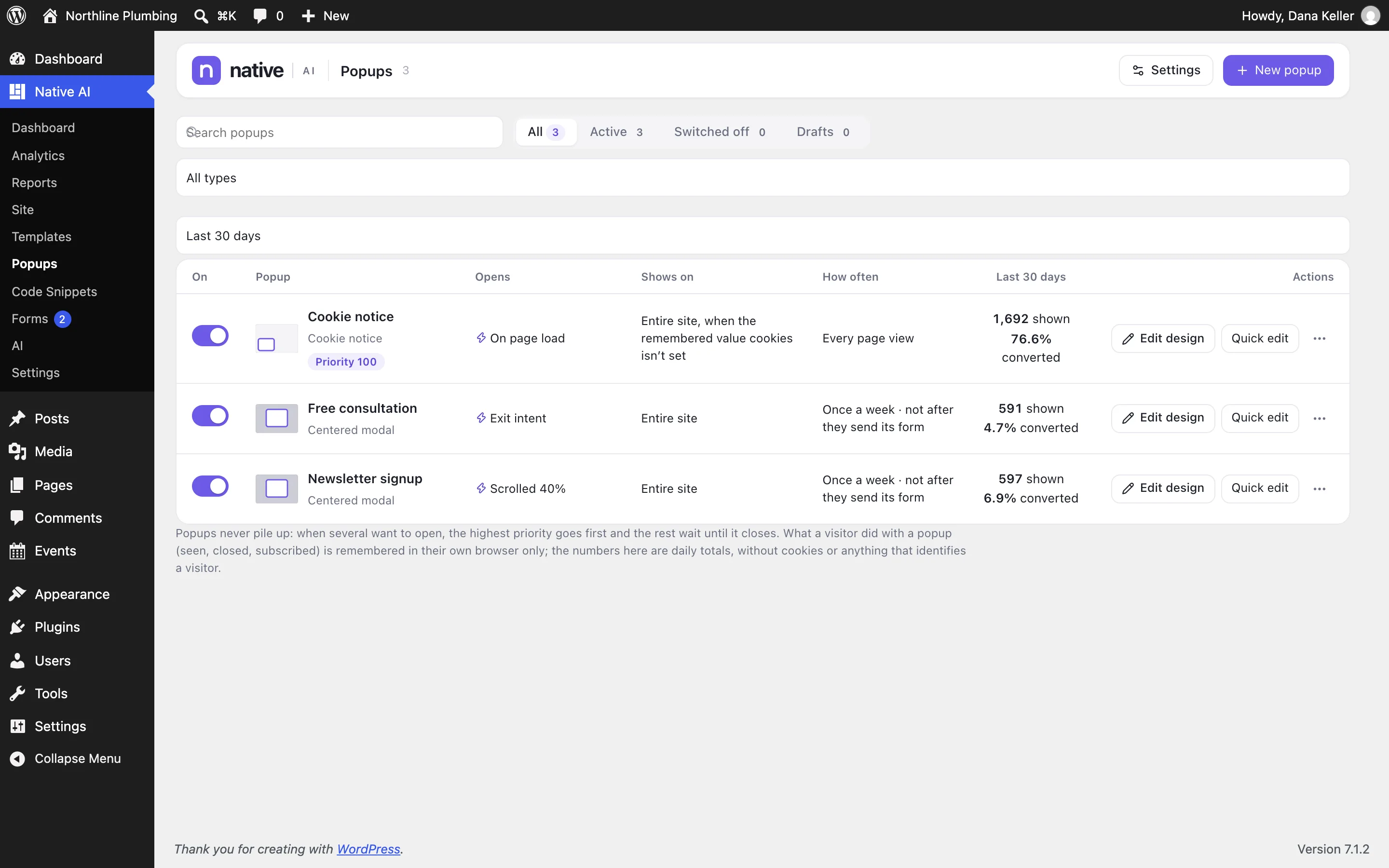
Know which ones work
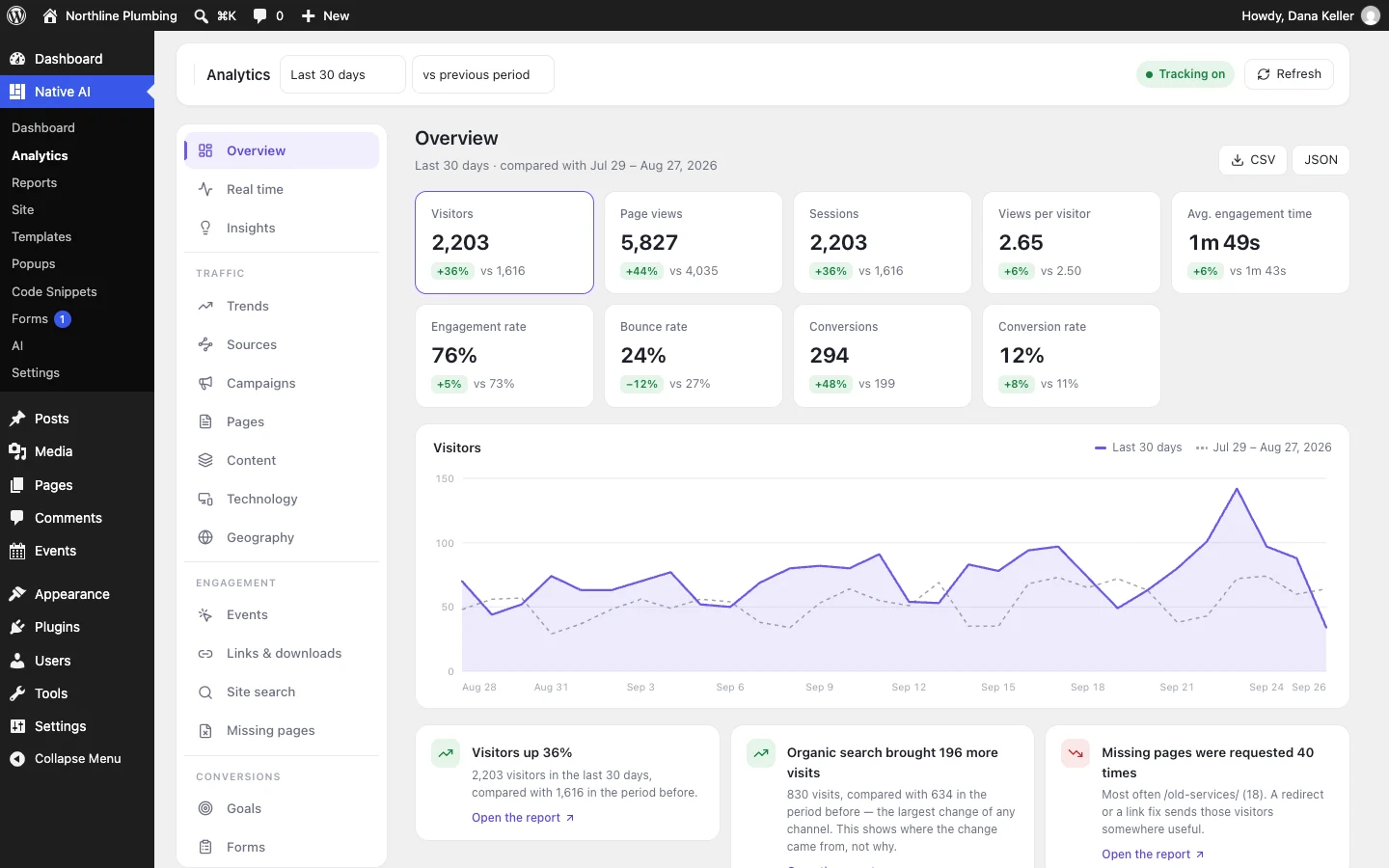
Native AI → Popups shows each popup’s trigger, targeting, frequency, and its views and conversion rate for the last 30 days. What a visitor did with a popup is remembered in their own browser; the numbers are daily totals without cookies.
- Views, opens, closes, clicks, submits, conversions
- Conversion rate per popup
- No cookies needed for the statistics
PopupsEverything included
Everything in popups
Types
- Centered modal
- Full screen
- Slide-in
- Top or bottom bar
- Side panel
- Notification banner
- Floating box
- Cookie notice
- Custom position
Triggers
- Page load
- After a delay
- After scrolling
- Element in view
- Exit intent
- Click or hover on elements
- After a form is sent
- Custom event
- Inactivity
- Time on site
Rules
- Display conditions
- Frequency: every view, session, day, week, month, once, every N days
- Stop after close, submit, click or conversion
- Stacking: wait, skip or stack
- Pause between popups
Results
- Views and conversion rate
- Analytics events
- Templates to start from
Questions about popups
Can editors see popups every time while testing?
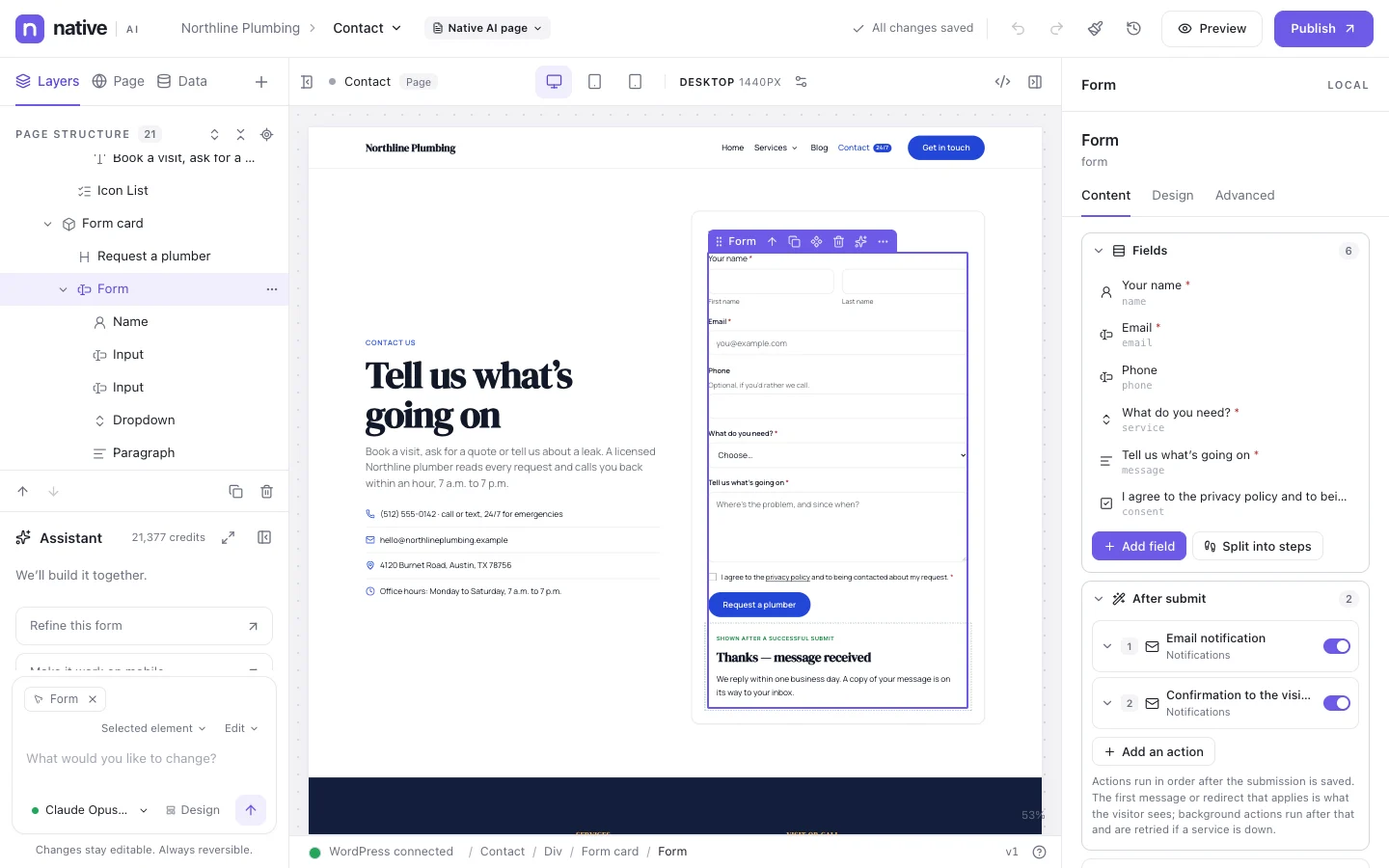
Yes. Settings → Popups can ignore frequency rules for editors, and each popup has a test link.
Works well with
Build your next WordPress site with AI you can edit.
Native AI is in early access. Tell us about your sites and we’ll set you up with a license.