One WordPress AI plugin. One agent. Your whole site.
A visual builder with forms, popups, SEO, translation, an AI blog writer, an AI chatbot for your visitors, analytics, cookie consent, filters, a CRM, automations, memberships, online courses, security, email and store tools built in — one plugin instead of twenty-two — and an AI agent that builds and runs all of it with you. Start with your website: describe your business and watch it design your home page.
Both are free, no card needed: Build my site designs your home page now, Start free just creates your account. Every account starts with a 14-day trial and 500 AI credits; the preview uses some of them. By building, you create an account and agree to the Terms.
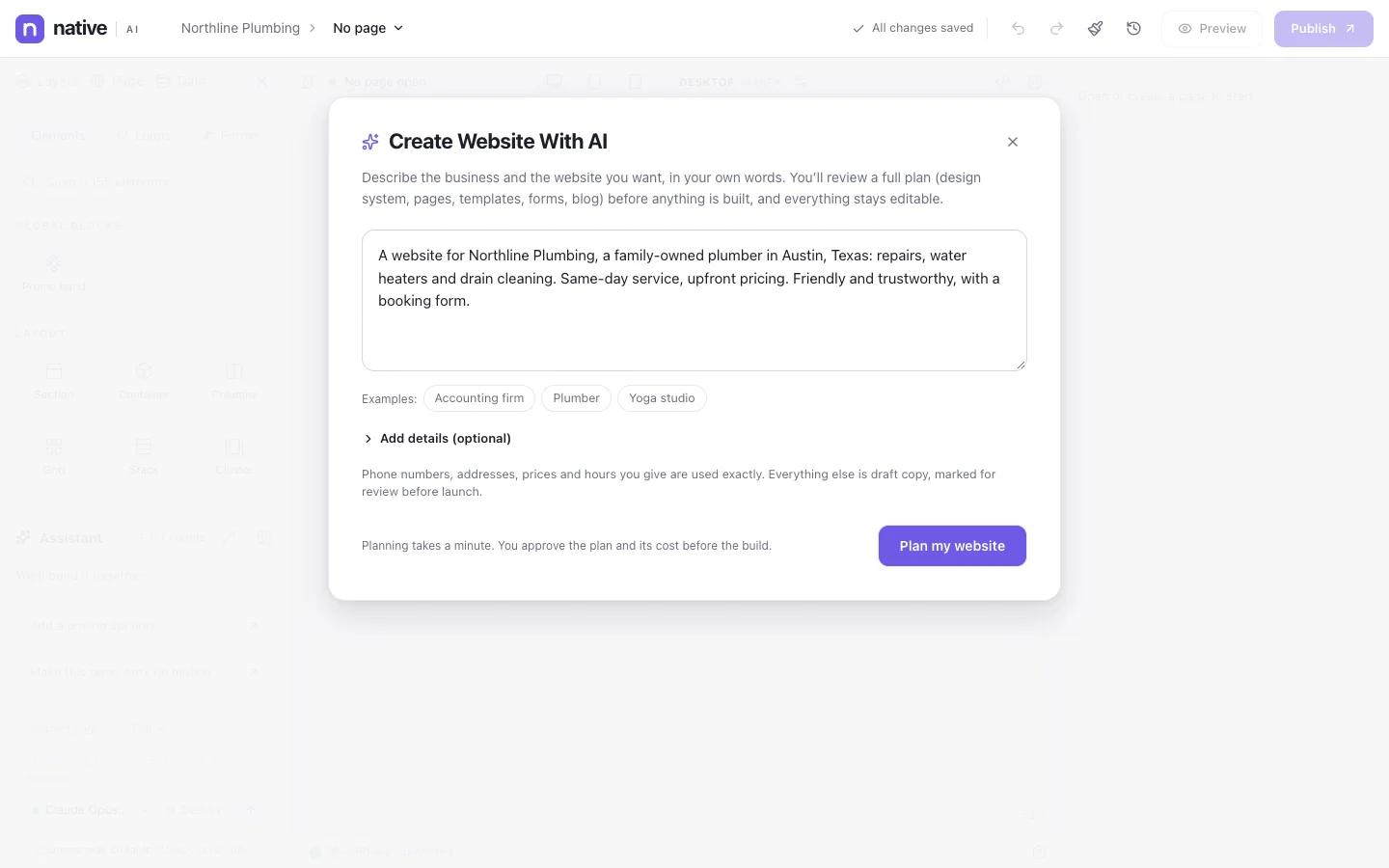
Build a website for Northline Plumbing, a family plumber in Austin. Friendly, trustworthy, and easy to call.
Built 5 of 5
Design system: colors, fonts, spacing
Header and navigation
Hero: heading, text, button, image
Services, as cards
Testimonial and footer
Done — a home page, header and footer, built with native elements in a new design system. Click anything to edit it, or ask for a change.
Ask for a change…
NorthlineServicesAreasReviewsBook a plumber
Licensed · Austin, TXPlumbing done right the first time.Same-day repairs, water heaters and drains, from a family team that answers the phone.Book a plumber
Emergency repairsOut the door in minutes, day or night.Water heatersTank and tankless, installed and serviced.Drain cleaningCamera inspection with every visit.
“Fixed our burst pipe within the hour. Polite, tidy, fair.”
NorthlineServices · Areas · Reviews
Designing your website…
It usually takes a minute or two.
Designing your website…
It usually takes a minute or two.
Your site is saved to your account for 48 hours once it’s ready.
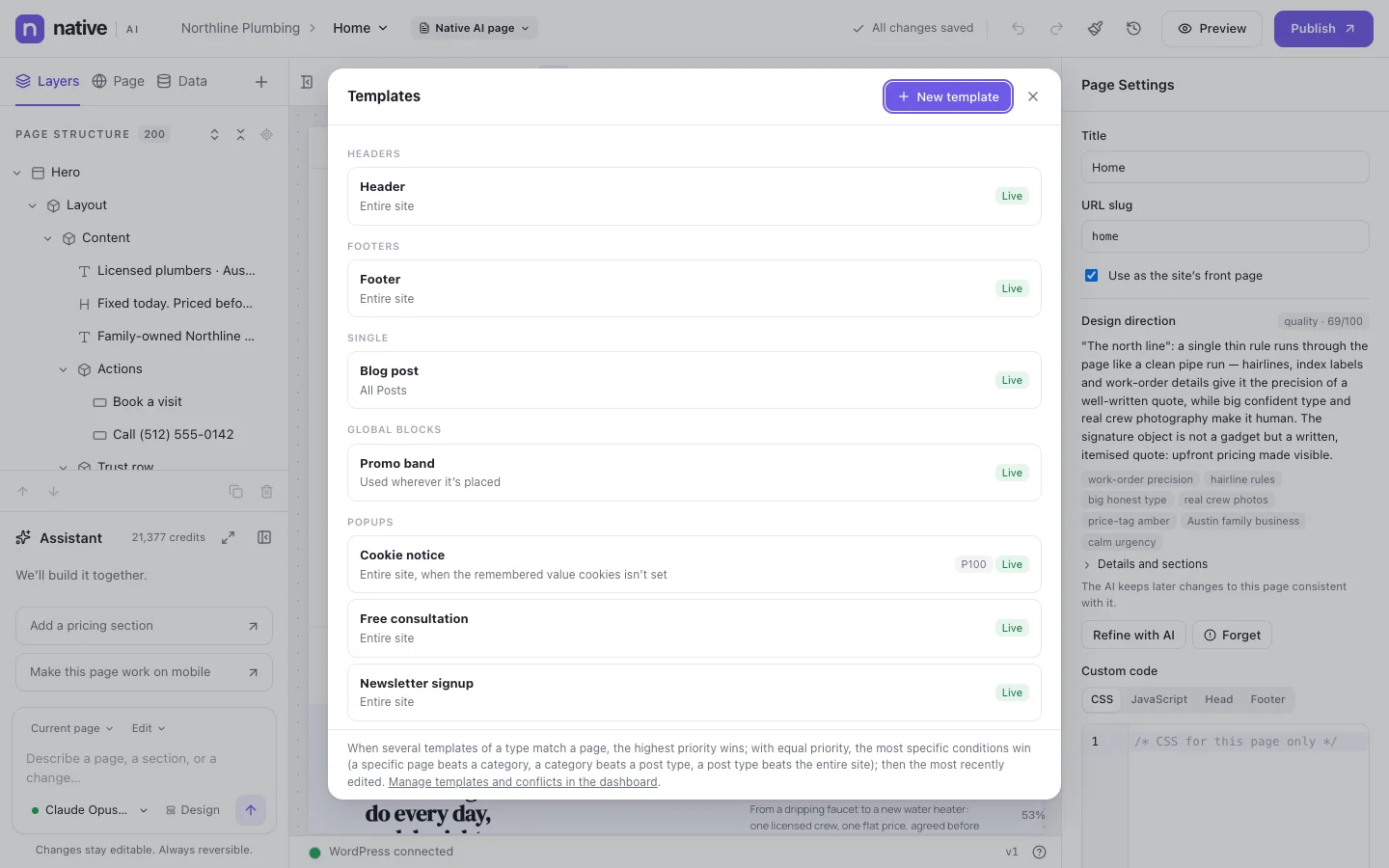
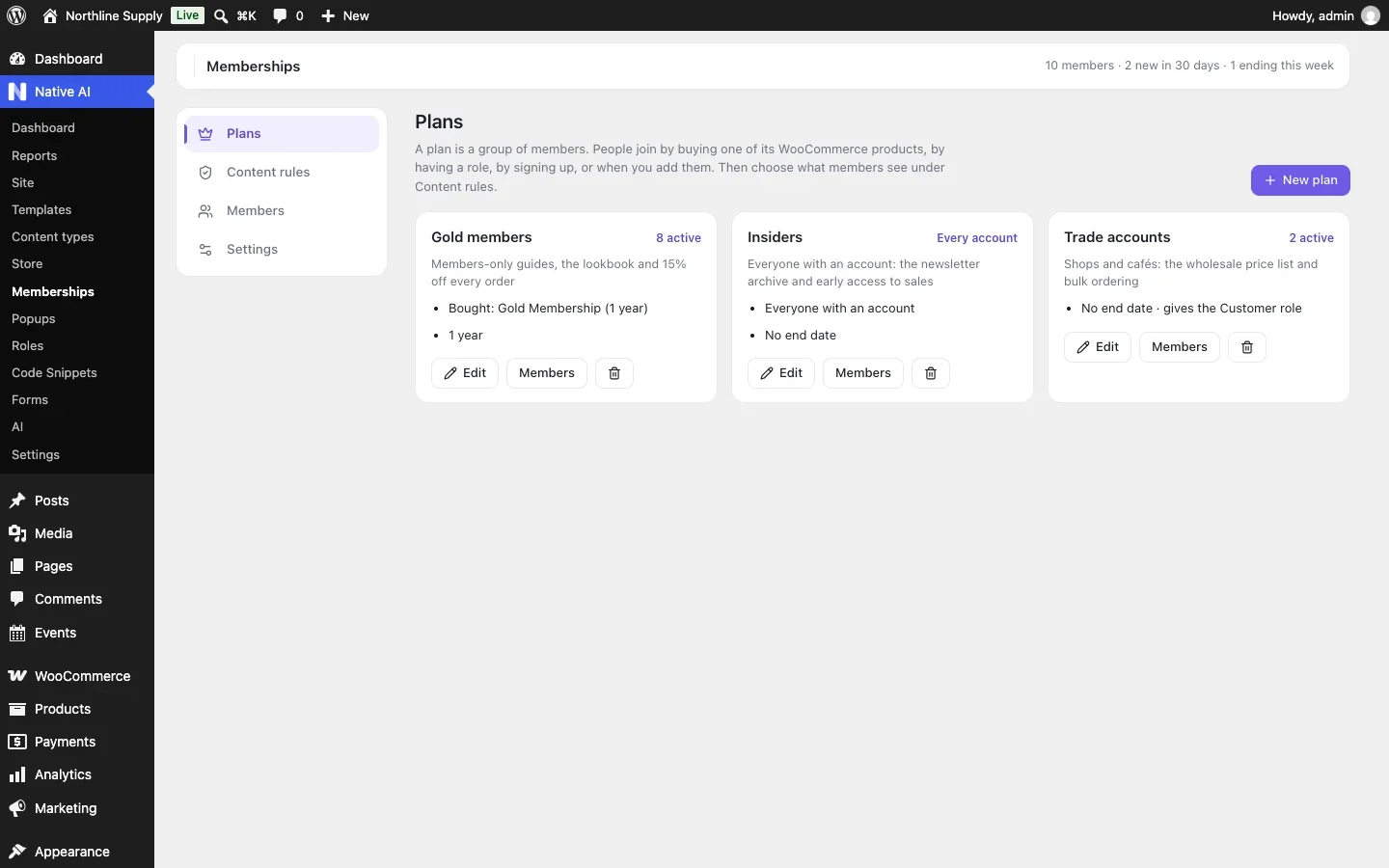
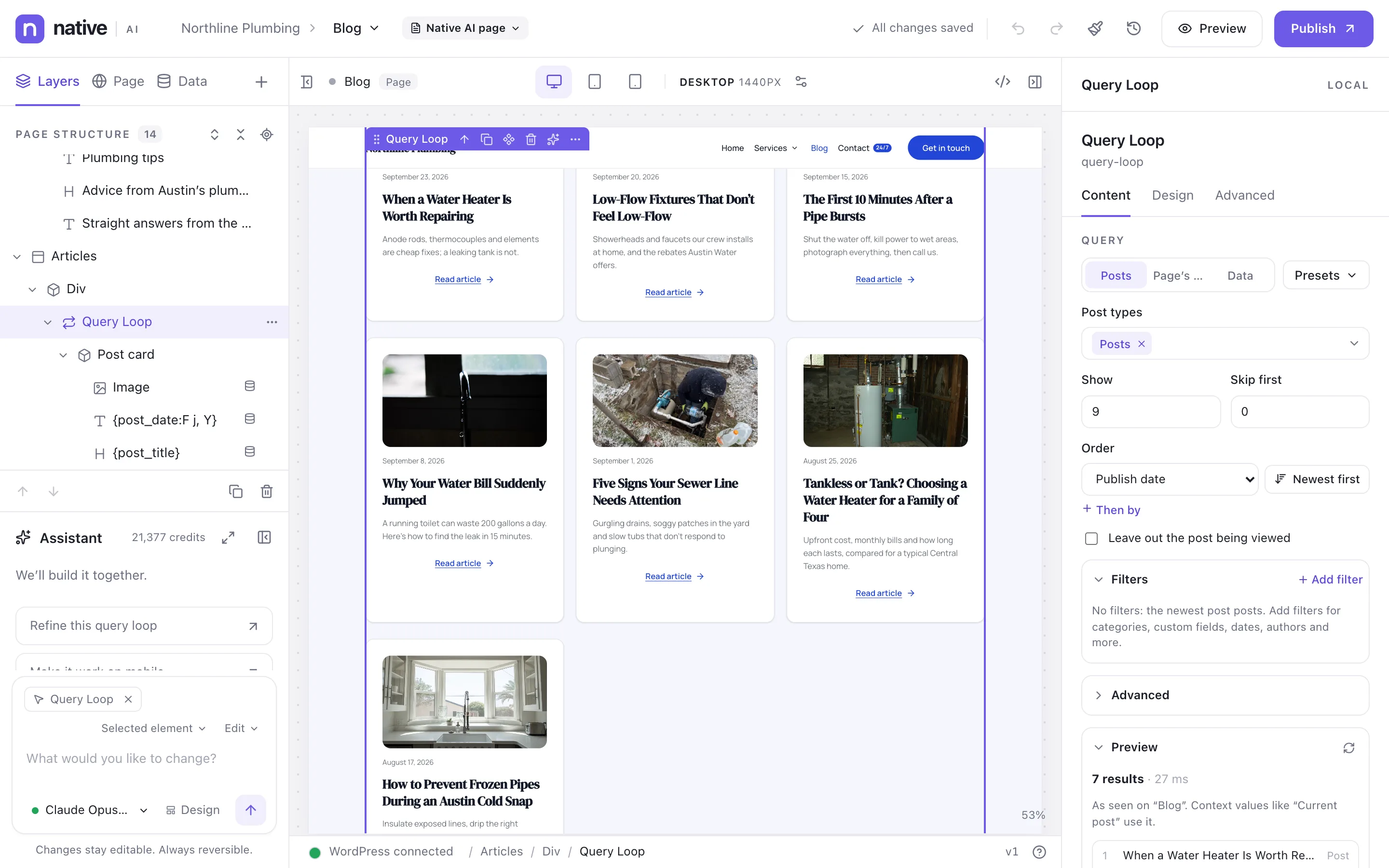
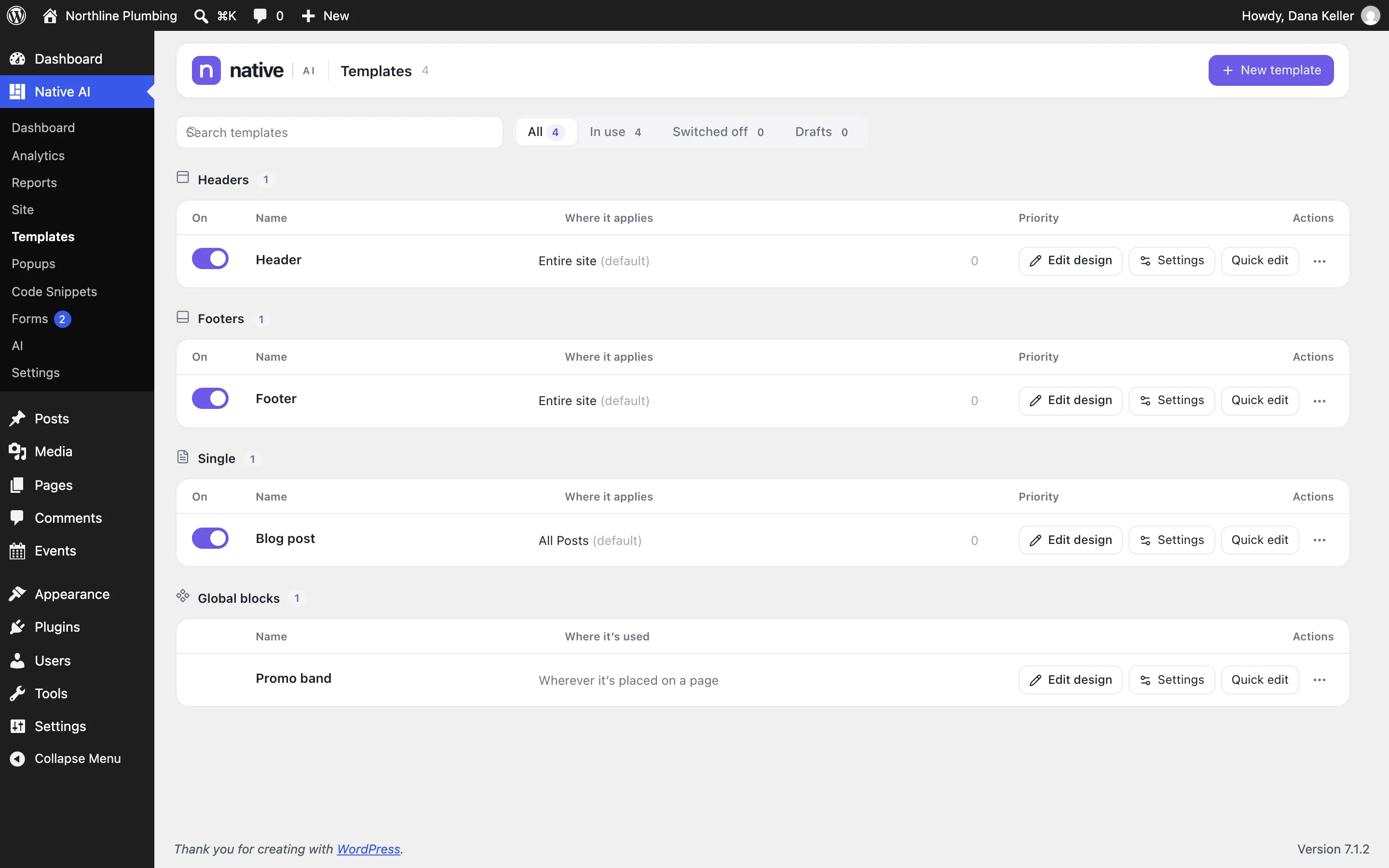
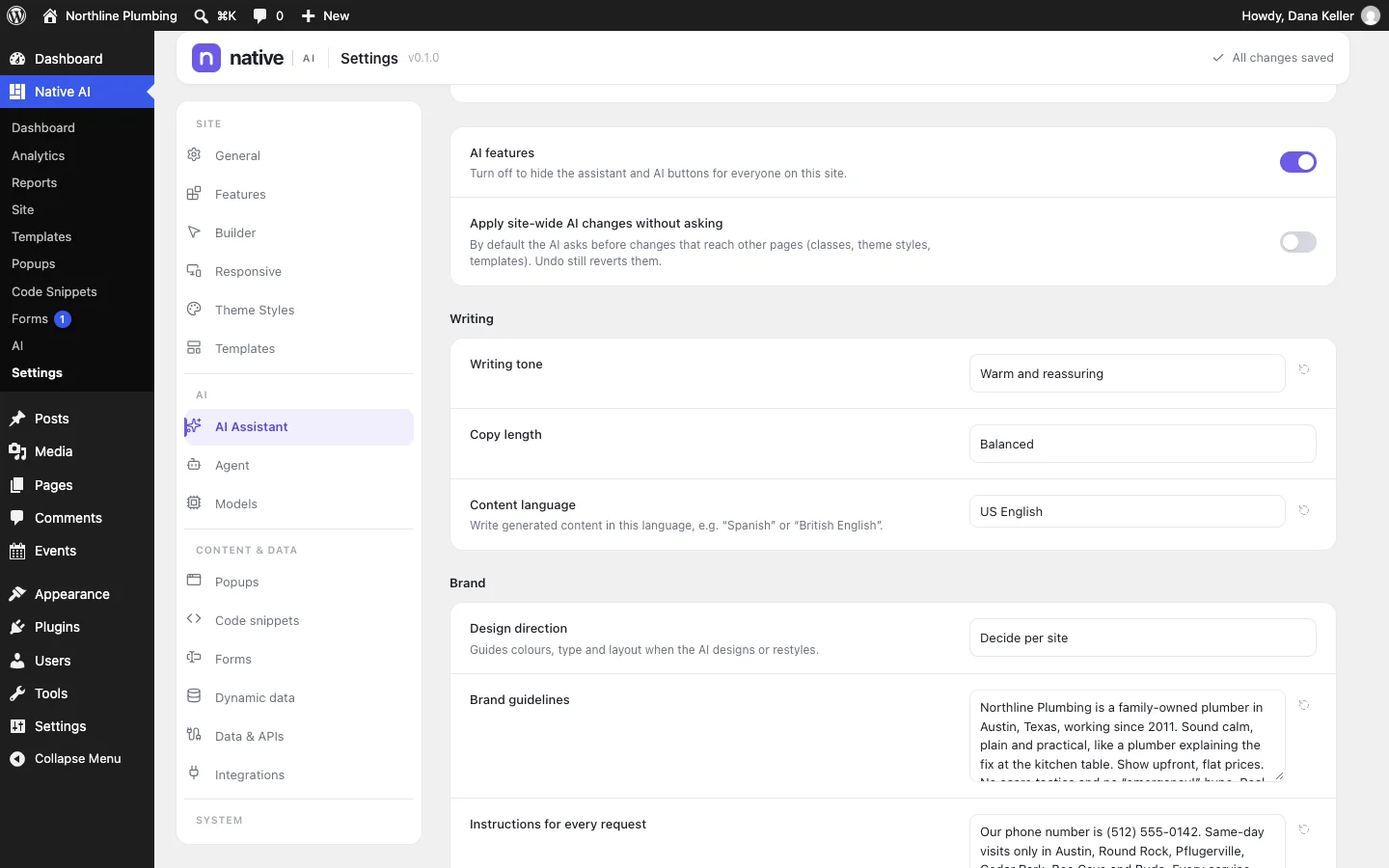
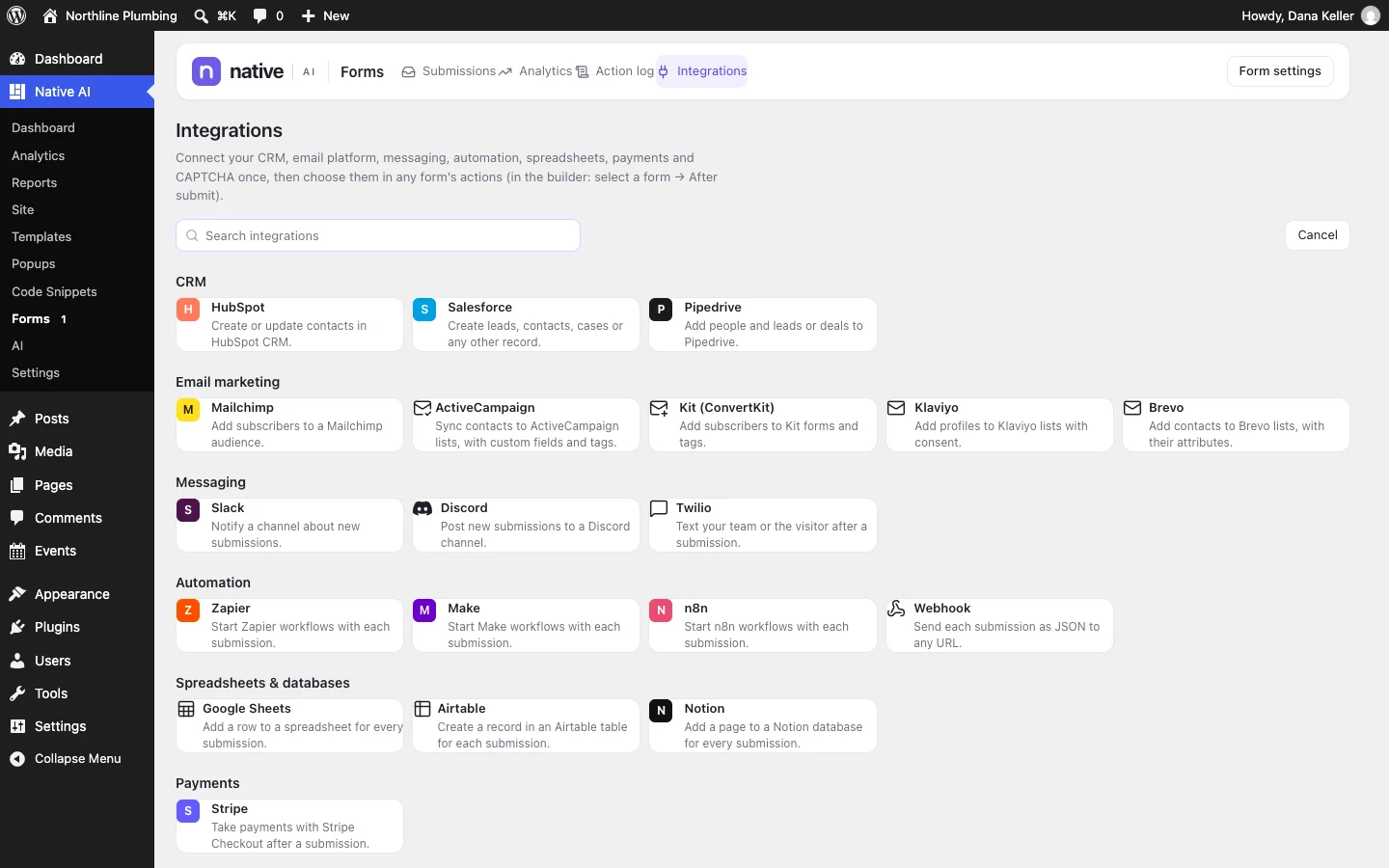
Builder, forms, popups, SEO, translations, permalinks, your blog, a chatbot, analytics, cookie consent, filters, your store, memberships, roles, CRM, email, snippets and reports share one design system, one set of permissions and one activity log — so the agent can work across all of them.
An AI agent for WordPress, for the whole site — not just the page.
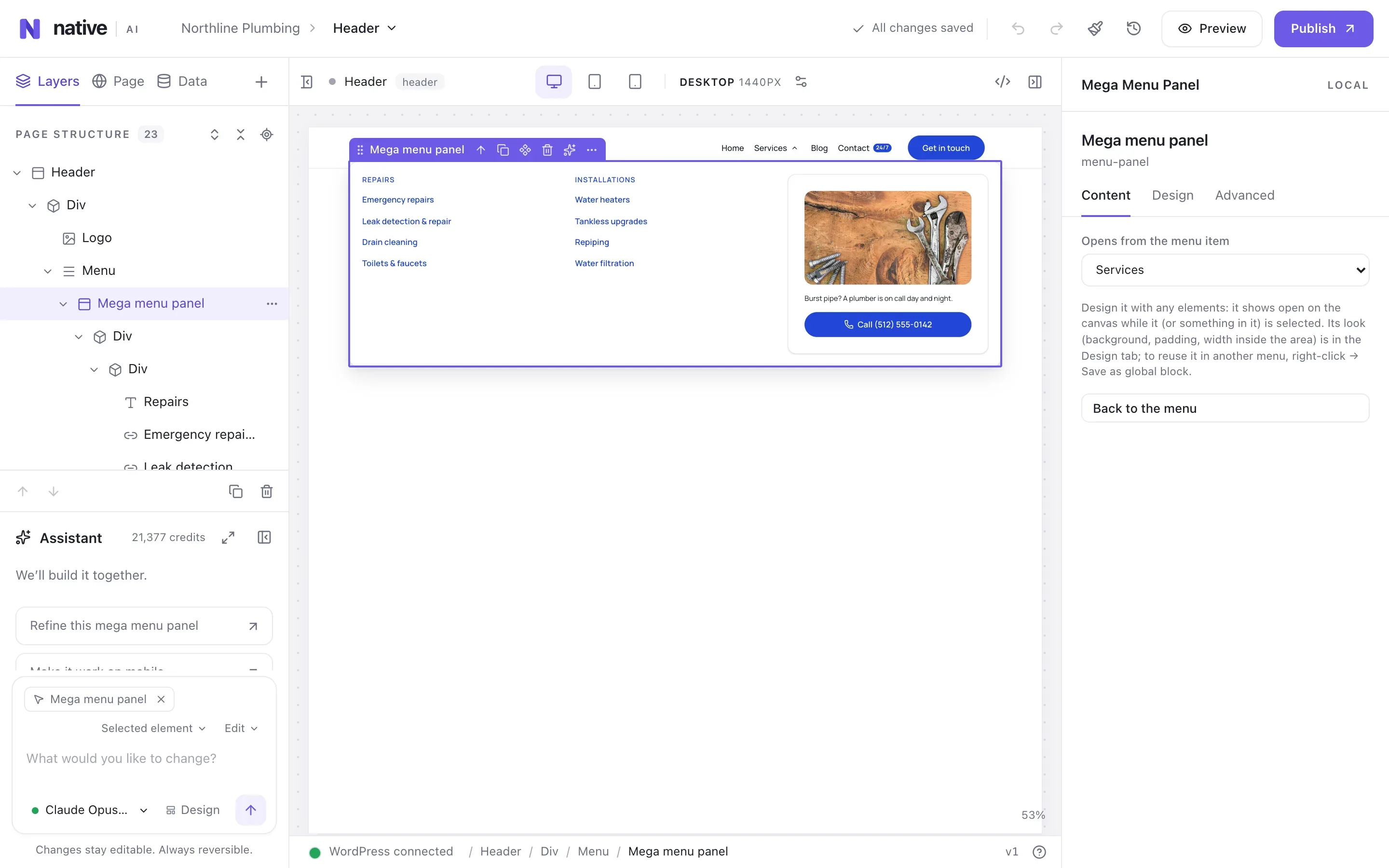
Ask in the builder or in the WordPress dashboard. It works with the site’s own capabilities — pages, templates, content types, plugins, SEO, translations, analytics, the store, the CRM, courses, memberships, security and automations — within your WordPress permissions, and asks before anything risky.
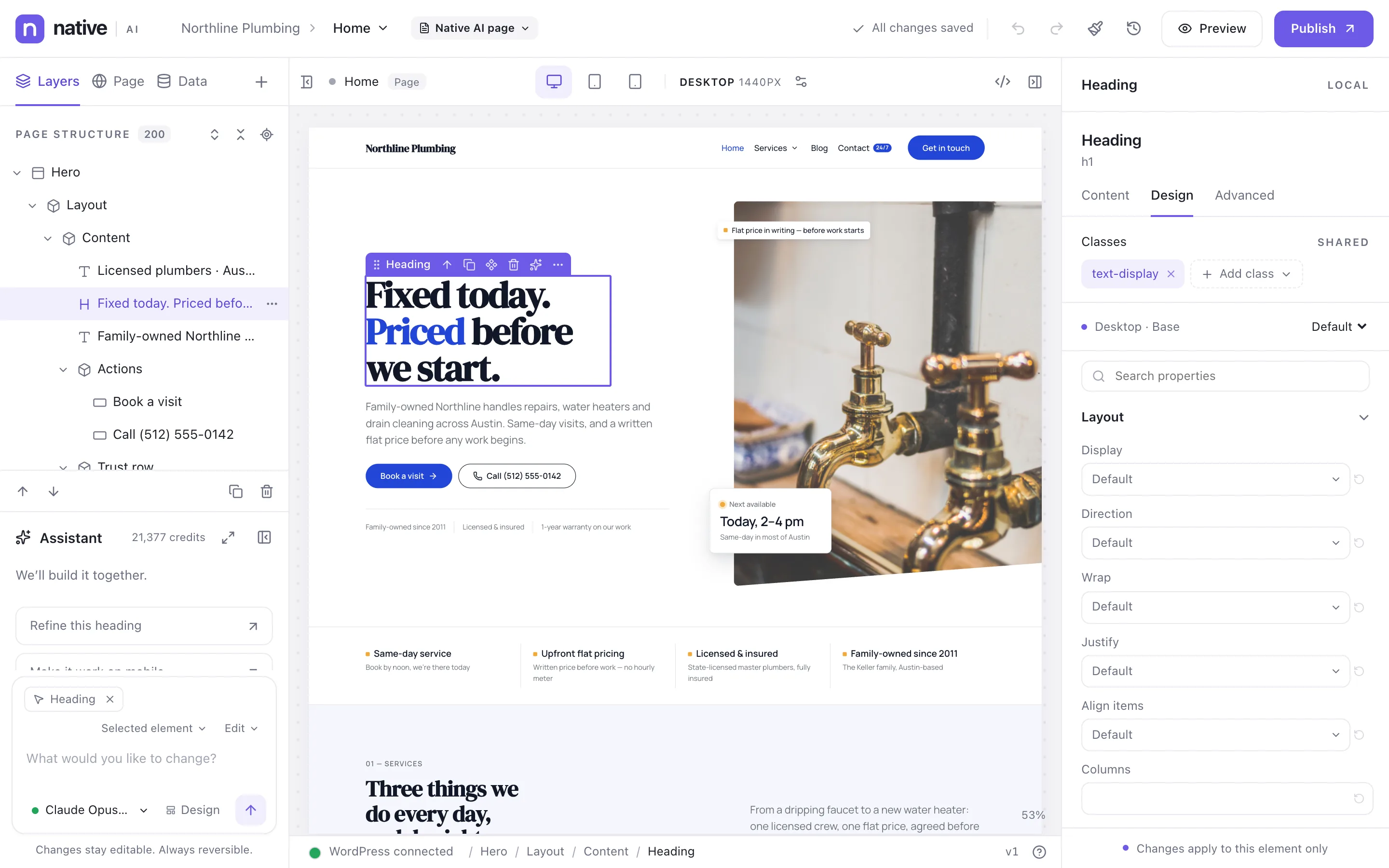
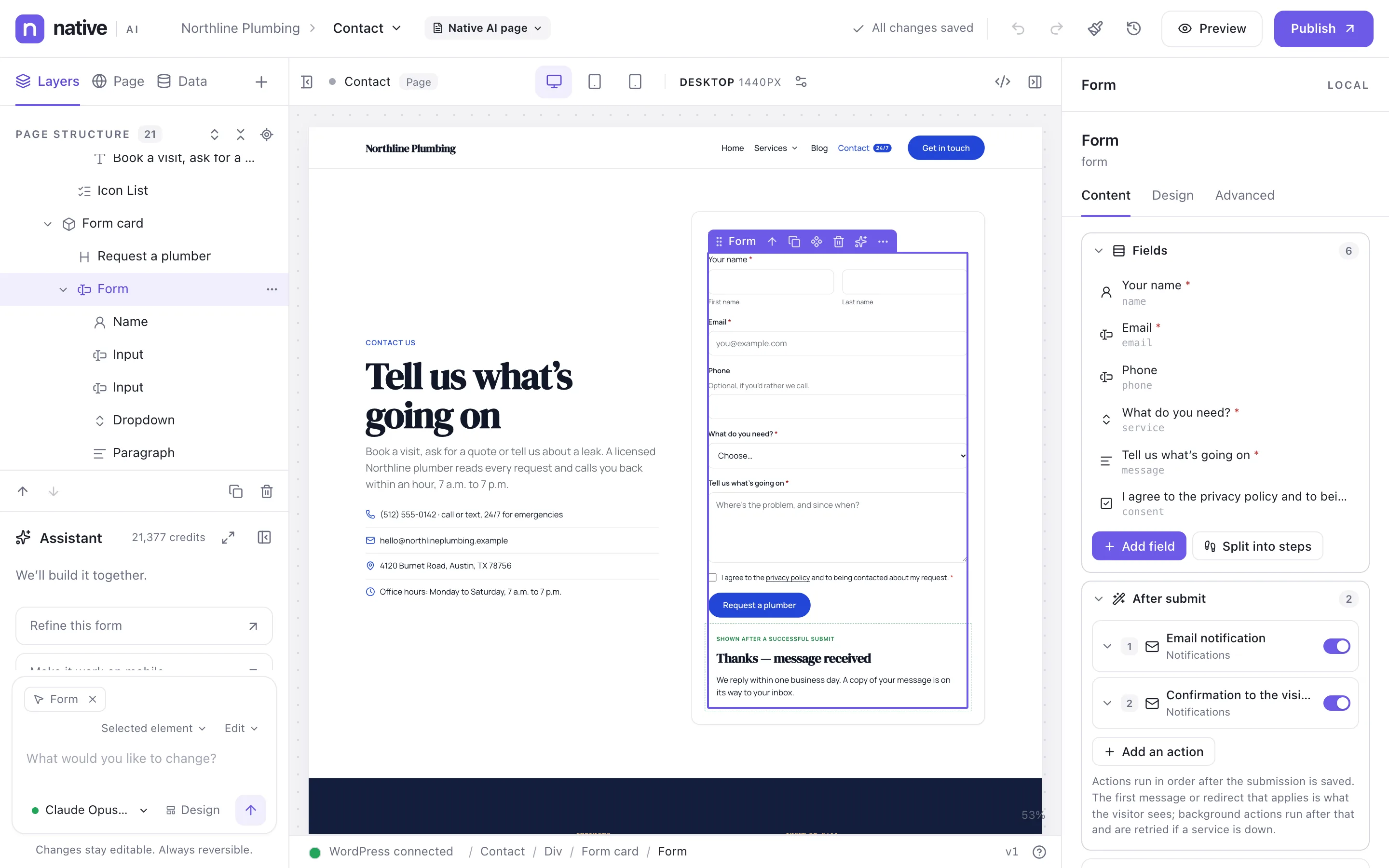
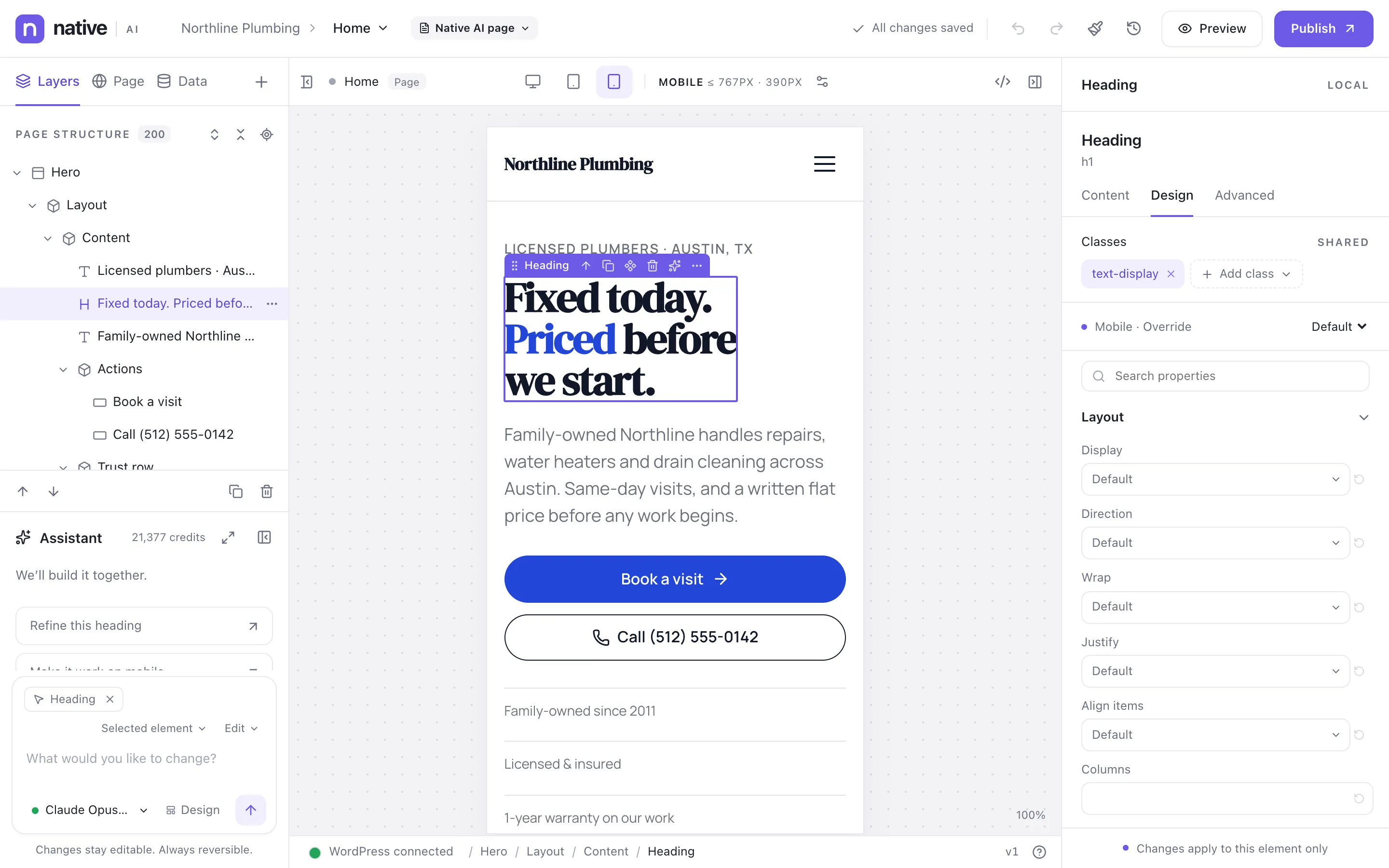
It plans, asks, then builds. With elements you can click and edit.
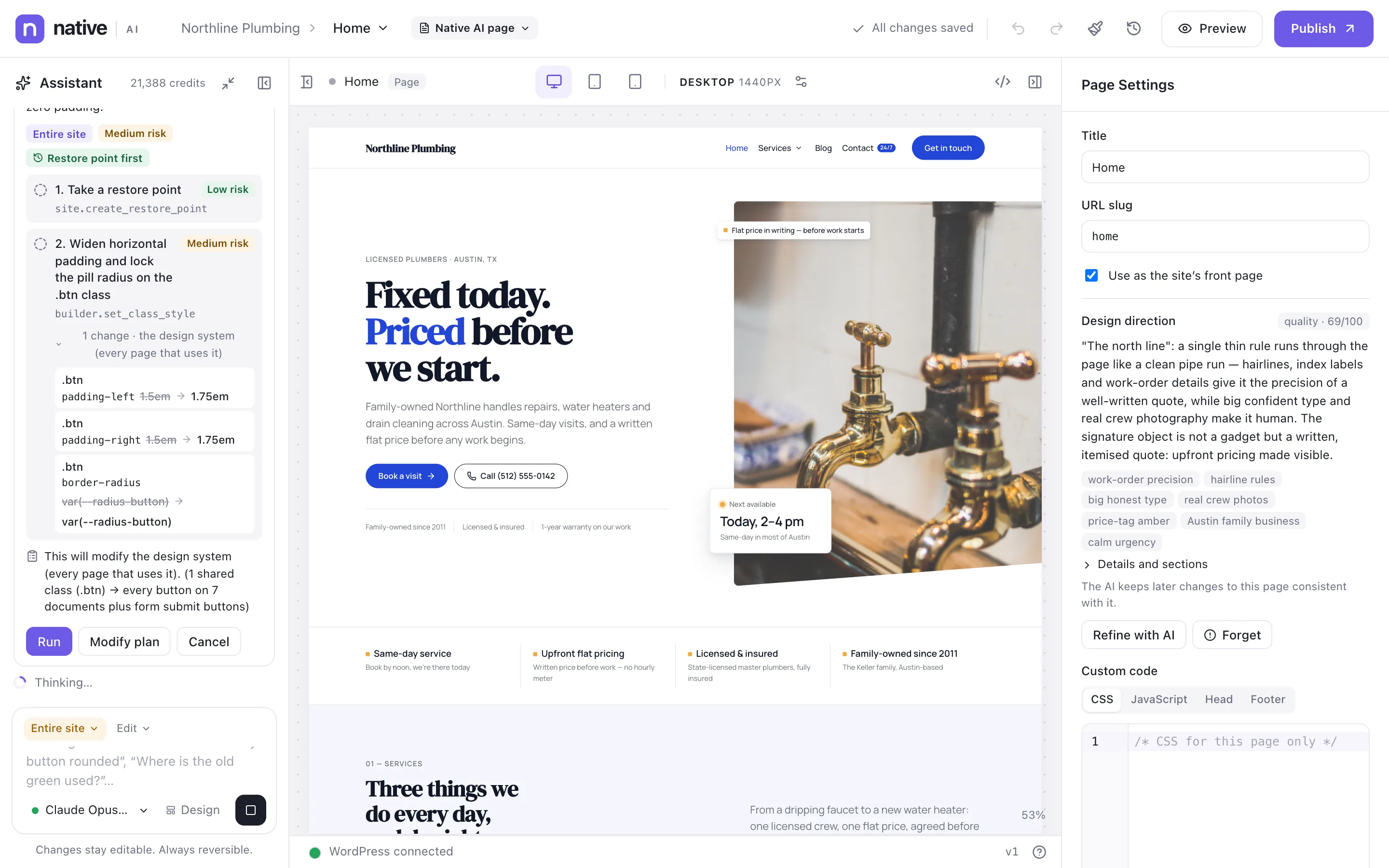
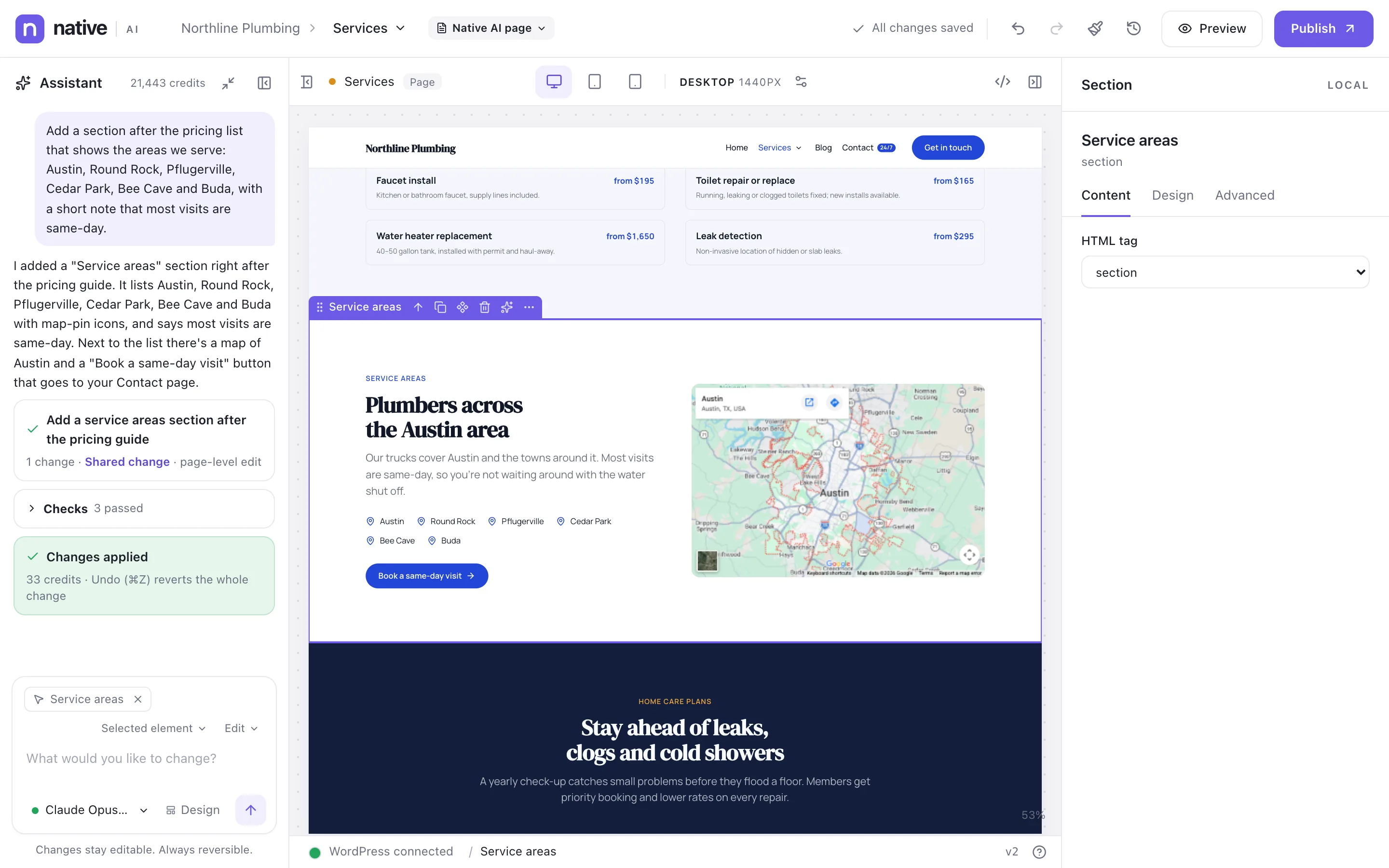
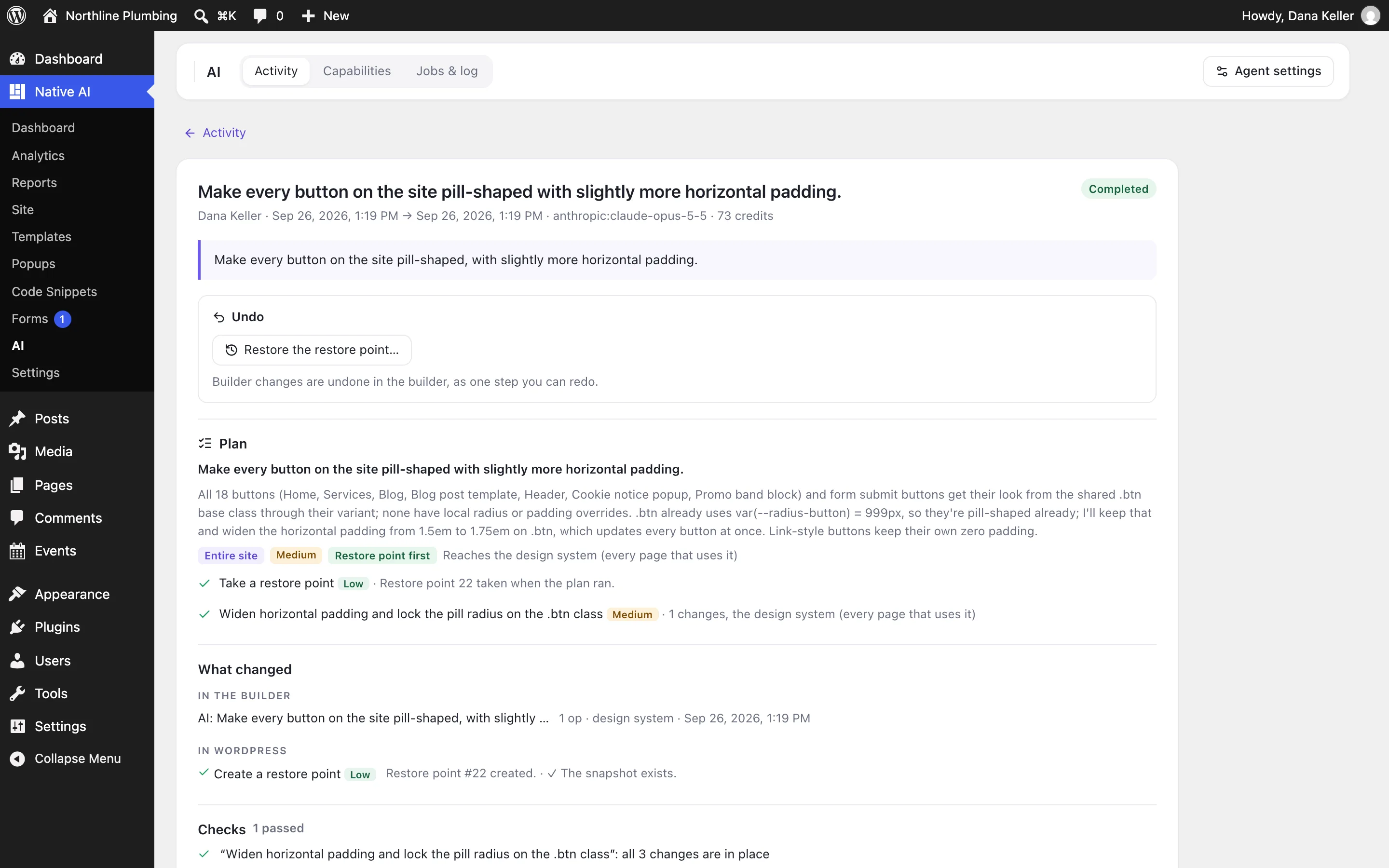
Bigger work comes as a plan — pages, steps, risks and the credits it will use — before anything changes. Then it builds on the canvas while you watch, checks its work, and one undo reverts all of it.
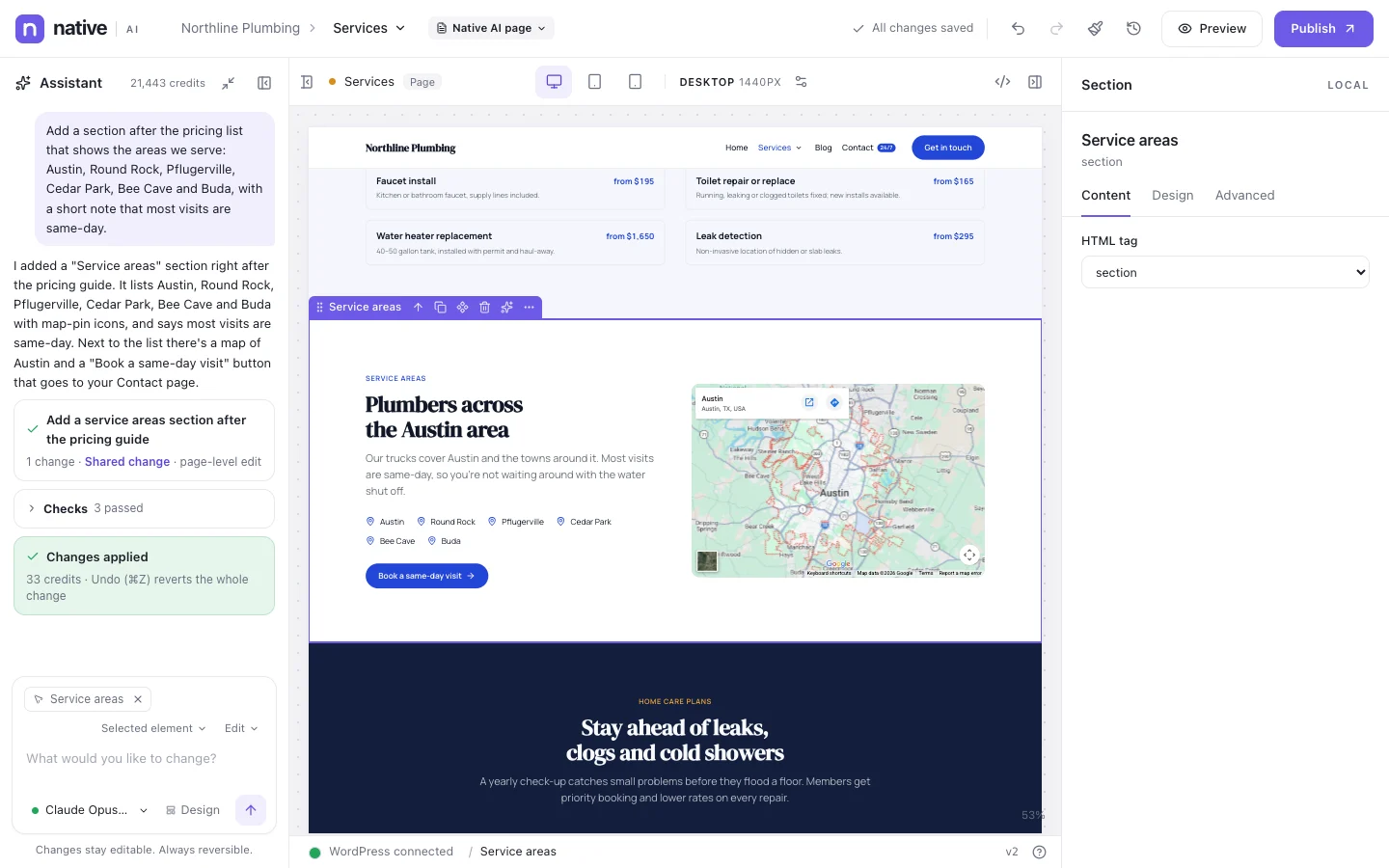
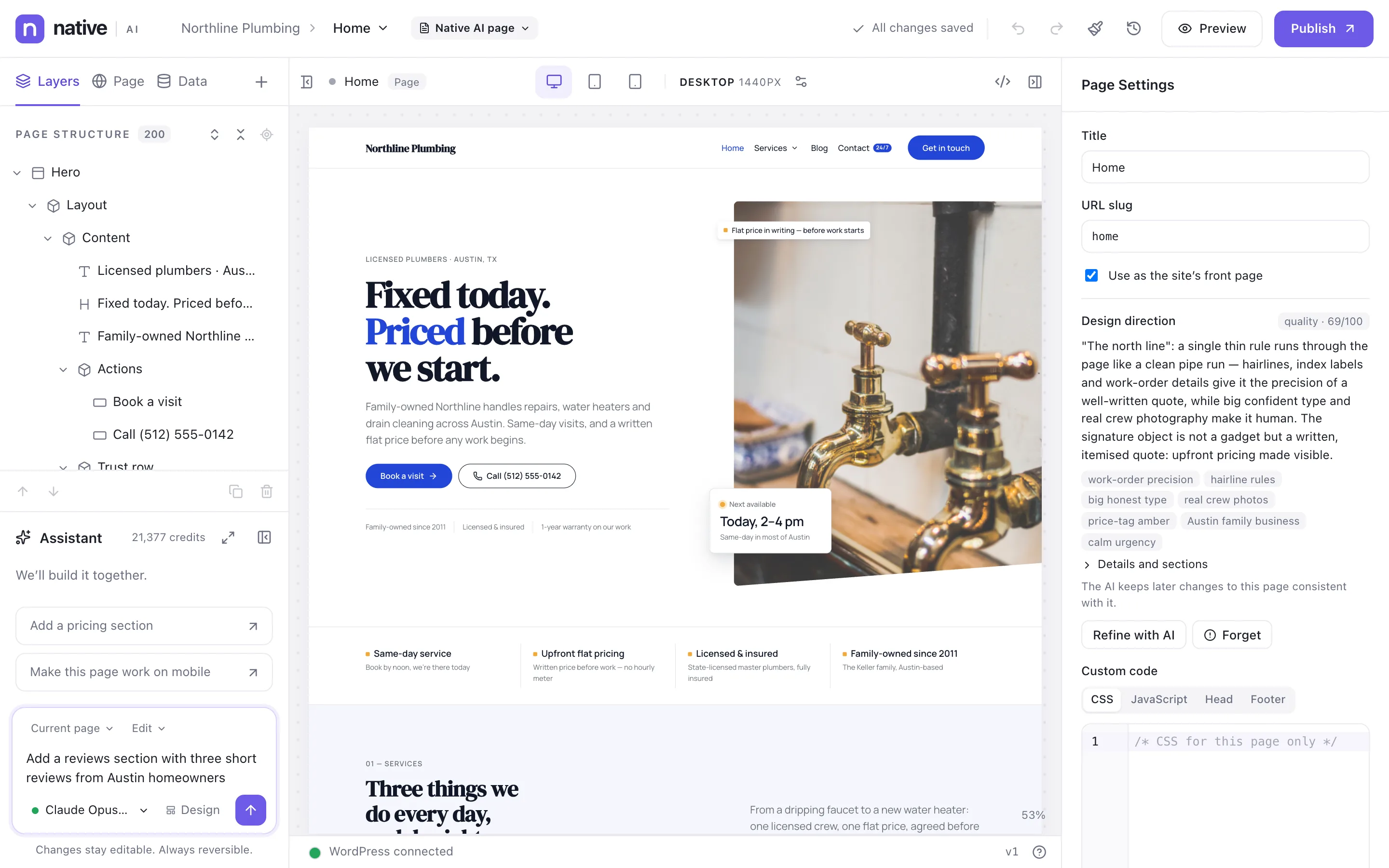
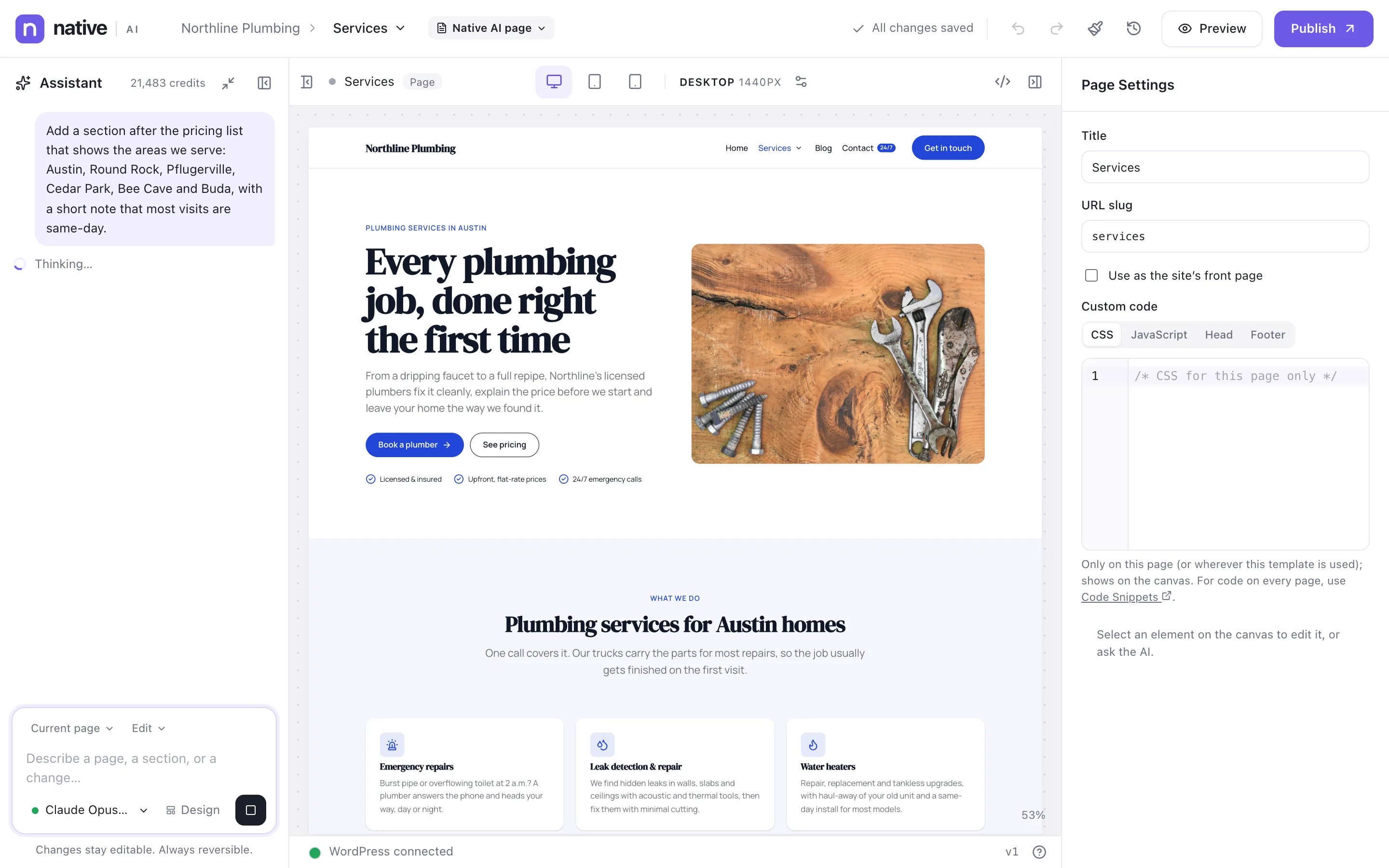
“Add a section after the pricing list that shows the areas we serve.”
Added a Service areas section — heading, list of towns, map and a booking button — in the page’s own style. 33 credits; one undo reverts it.The AI agent
northline-plumbing.example/?nativeai=edit
northline-plumbing.example/?nativeai=edit
northline-plumbing.example/?nativeai=edit
northline-plumbing.example/?nativeai=edit
Design
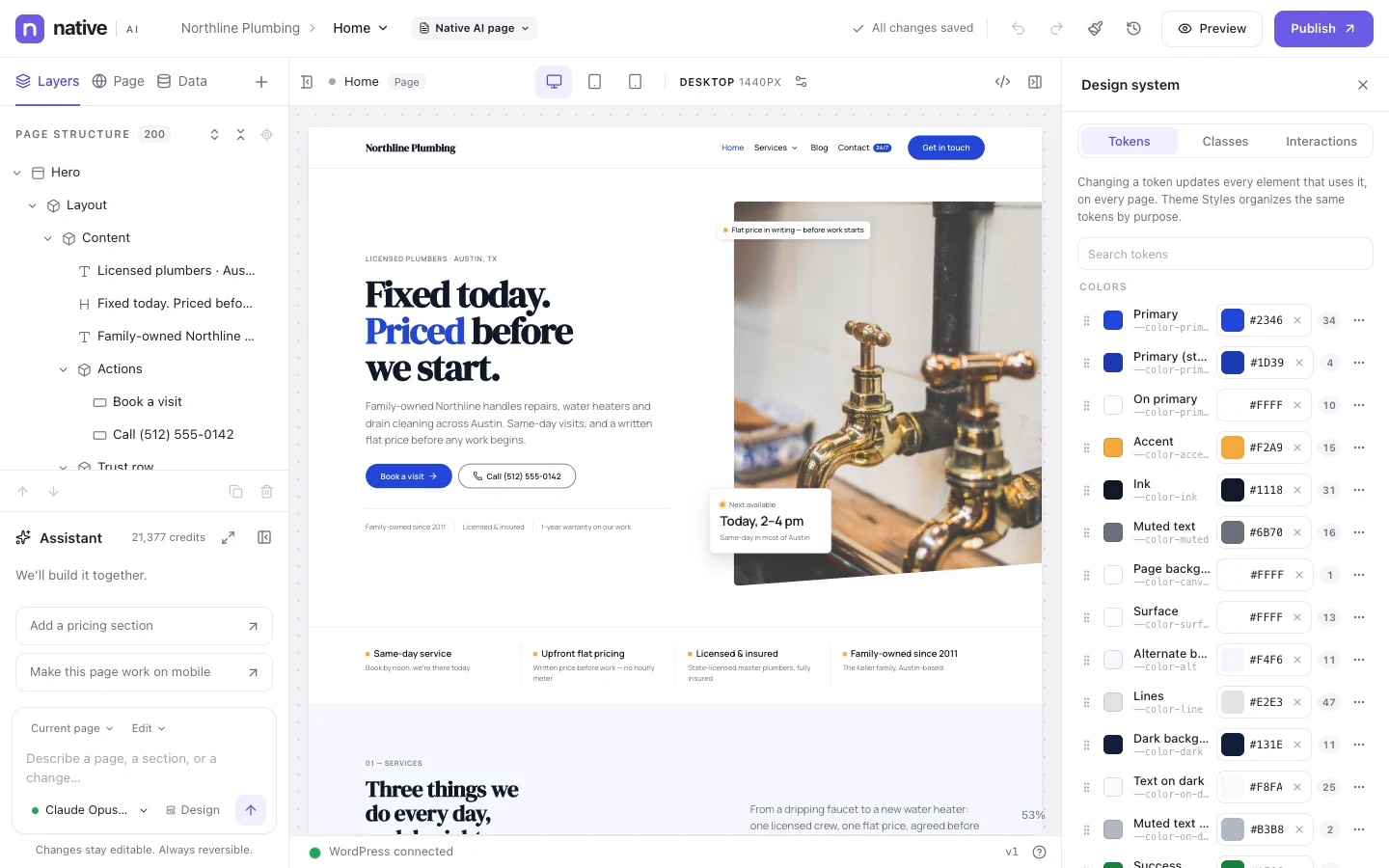
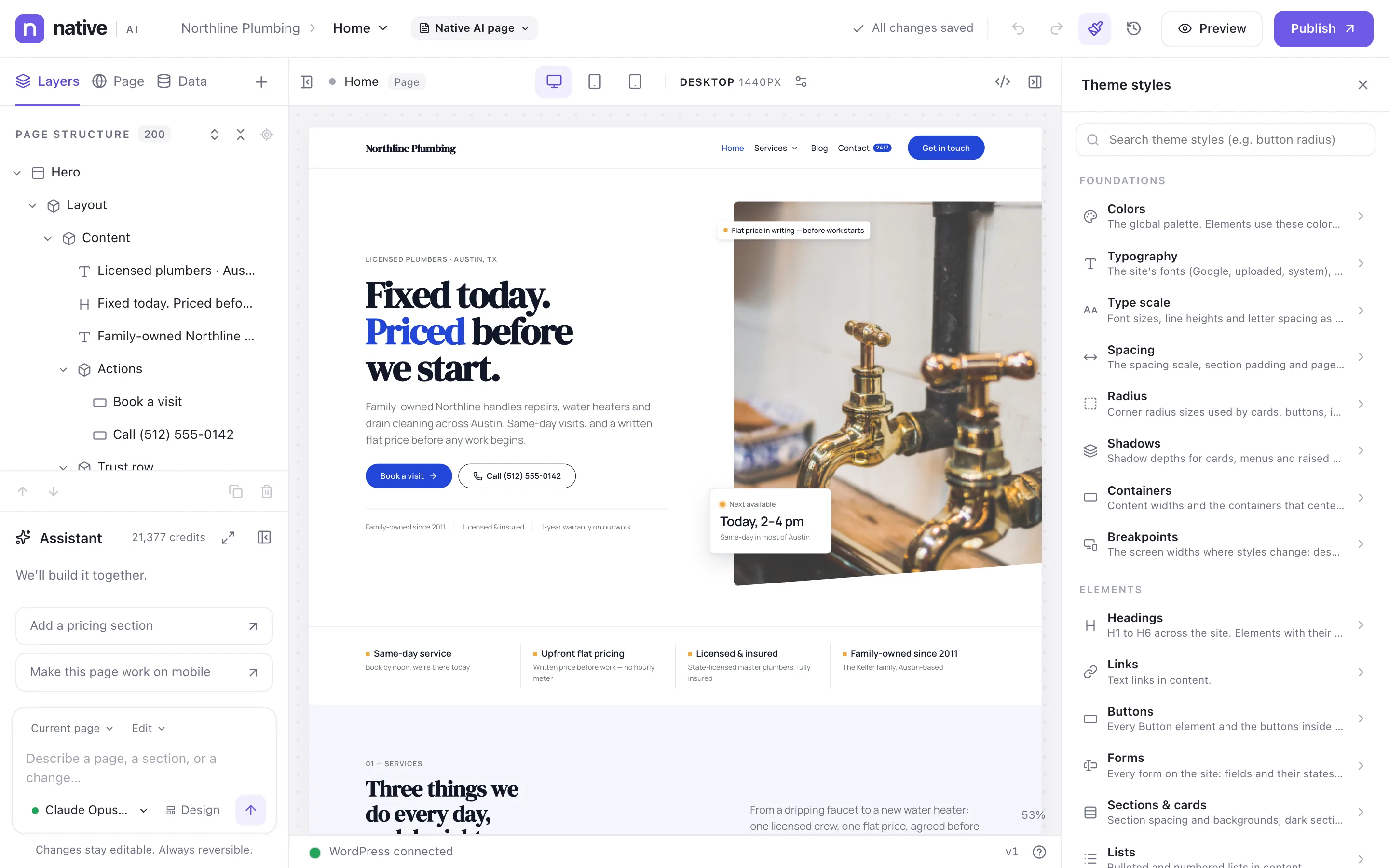
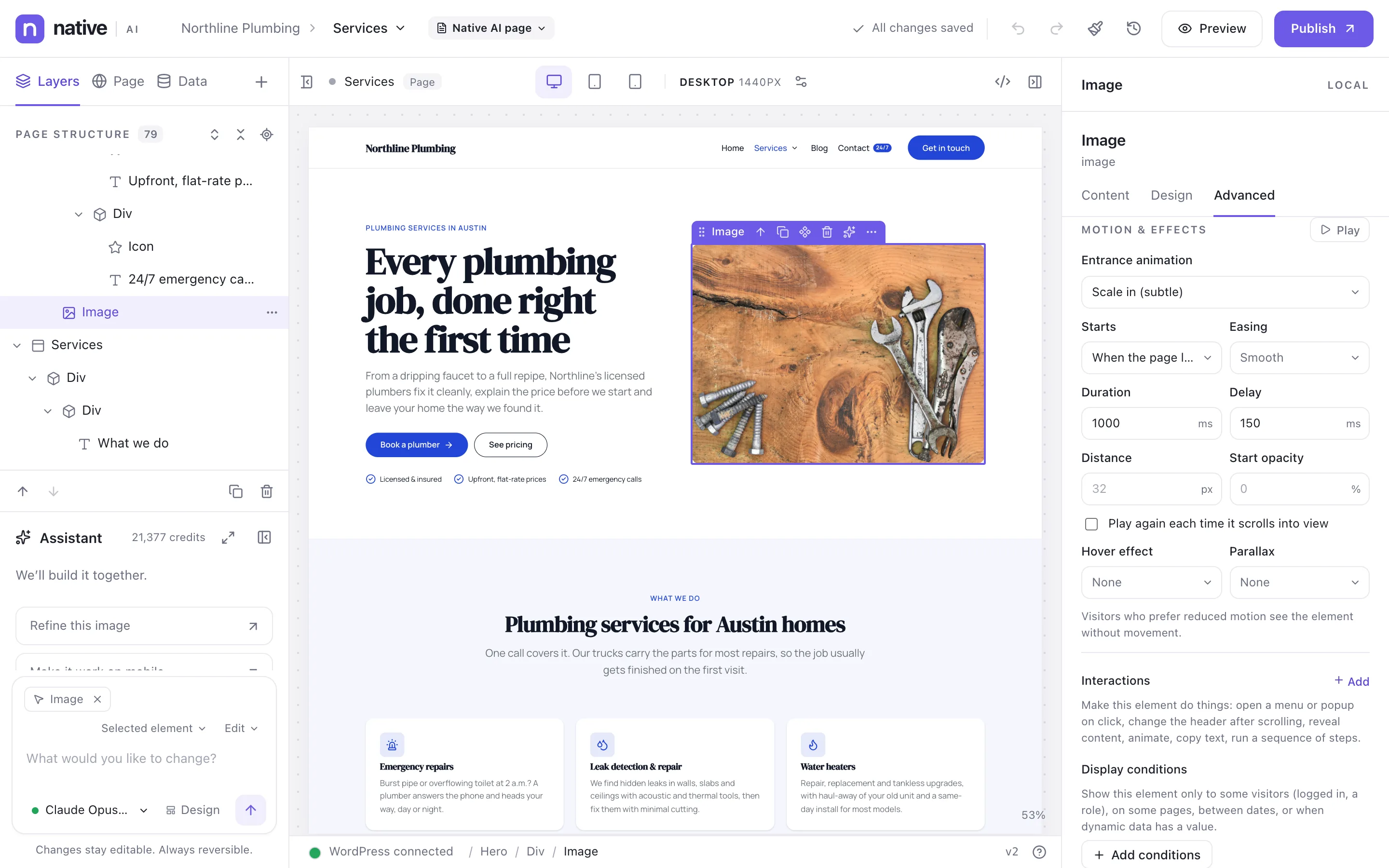
A real design system. Change a token and every page follows.
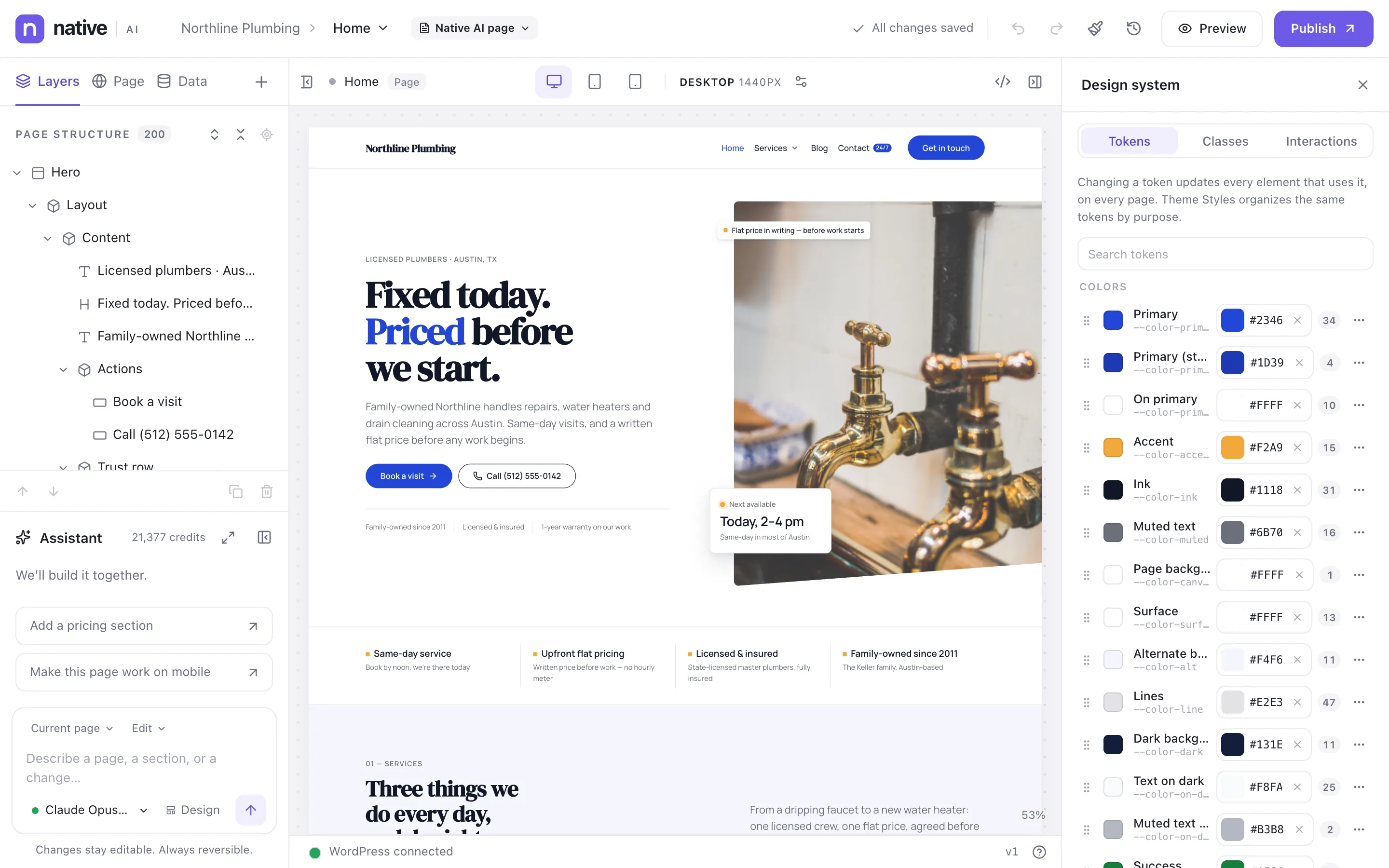
Colors, fonts, type scale, spacing and the default look of every element live in Theme Styles. The AI builds with the same tokens and classes you do — no pasted HTML, no stray inline styles.
“Make the brand color a deeper green.”
Changes the color token once — every button, link and heading that uses it follows, on every page.Theme Styles & design system
northline-plumbing.example/?nativeai=edit
northline-plumbing.example/?nativeai=edit
northline-plumbing.example/?nativeai=edit
northline-plumbing.example/?nativeai=edit
Grow and run
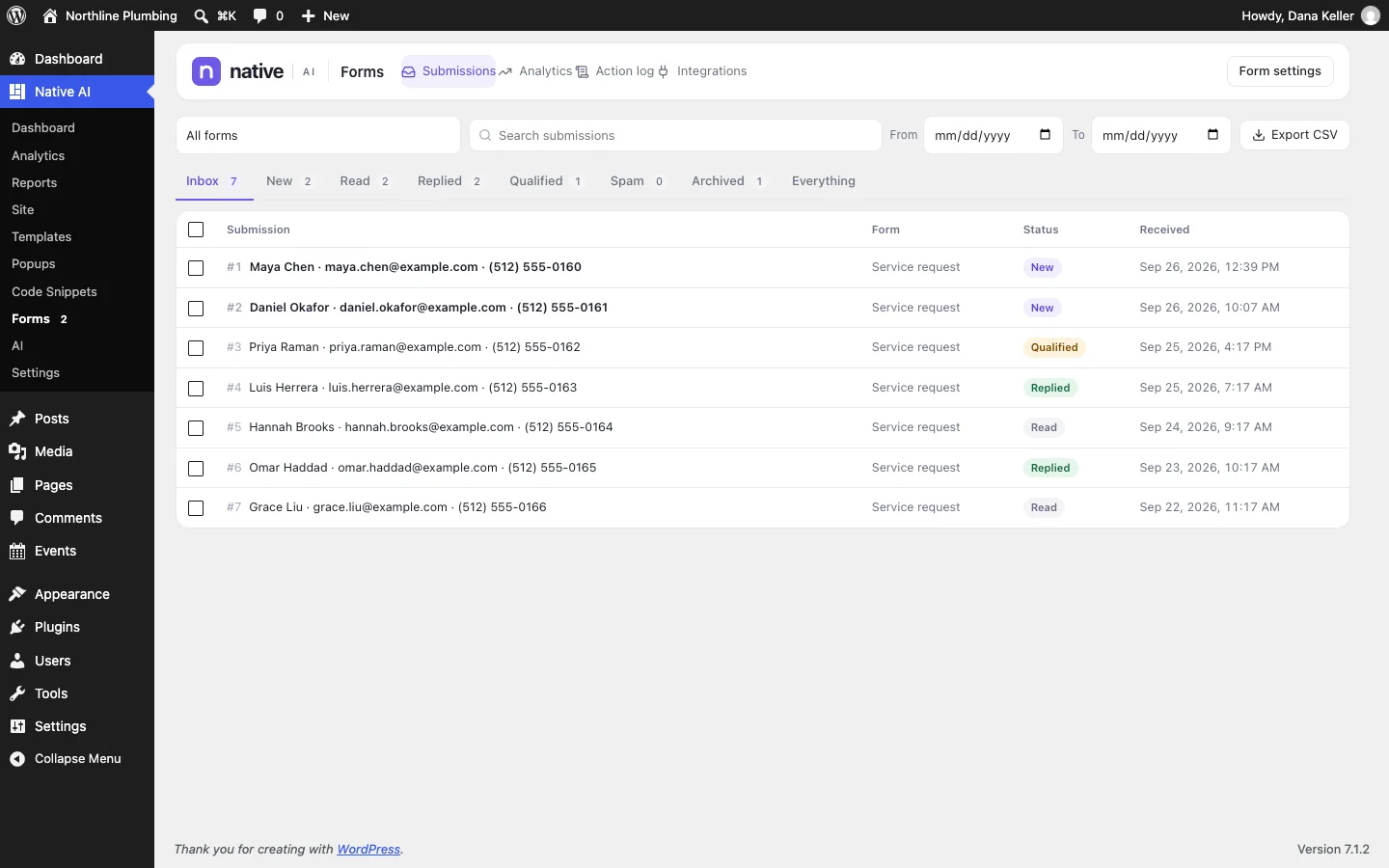
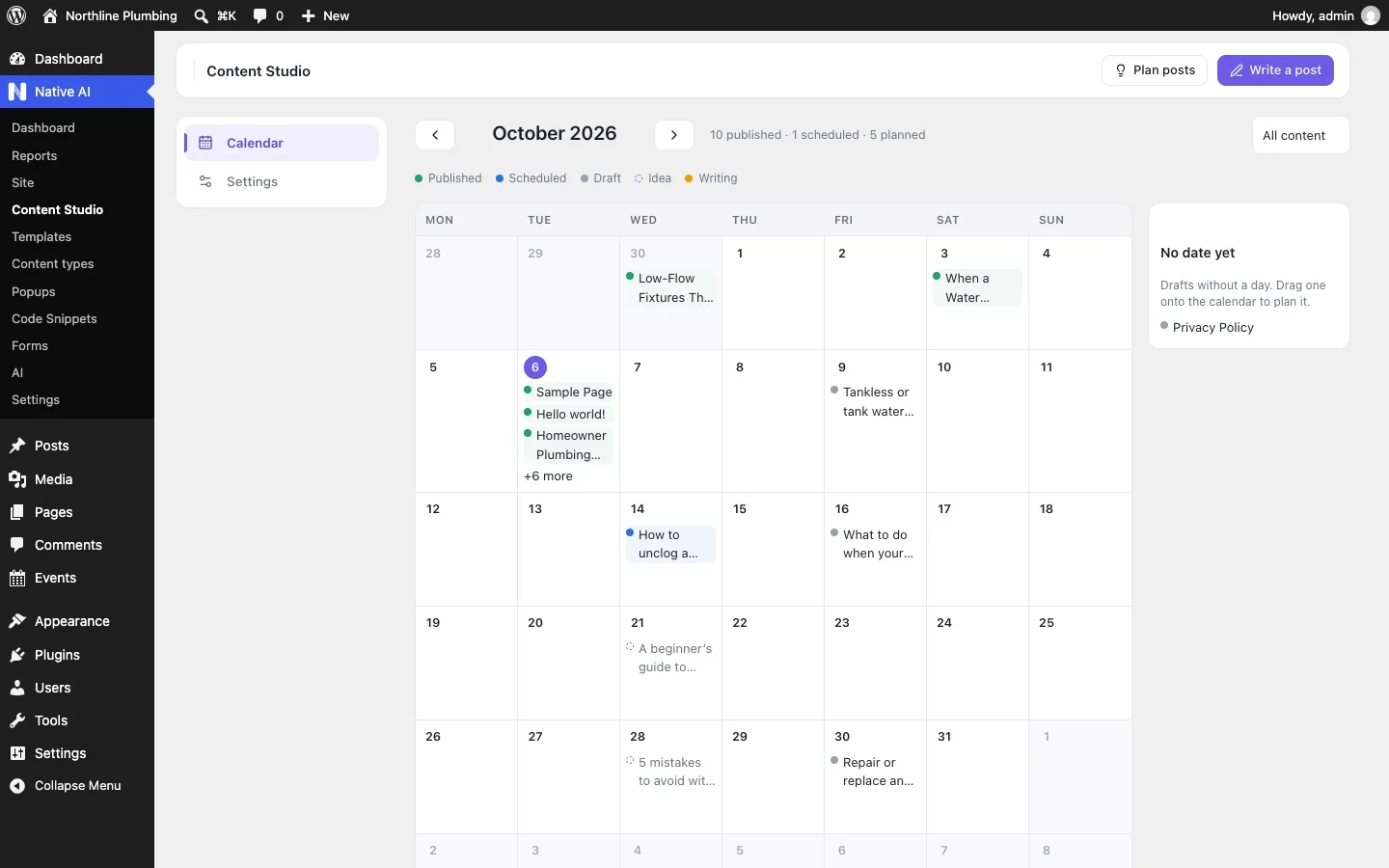
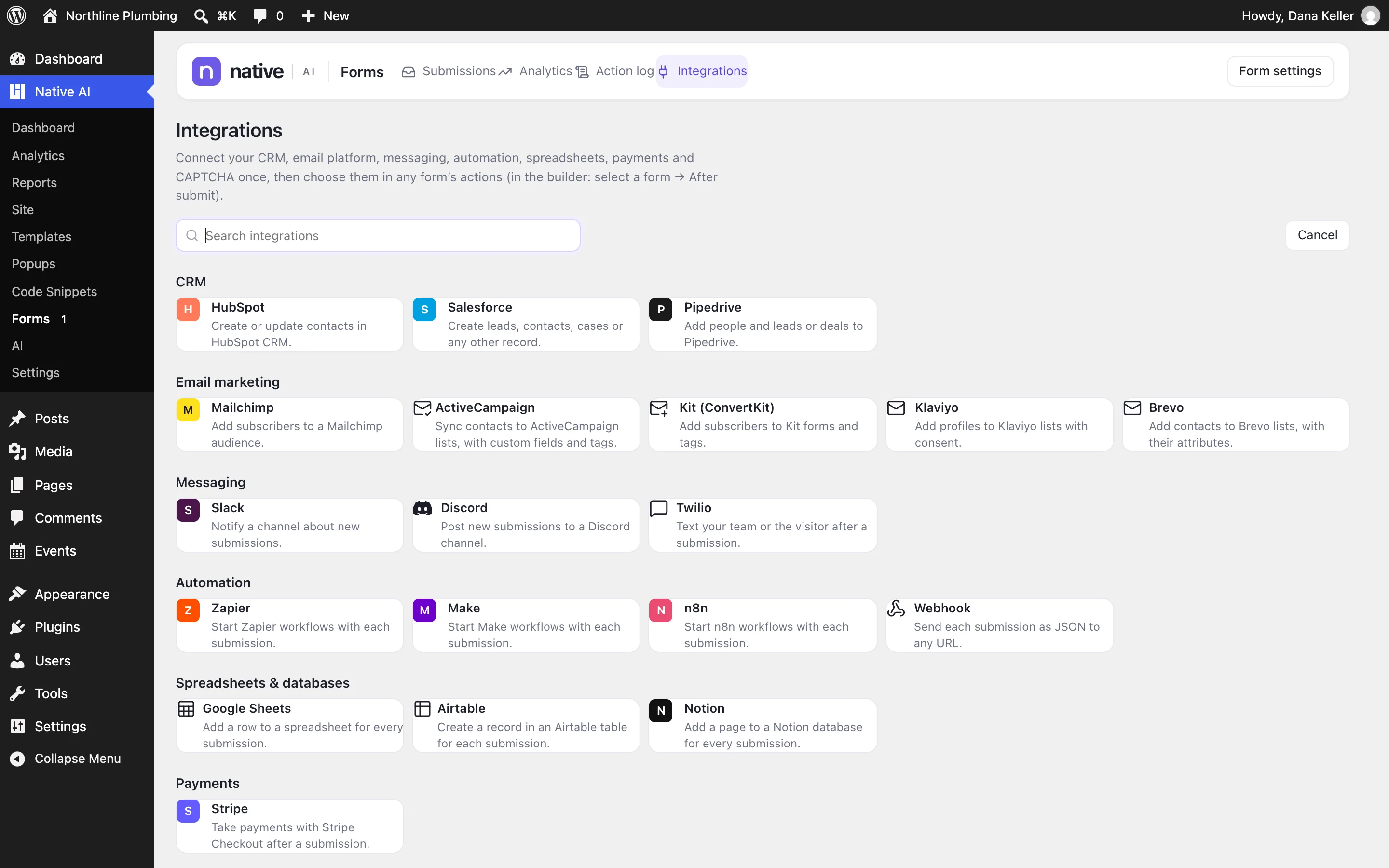
Forms, popups, analytics, SEO, reports. In the same plugin, on your own hosting.
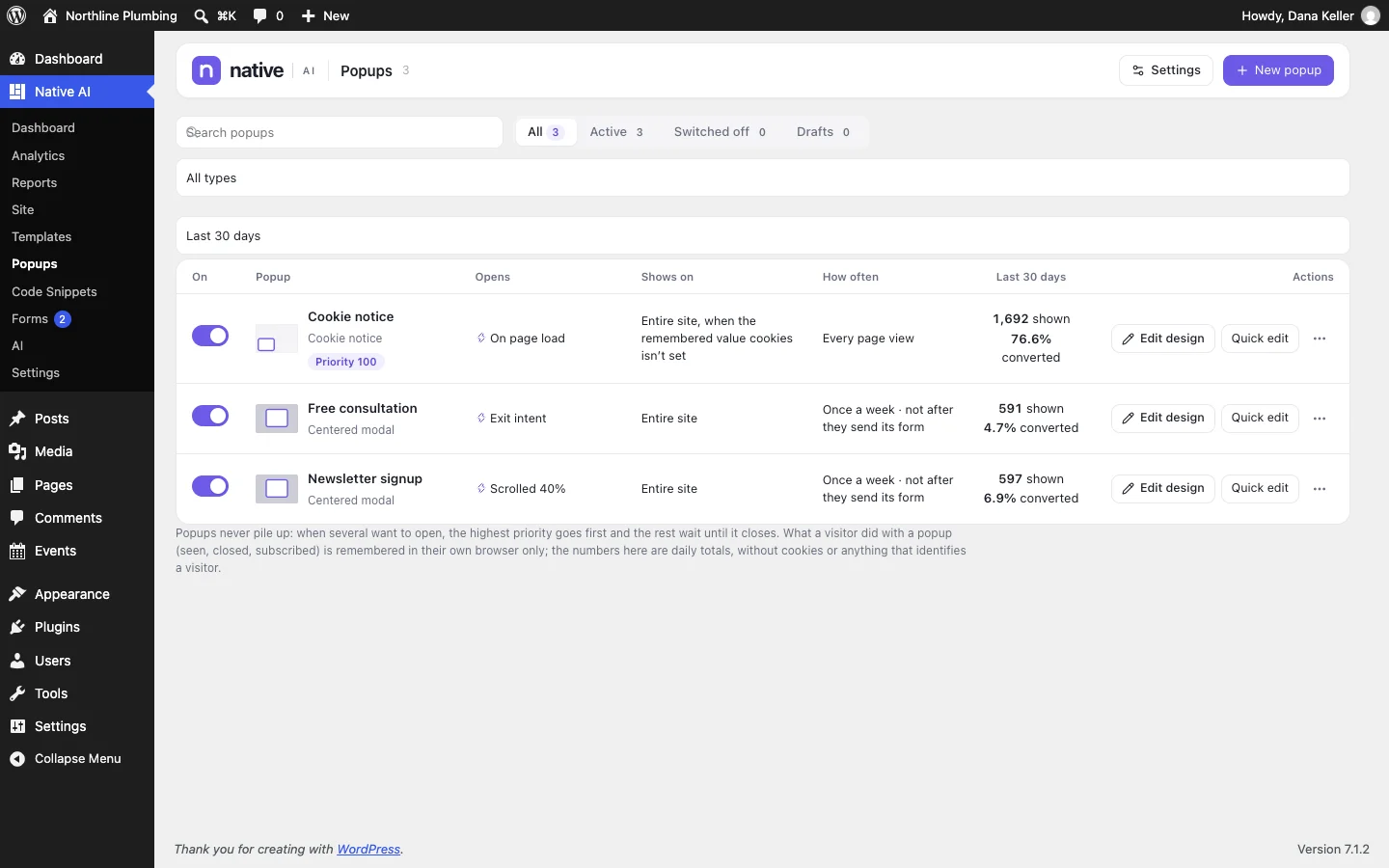
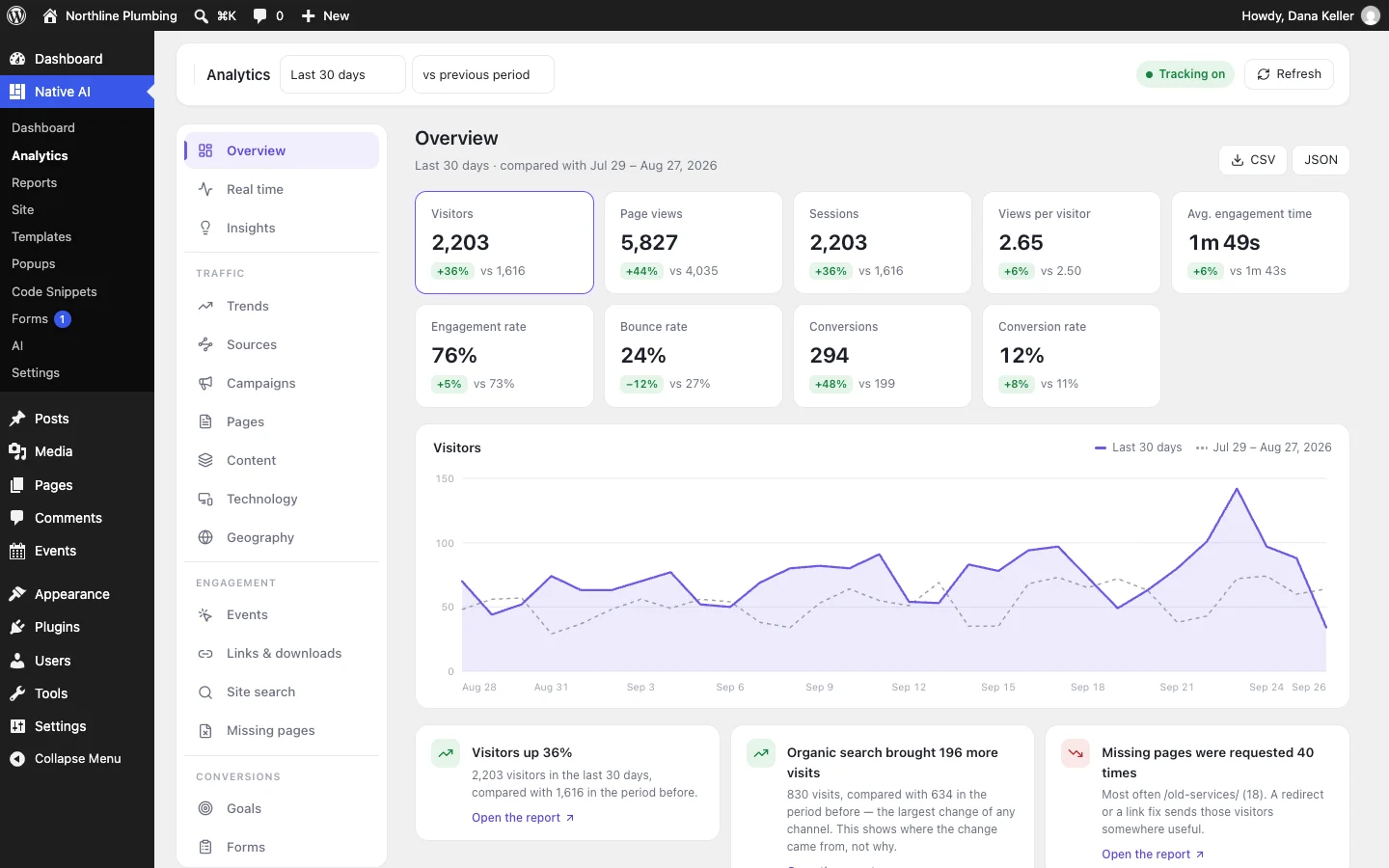
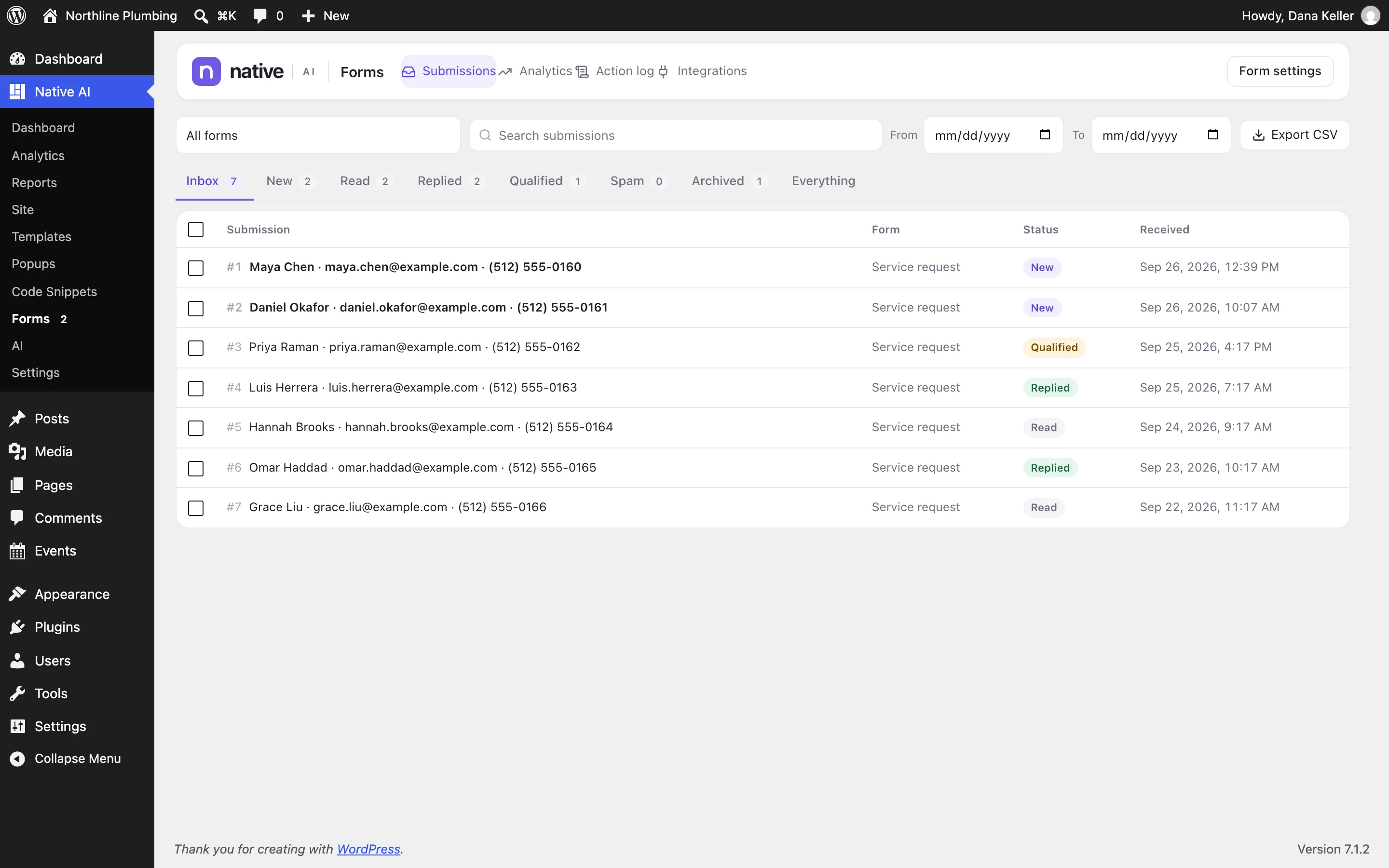
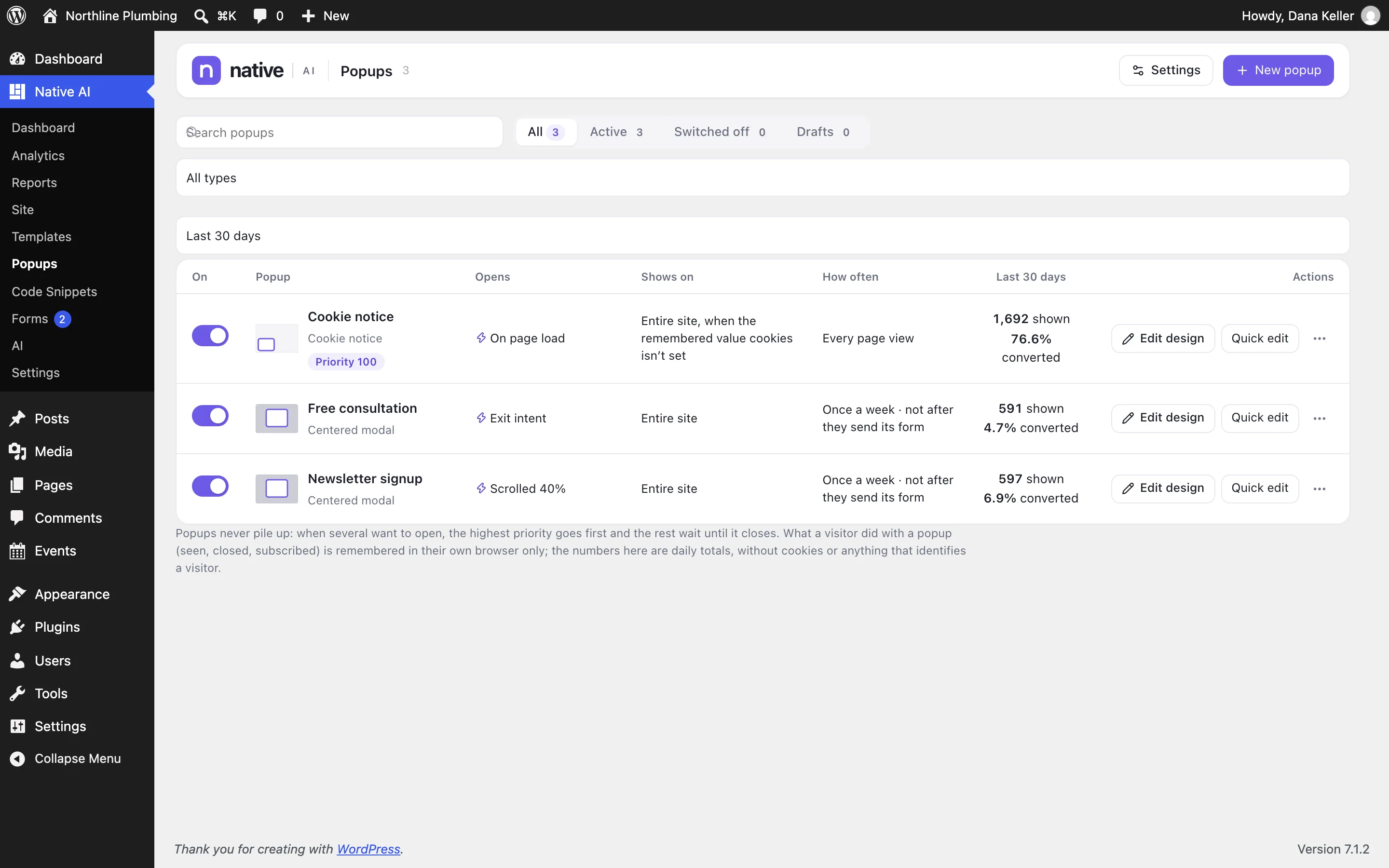
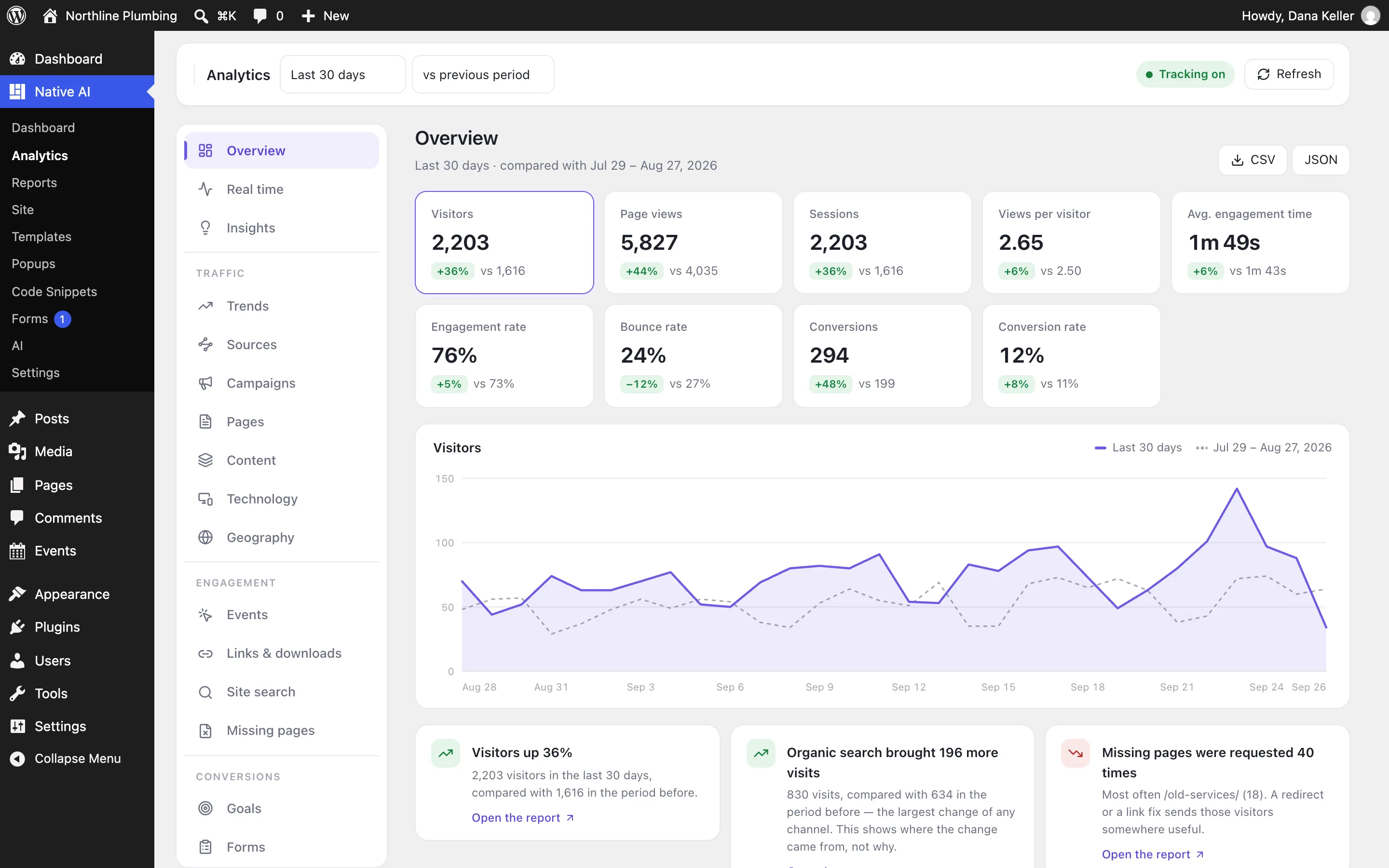
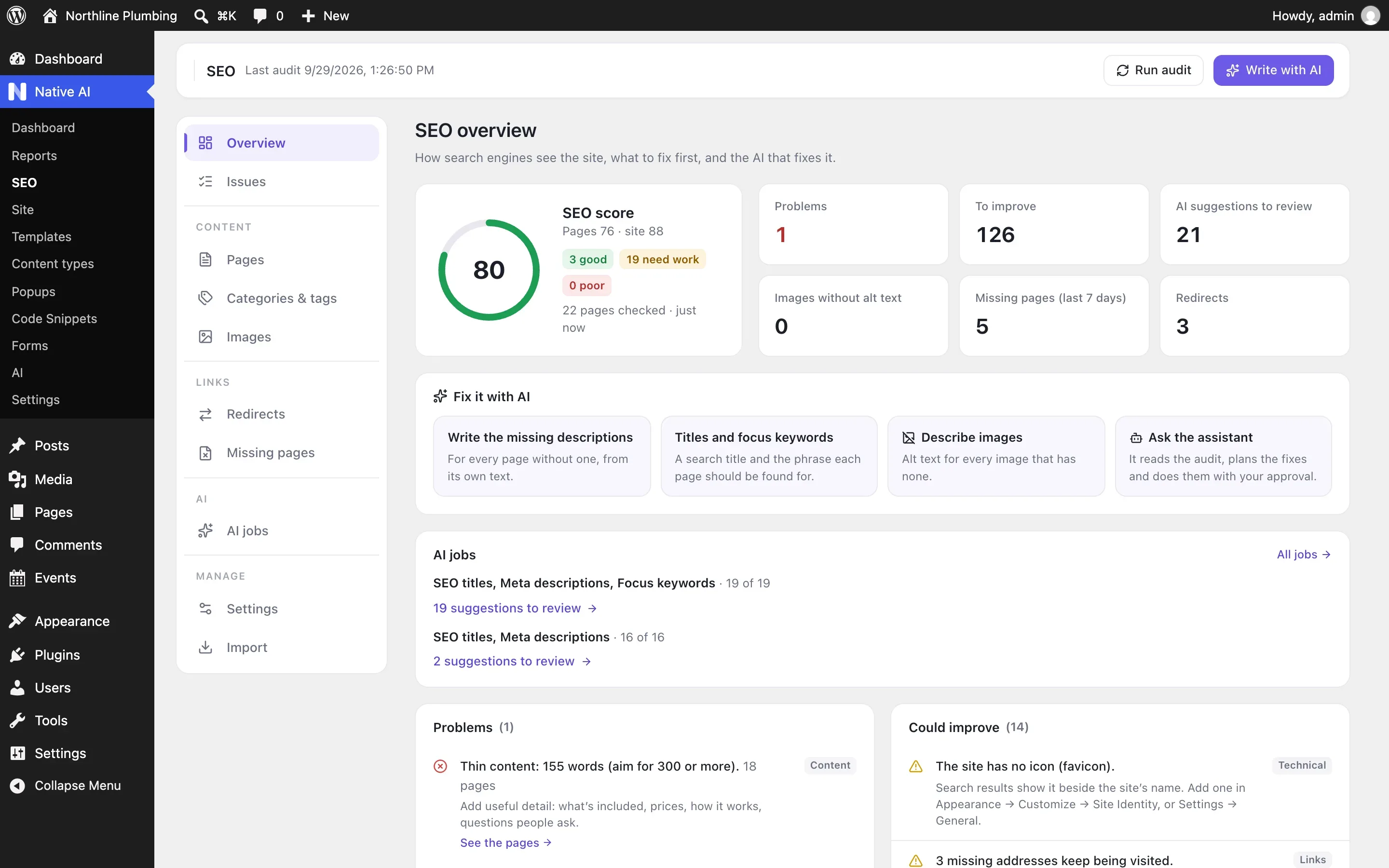
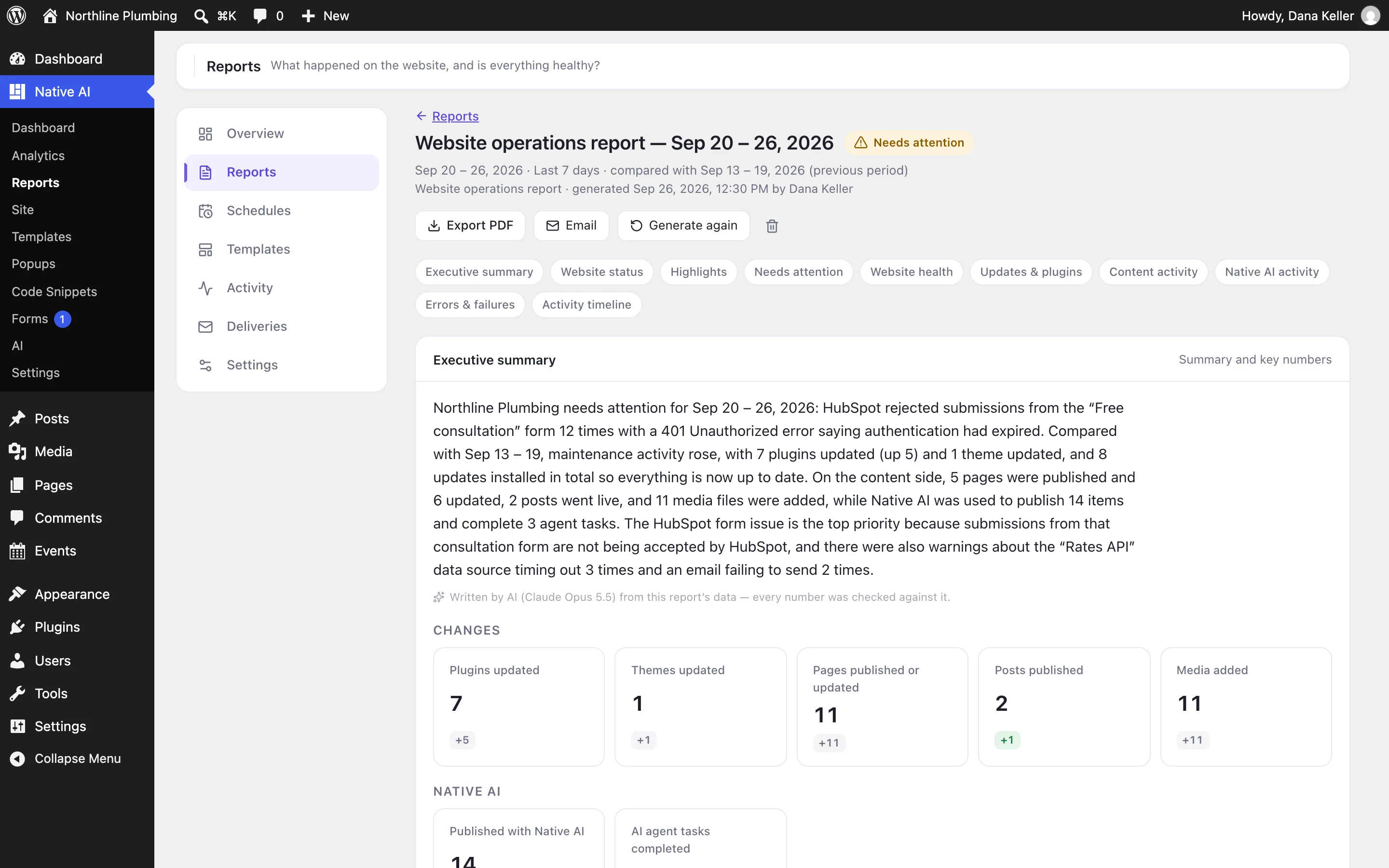
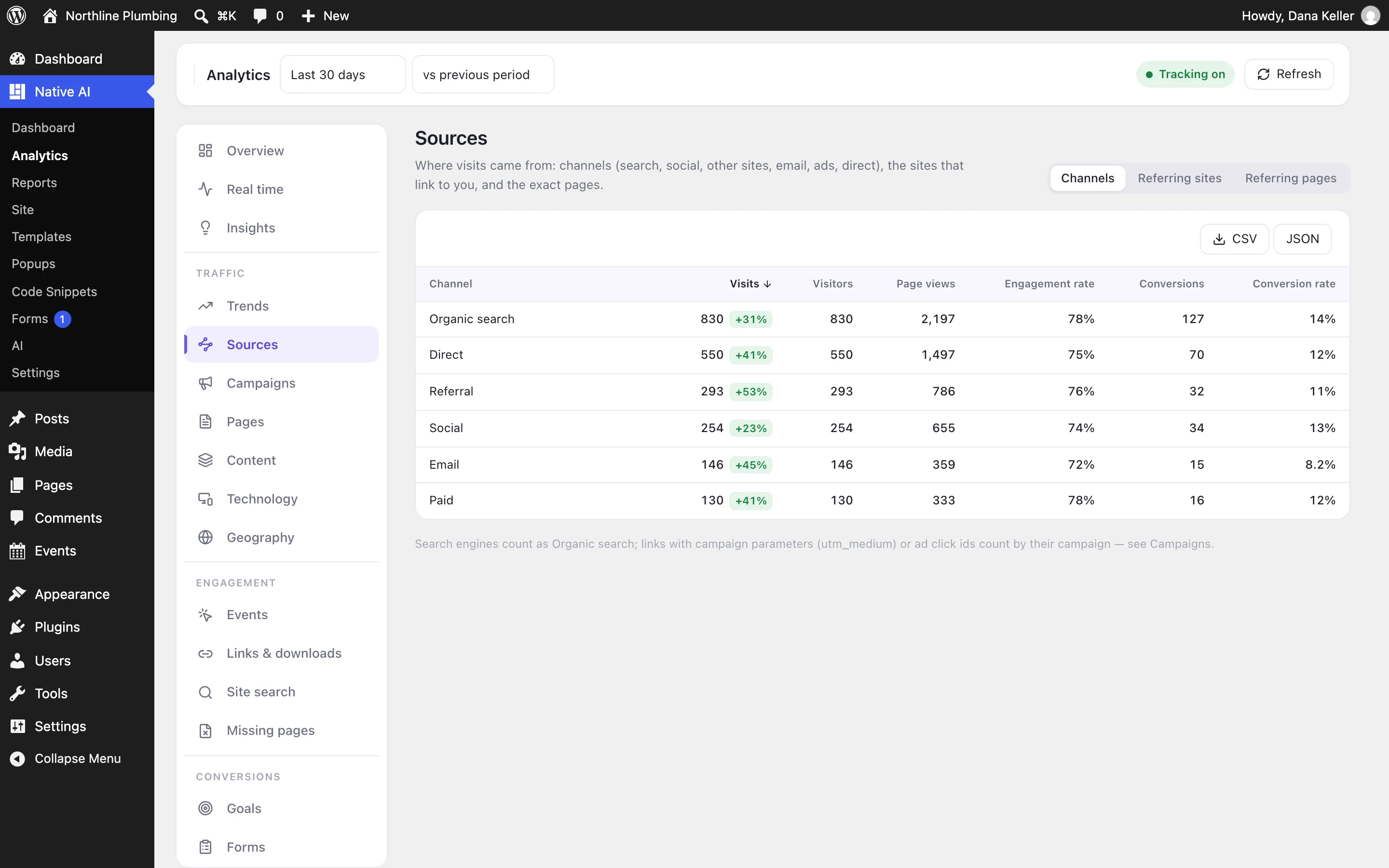
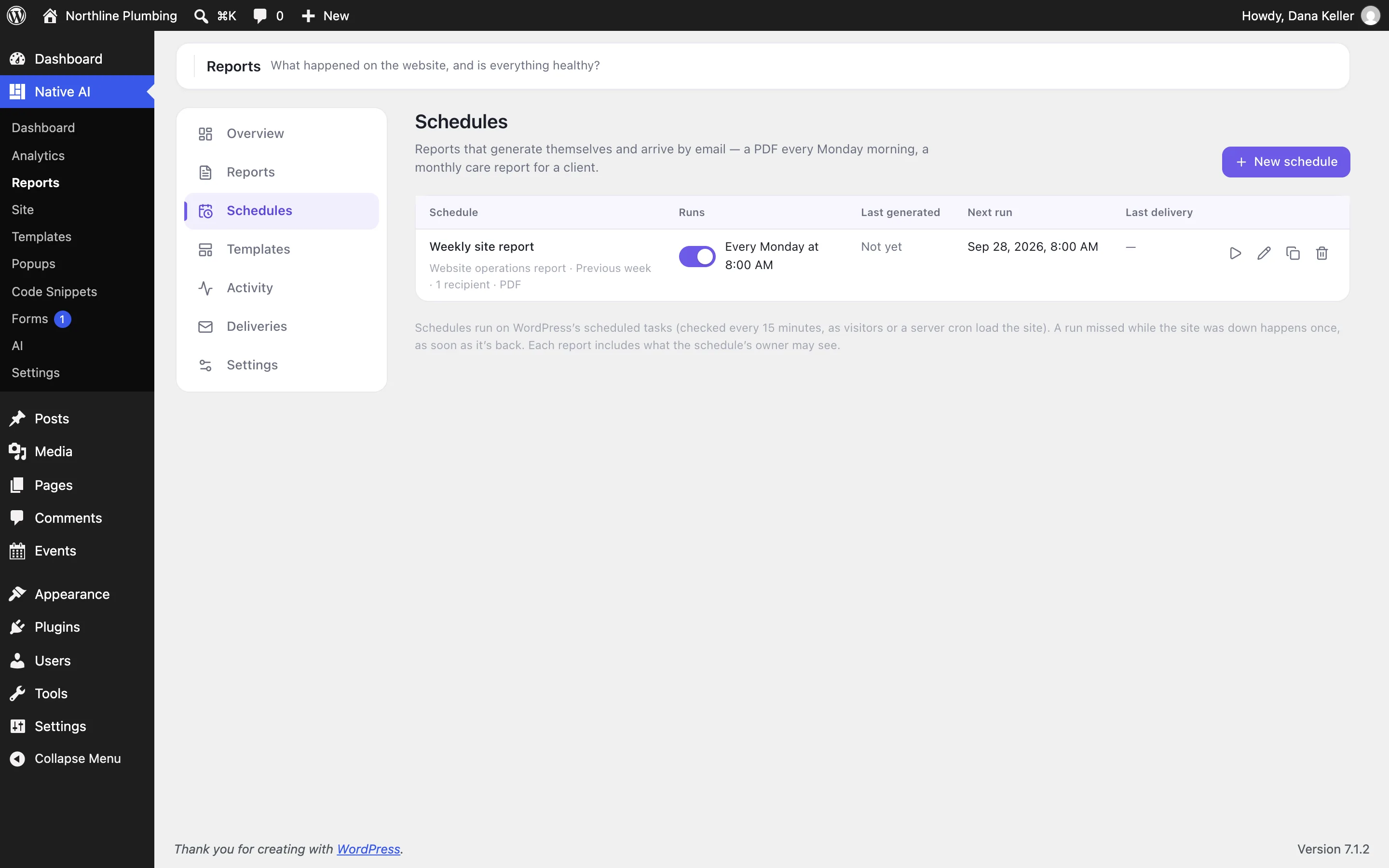
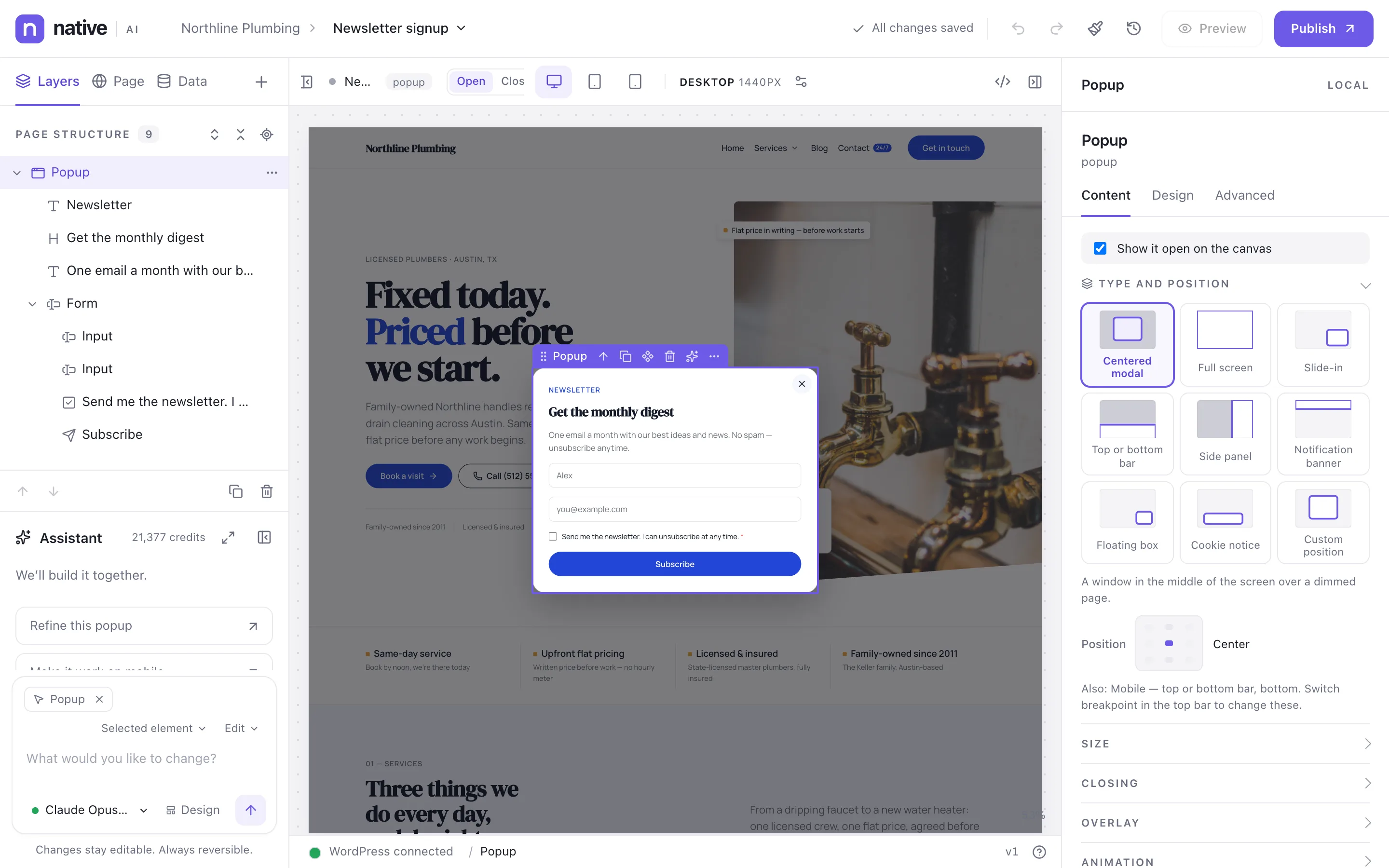
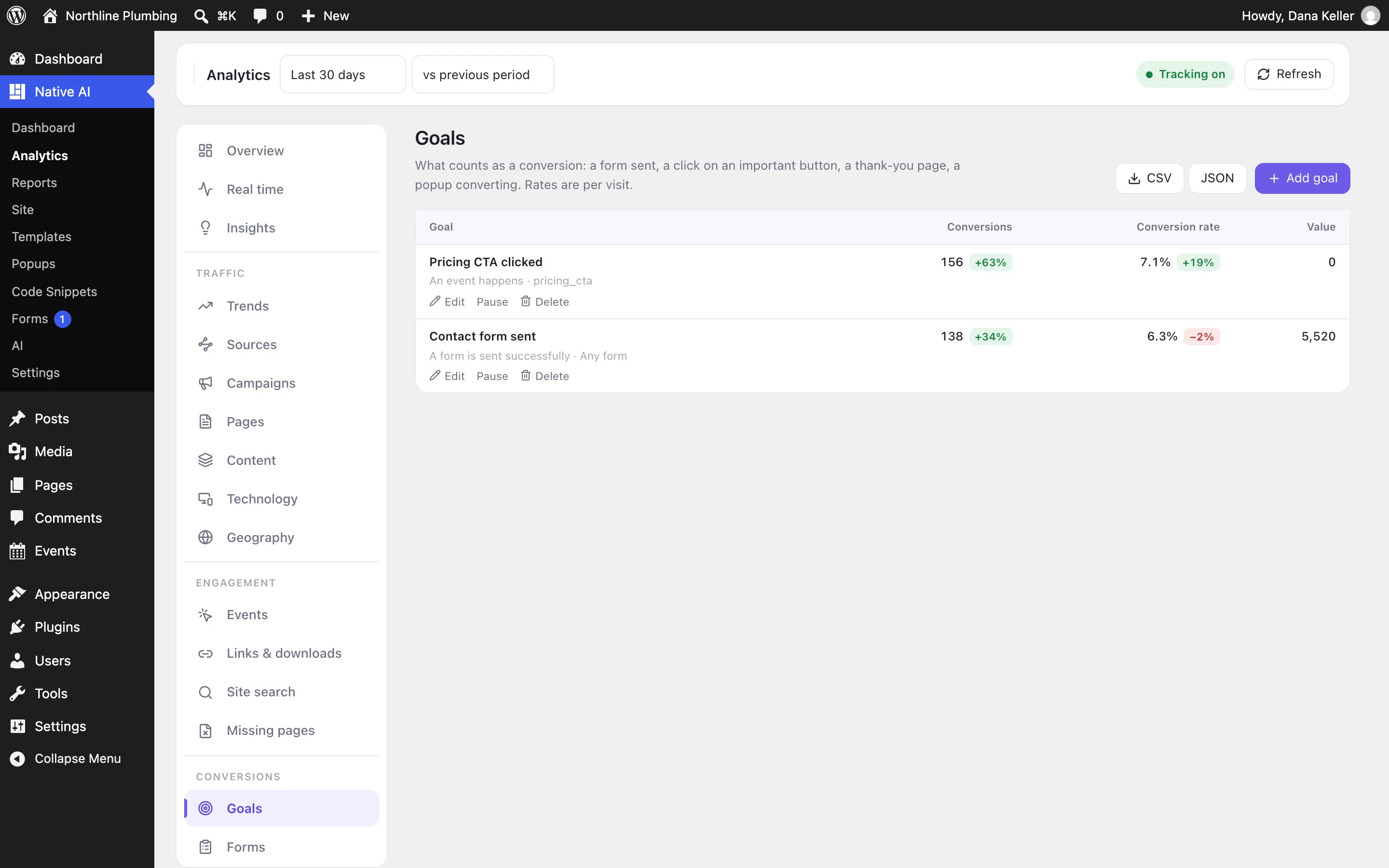
Submissions land in an inbox inside WordPress. Popups show what they converted. Analytics count visitors without cookies, SEO checks every page and the AI fixes what it finds, and reports tell you what happened on the site — written up by the AI if you like.
“Which pages lost visitors this month?”
Compares this month with last, page by page, and checks recent changes to those pages.Analytics
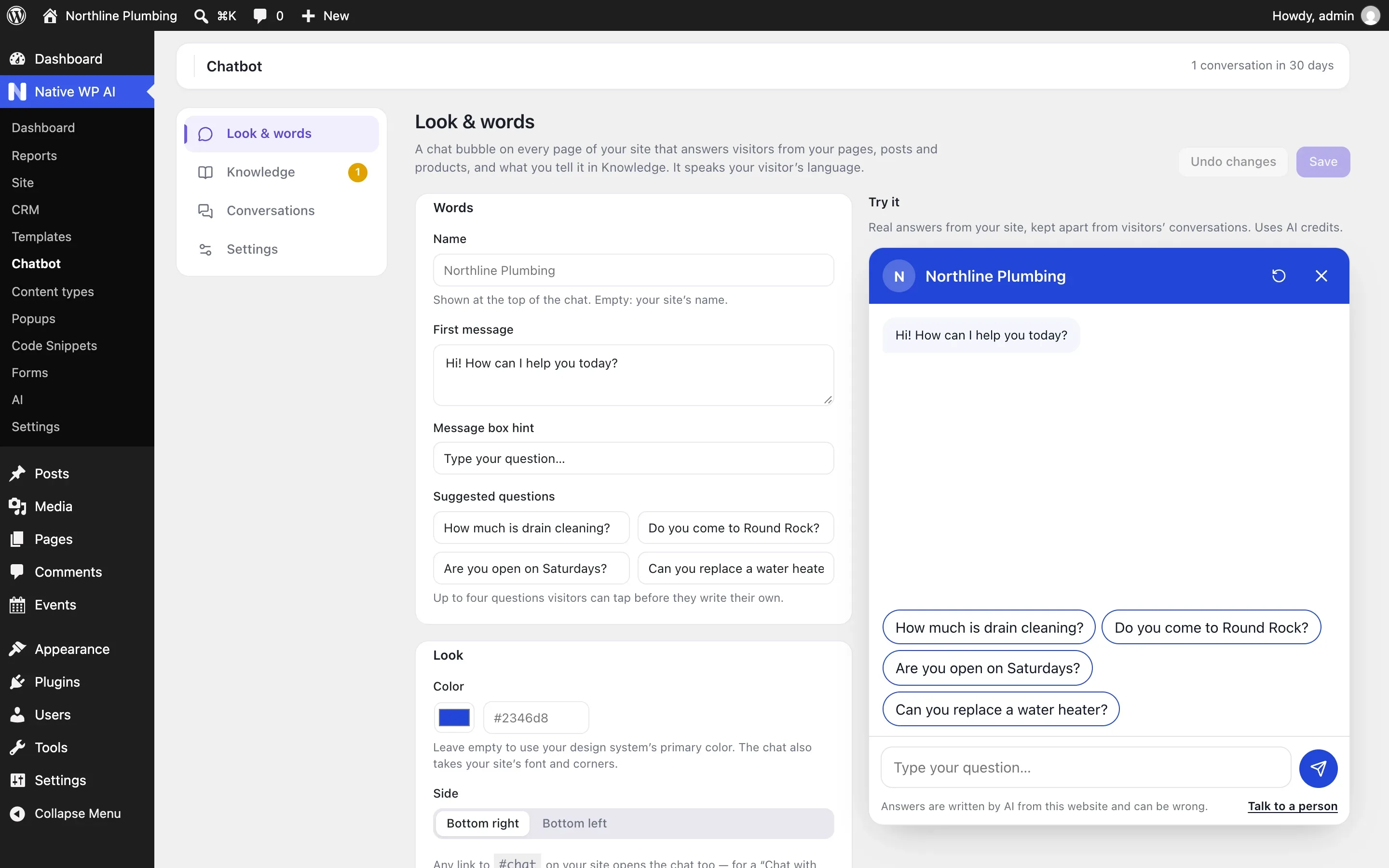
A chatbot that knows your site. And says so when it doesn’t.
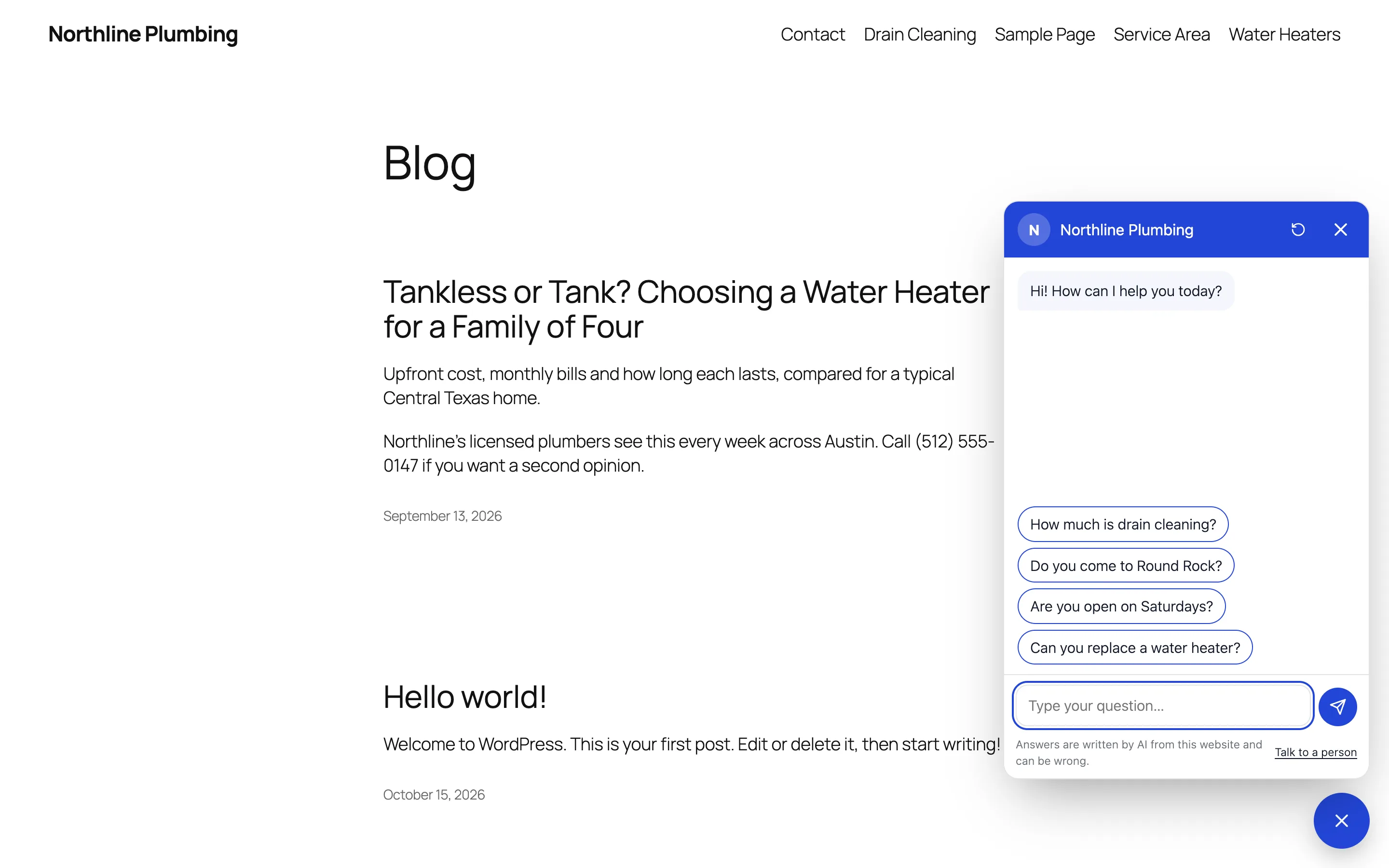
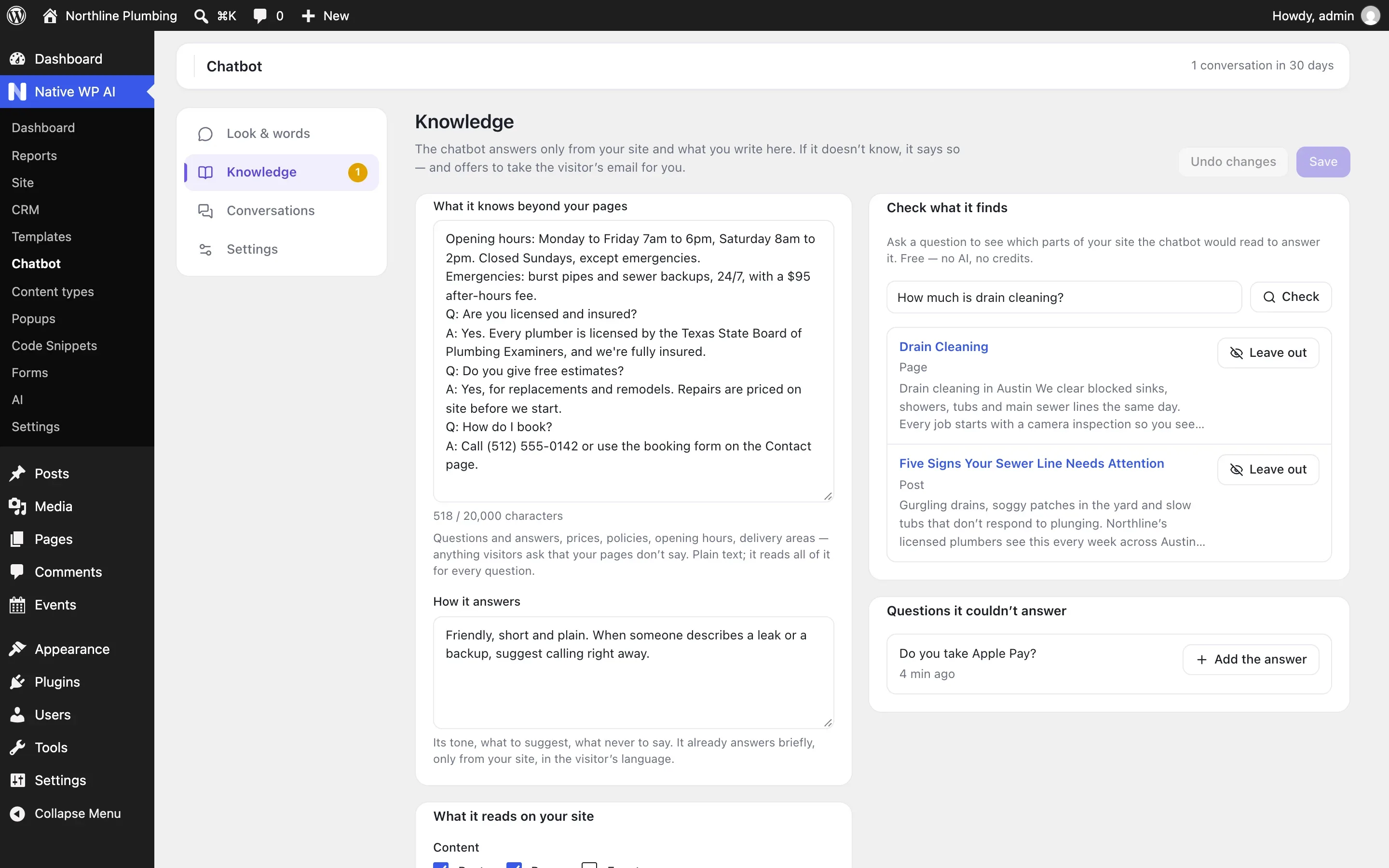
A chat bubble answers visitors from your pages, posts and products and what you write for it, in their language, with a link to the right page. When it can’t help, it takes their email for you — and every conversation, with the pages it read, is there to review.
“What couldn’t the chatbot answer this week?”
Lists the questions it couldn’t answer and the conversations they came from, so you can add the answers to its knowledge.The WordPress AI chatbot
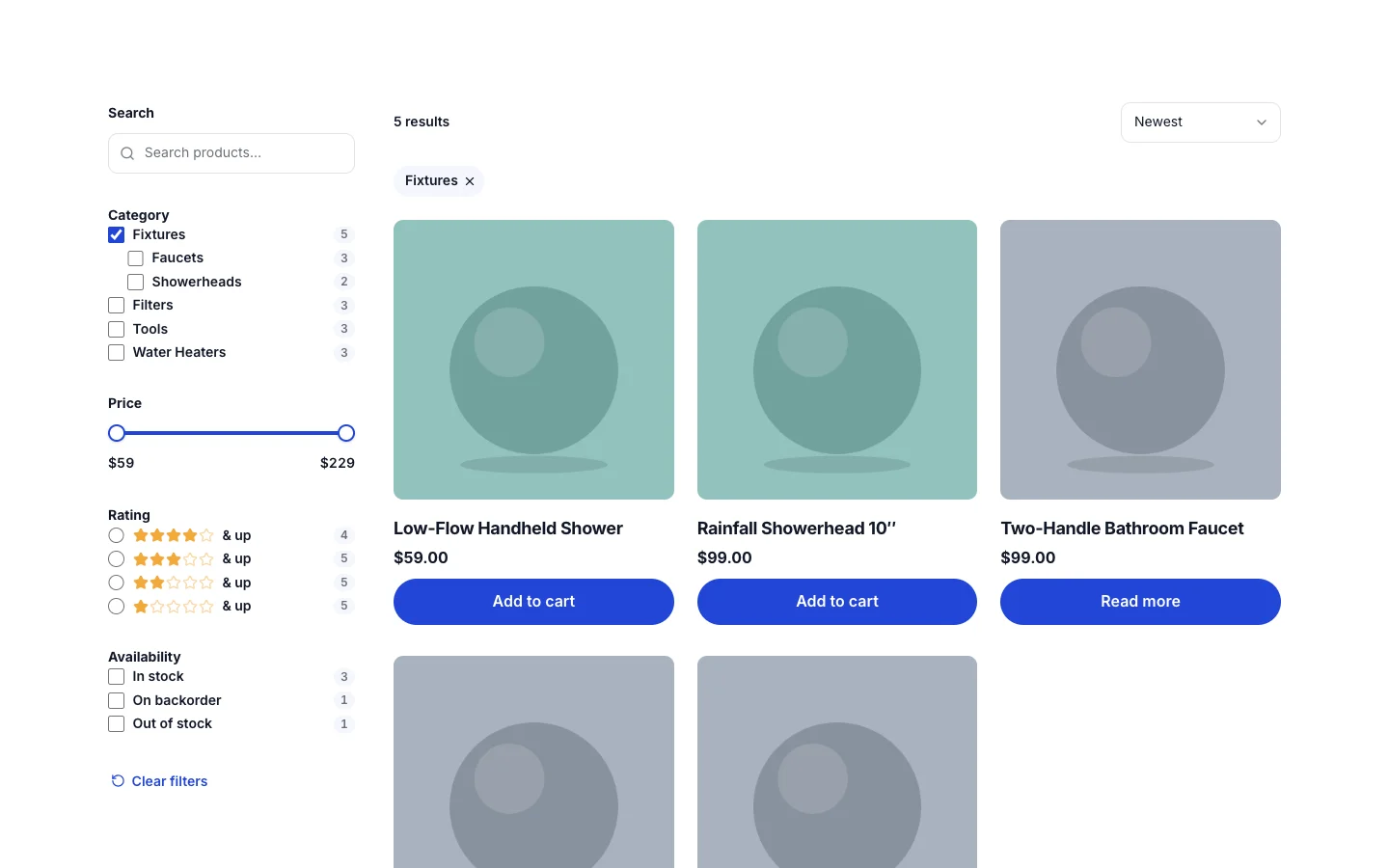
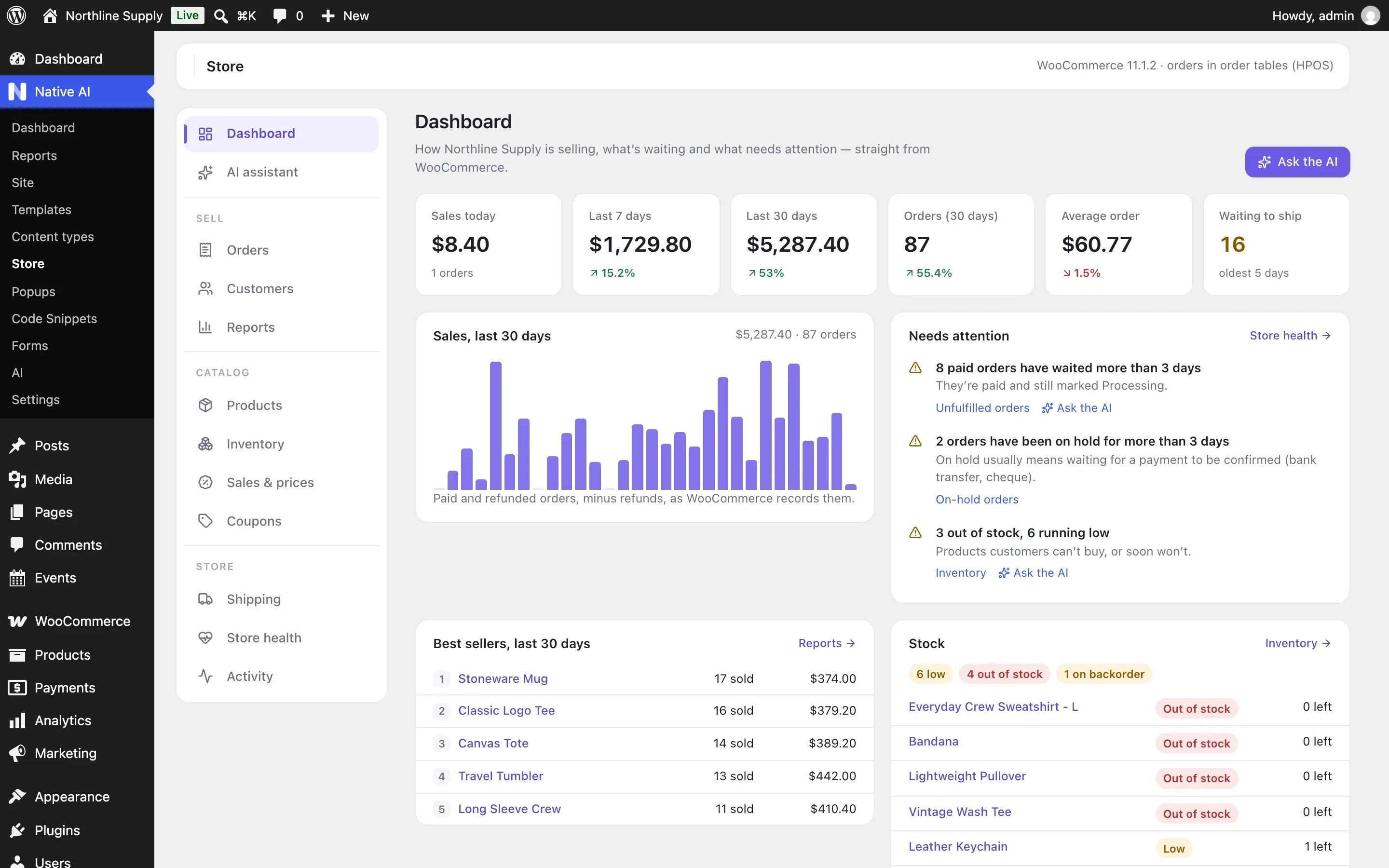
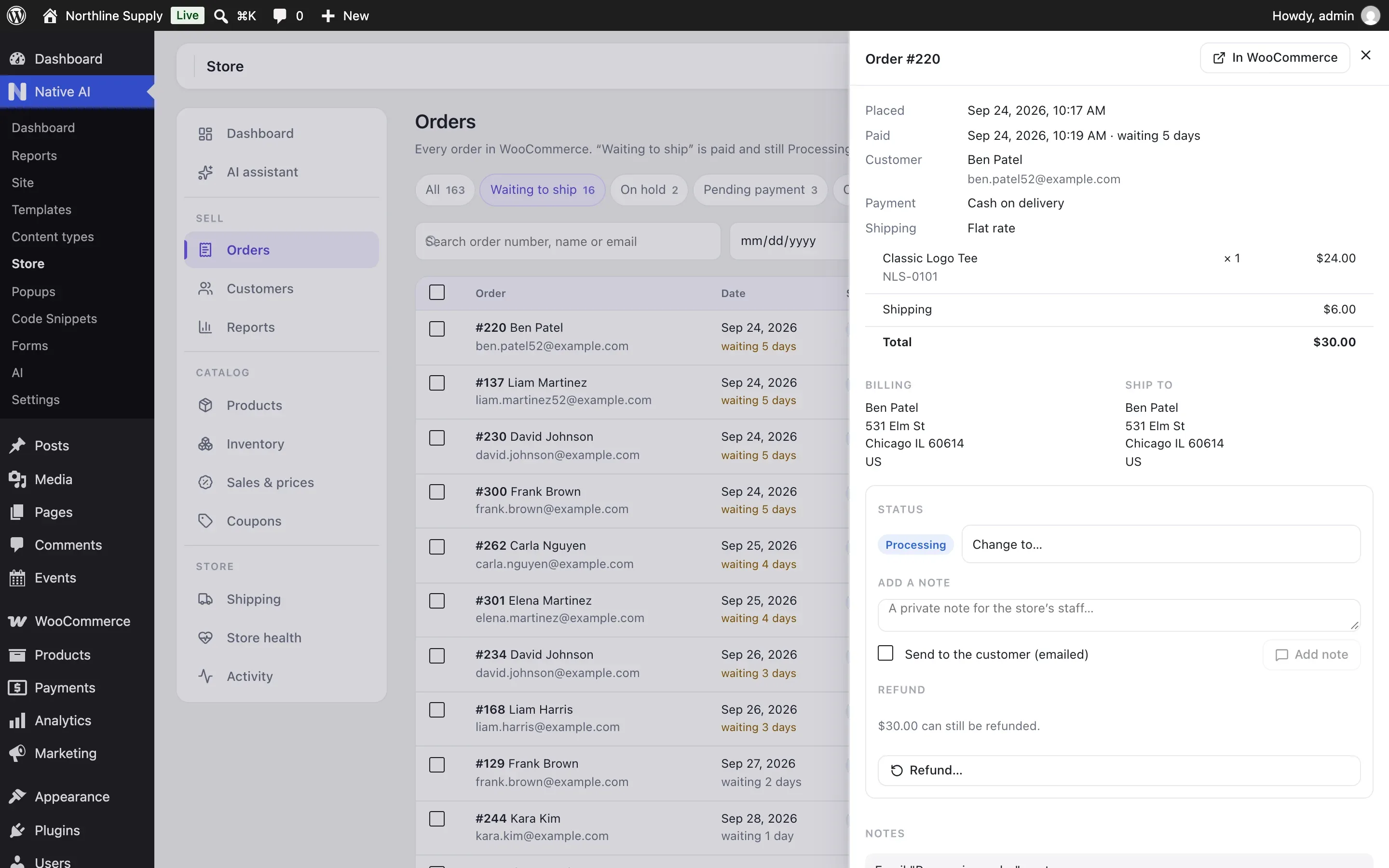
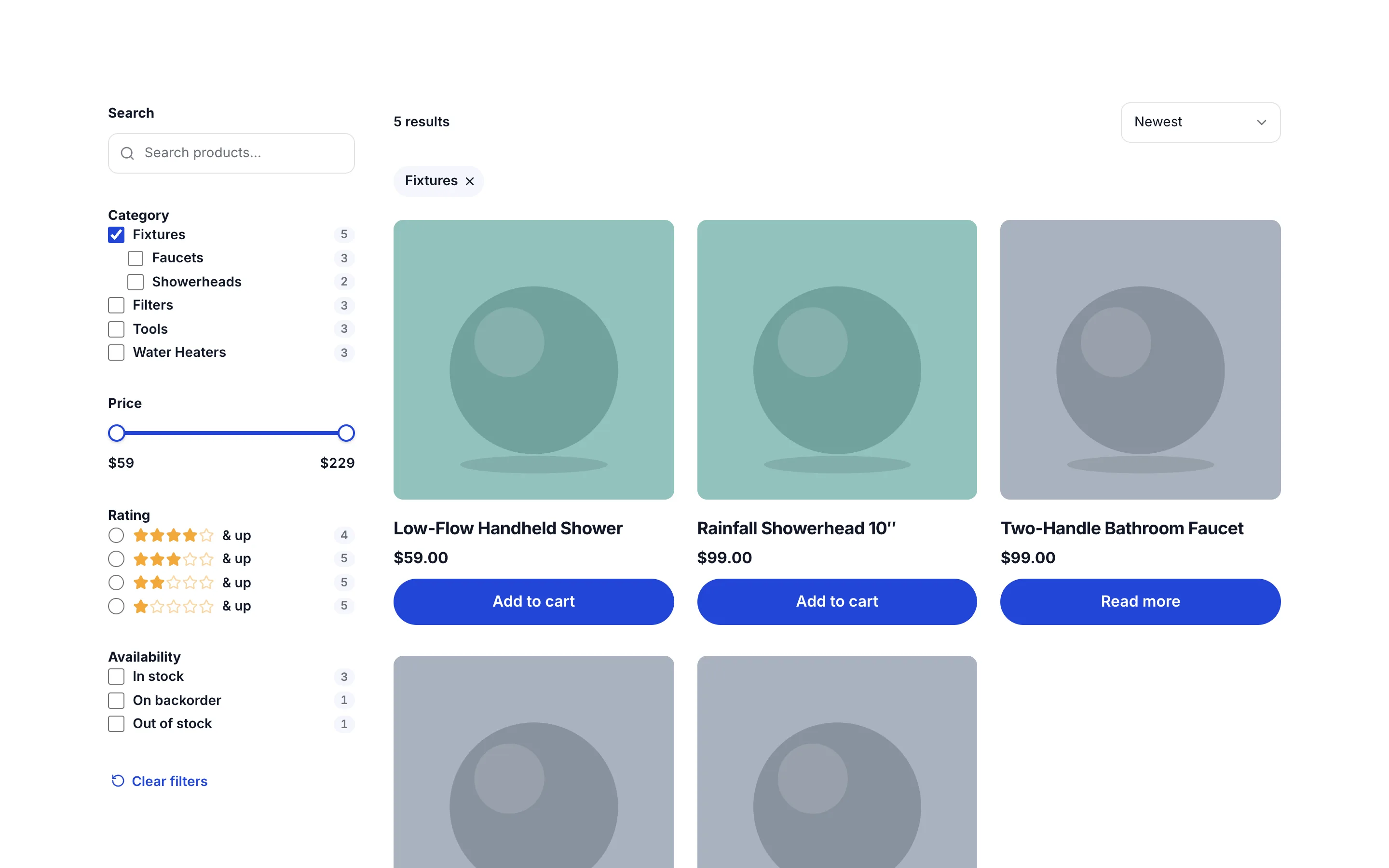
Your WooCommerce store, run with you. Shop pages with filters, built in.
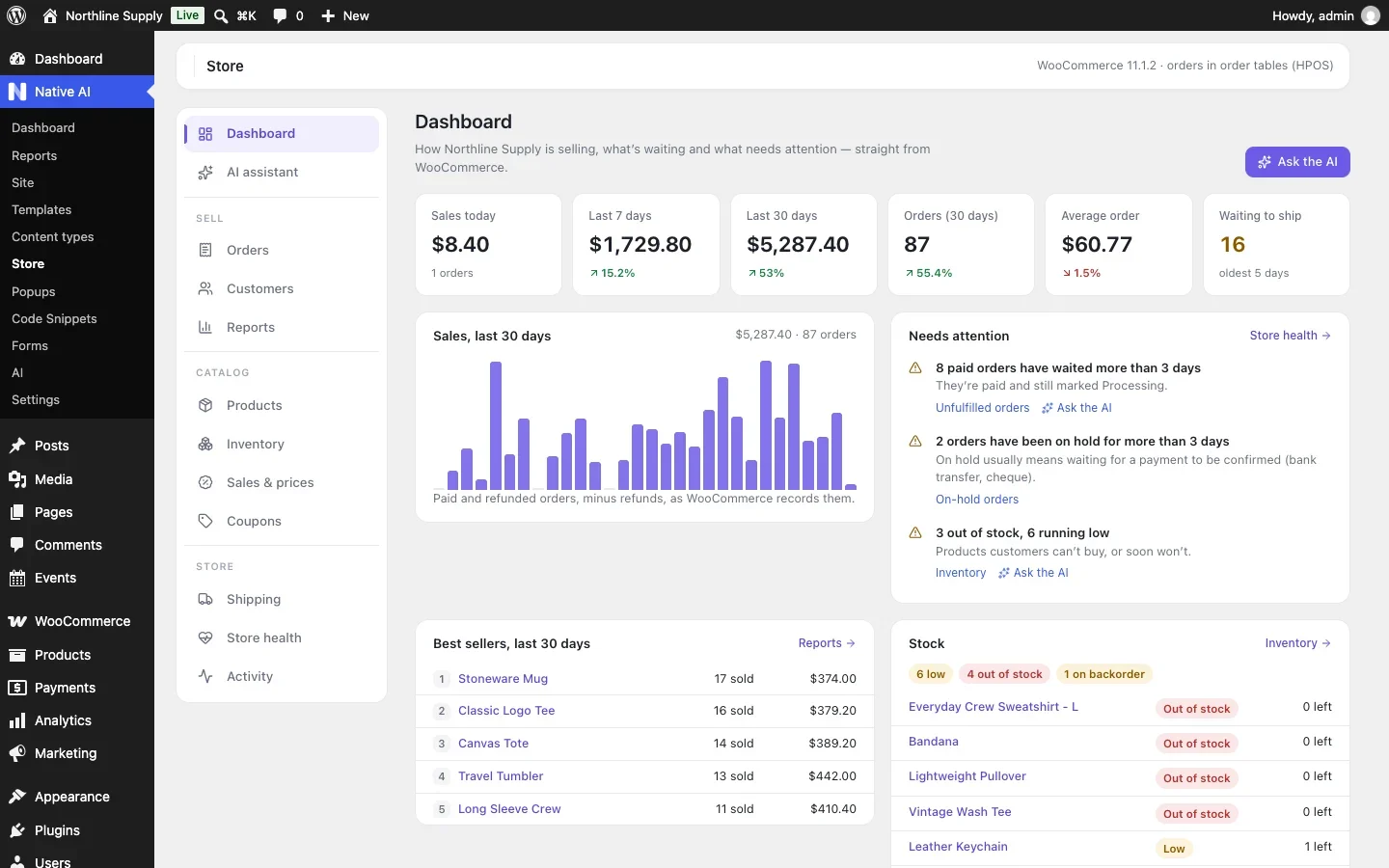
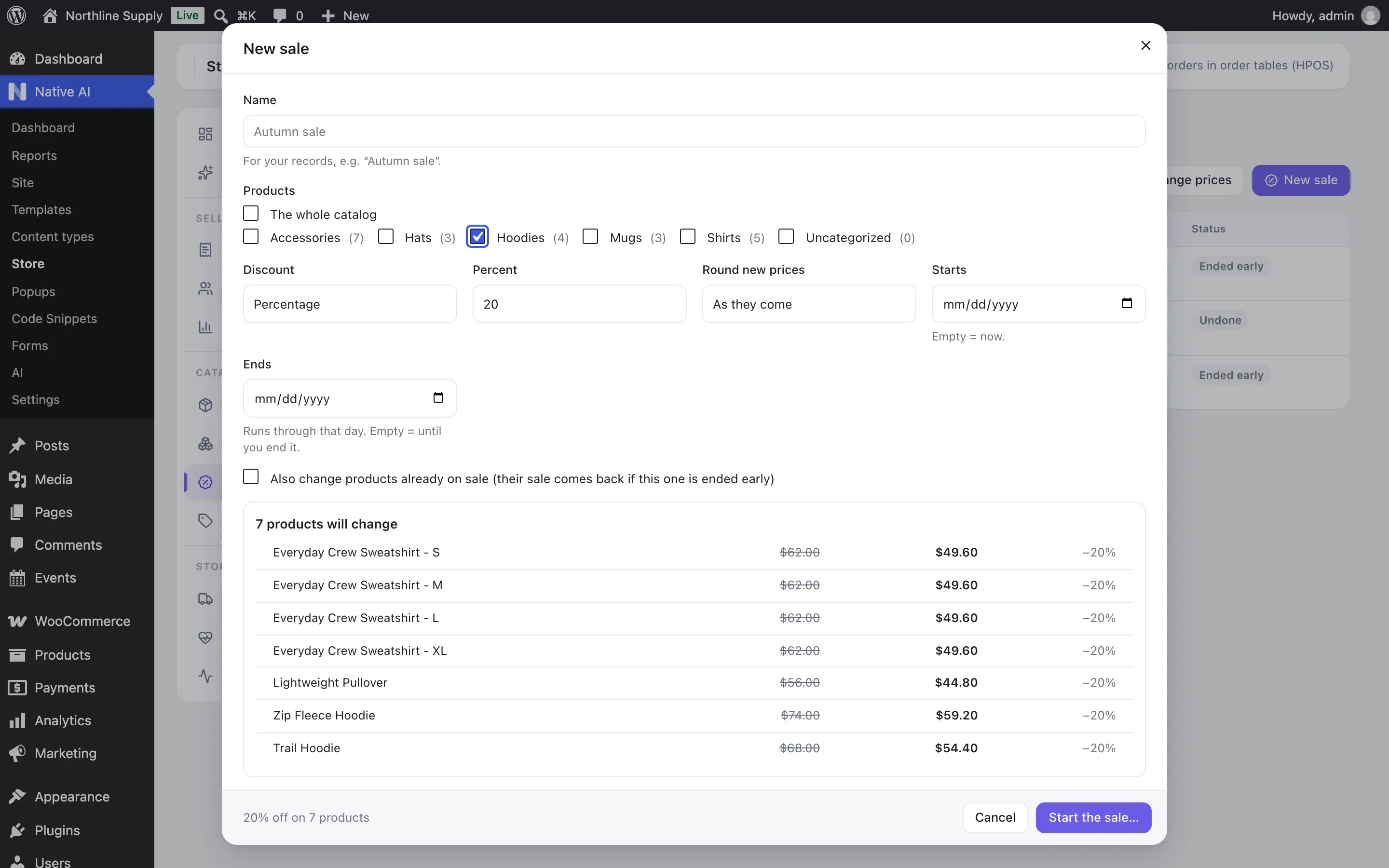
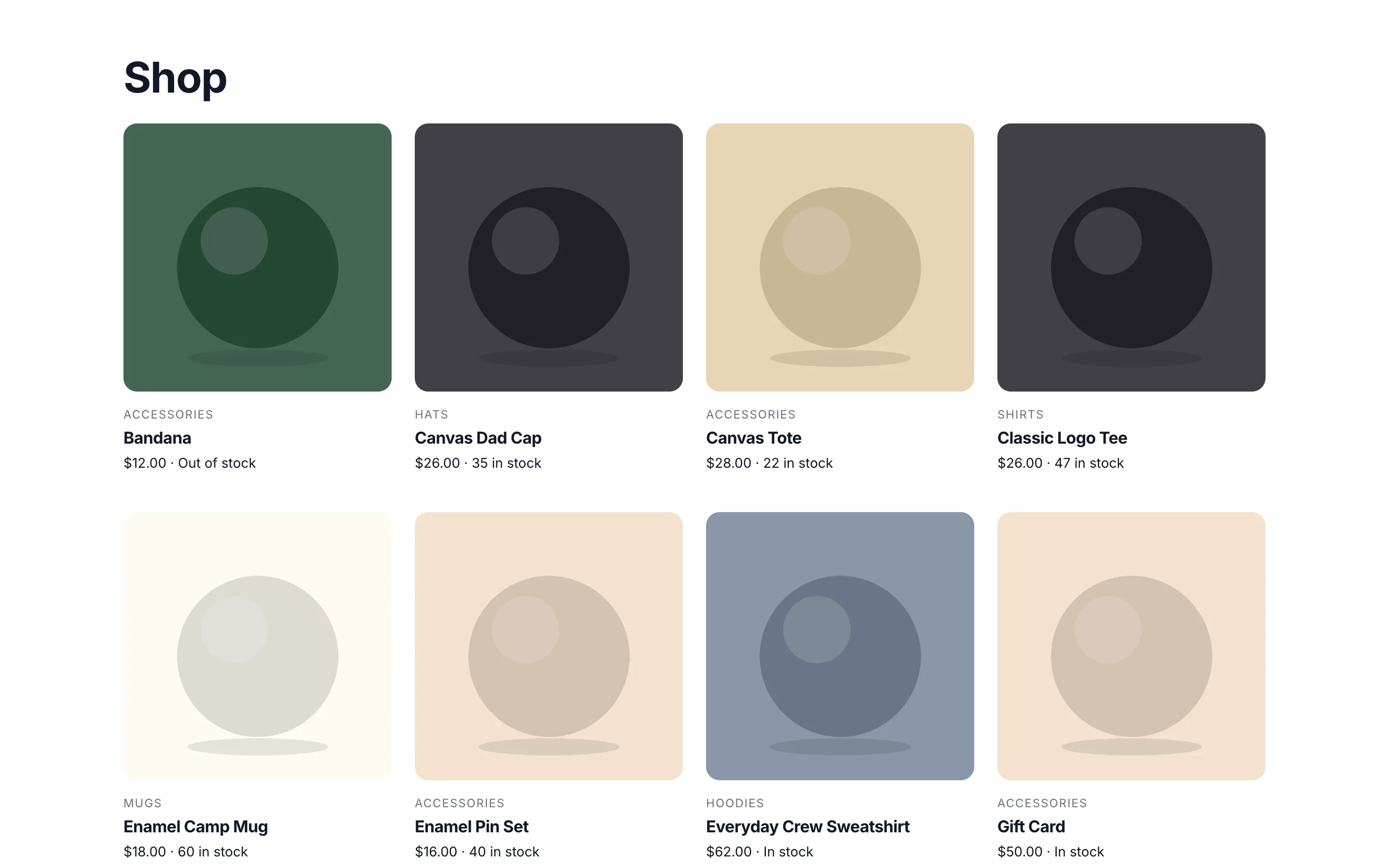
Sales, orders waiting to ship, stock running low and what stops customers from buying, on one screen. Sales, bulk prices, refunds and shipping show a preview and wait for your OK. Shop pages are Native WP AI designs, with filters shoppers narrow them by — live counts, no page reloads.
“Create a 15% sale for the Shirts category until Sunday.”
Shows every shirt’s old and new price and waits for your OK. The sale can be ended early or undone exactly.The WooCommerce AI plugin
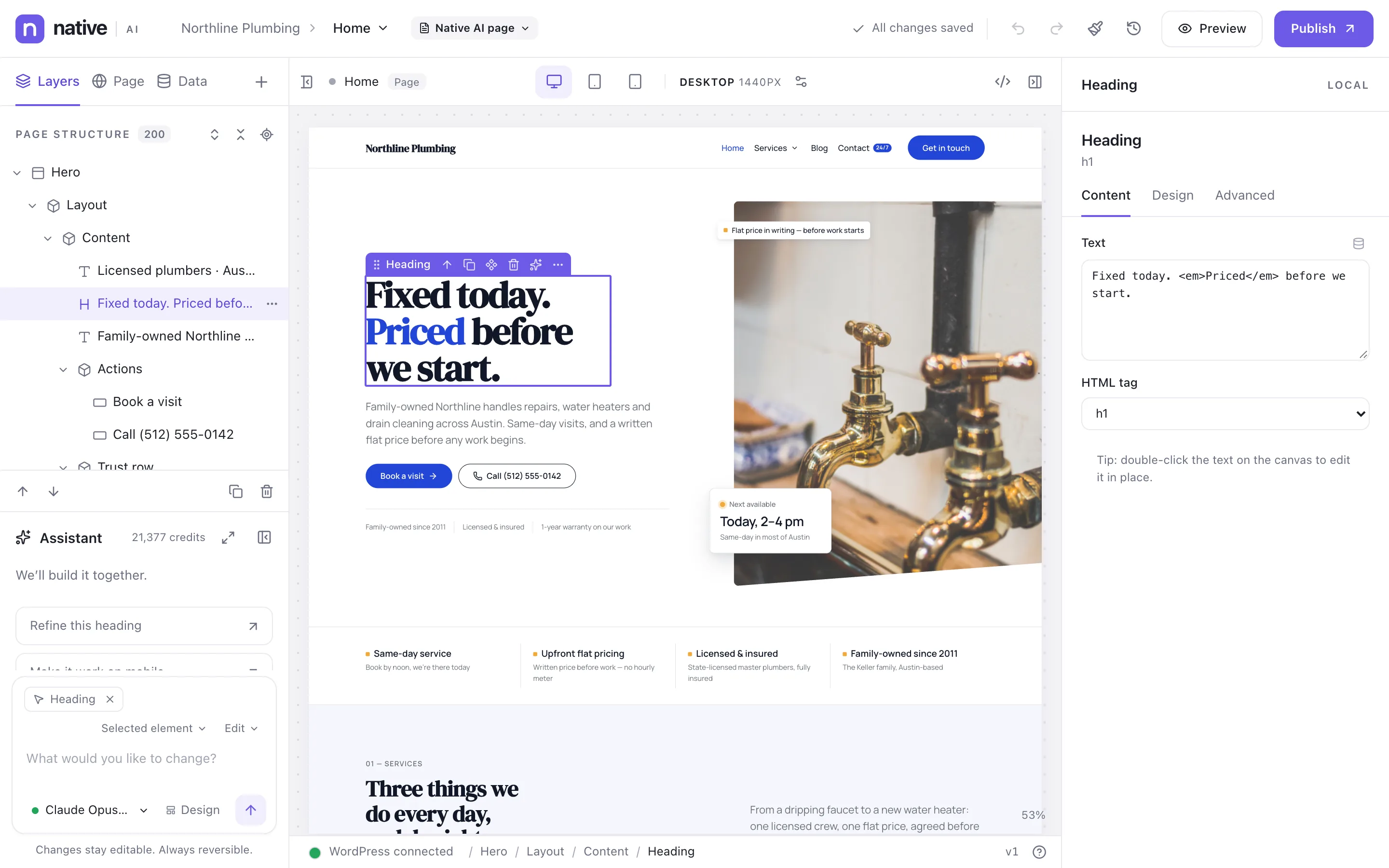
This homepage was designed by Native WP AI. Every piece of it is editable.
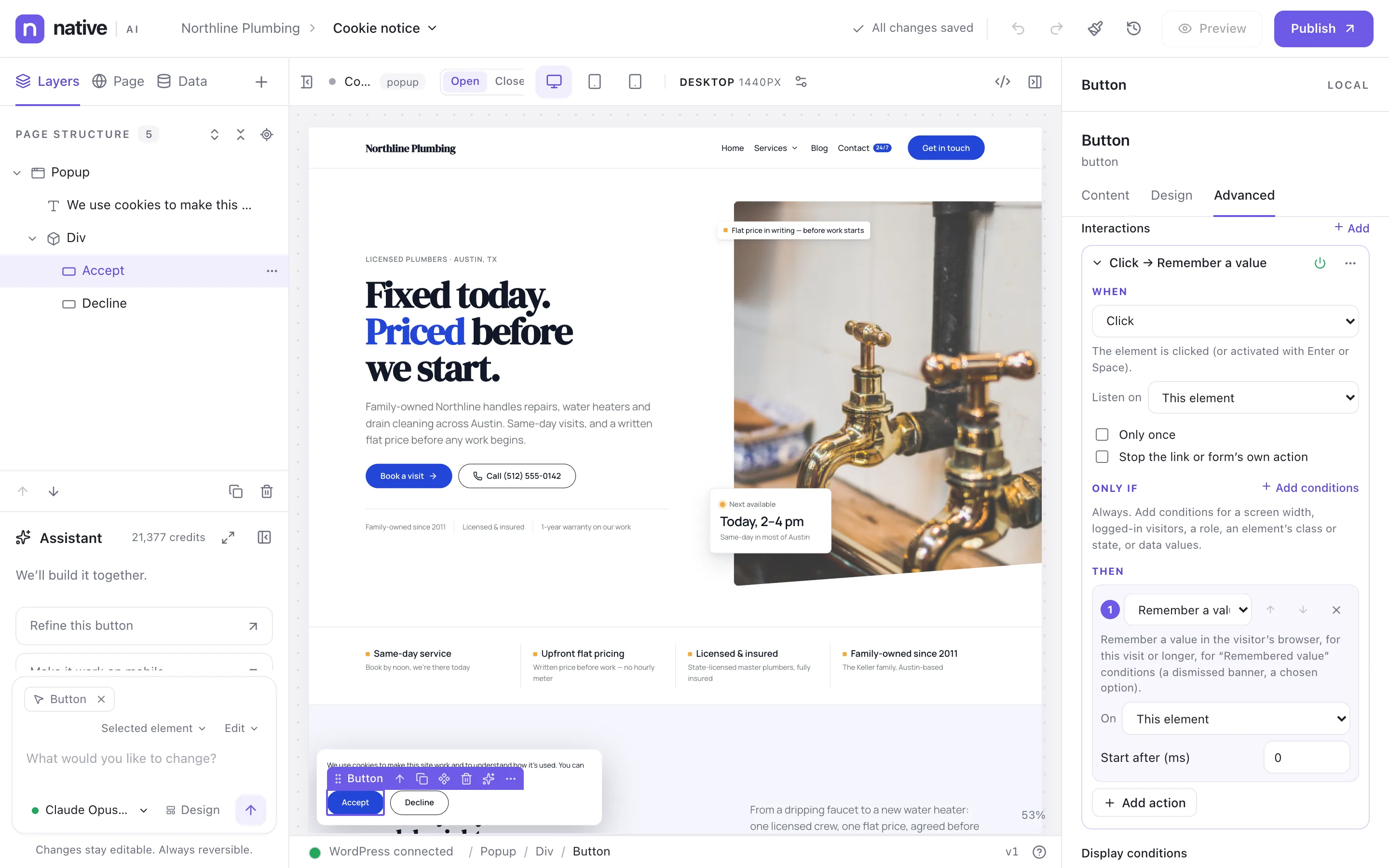
The Northline Plumbing homepage came from a one-paragraph brief to Native WP AI with Claude Opus 5.5: the layout, the fonts and colors, the section structure and the copy. Native WP AI built it with native elements and made its fonts and colors the site’s design system.
Northline Plumbing is a demo business. We swapped in public-domain photos; the rest is as the AI made it.
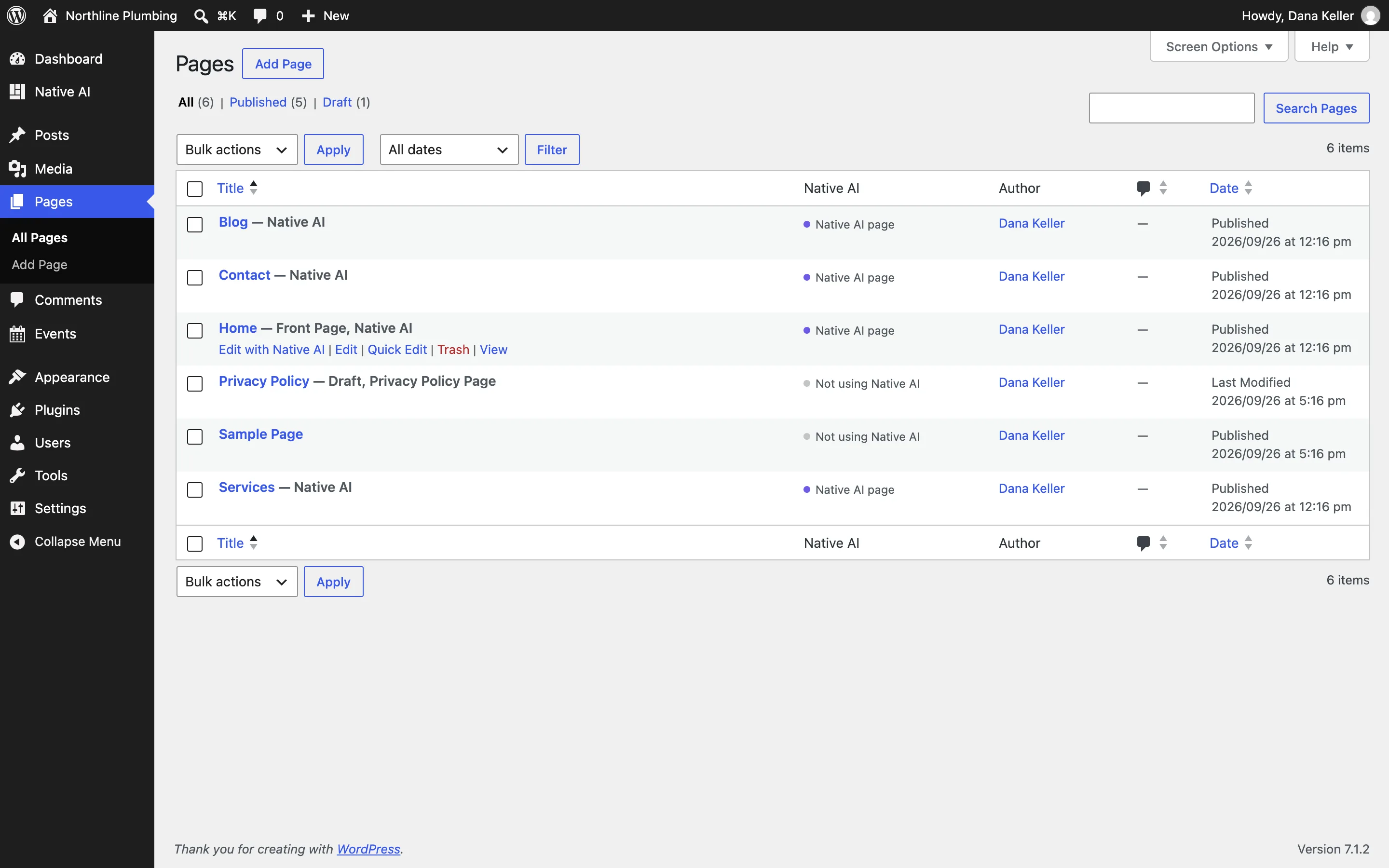
Native WP AI installs like any plugin. Pages, templates, submissions, analytics and reports live in your WordPress database, on your hosting. It uses WordPress’s users and roles, menus, Media Library, post types and custom fields — and updates from the Plugins screen.
The structure and text of what you’re editing, your design system, your AI settings and the files and links you give it. Never passwords, API keys, integration secrets or form submissions.
Undo, versions, restore points
Every change is a step you can undo. Publishing makes a version. Site-wide AI changes and regenerations take a restore point first.
Cookieless analytics
Visitors are counted with a daily-changing hash, never stored with an IP address, in your own database. Do Not Track and Global Privacy Control are respected.
Secrets stay secret
Keys for your CRM, email platform or APIs are encrypted in WordPress, never shown again and never sent to the AI.
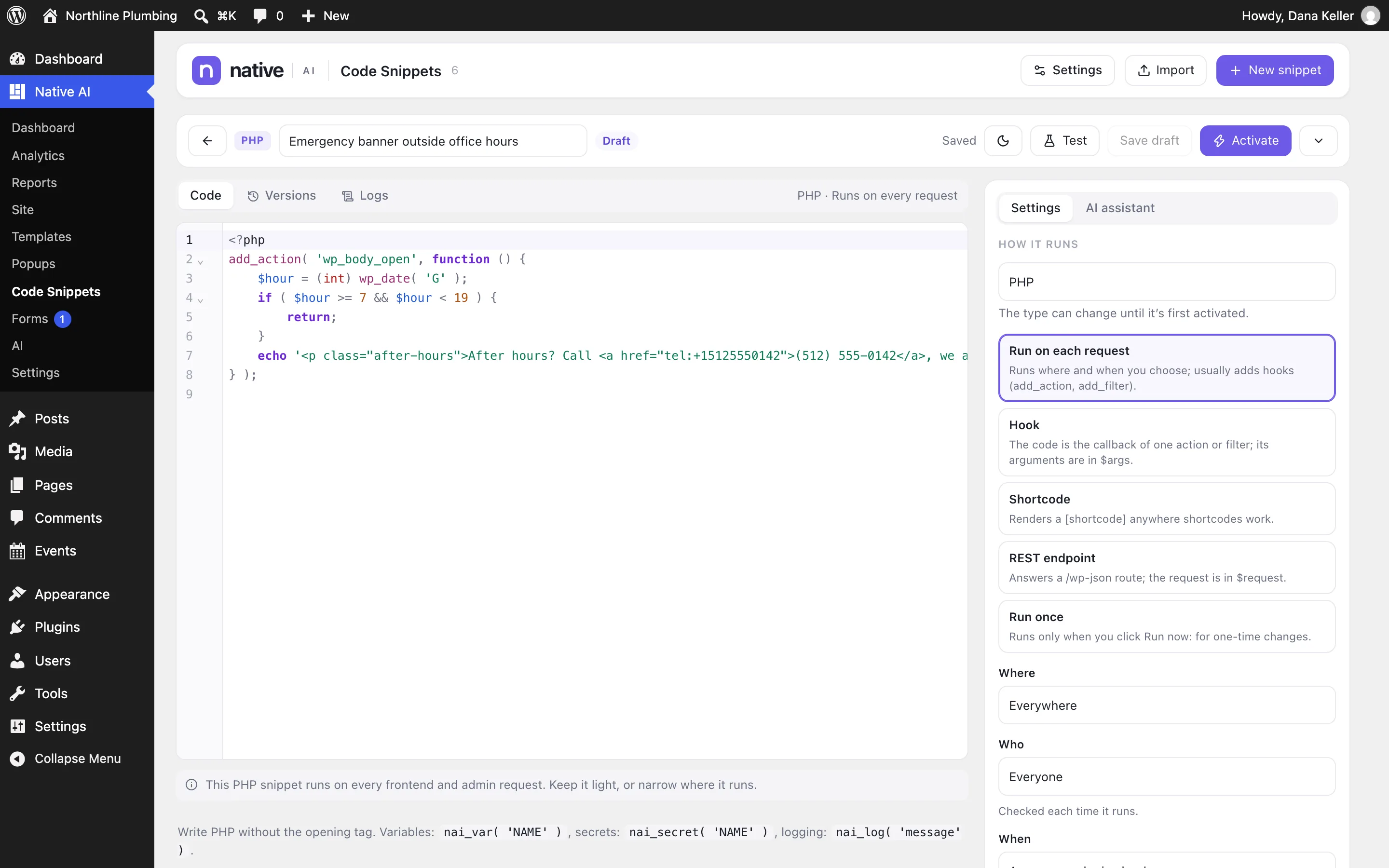
“Build a website for my plumbing business in Austin.”
Plans the pages and writes them in a look of their own, with a header, footer, templates and a design system you can edit.
Design and build
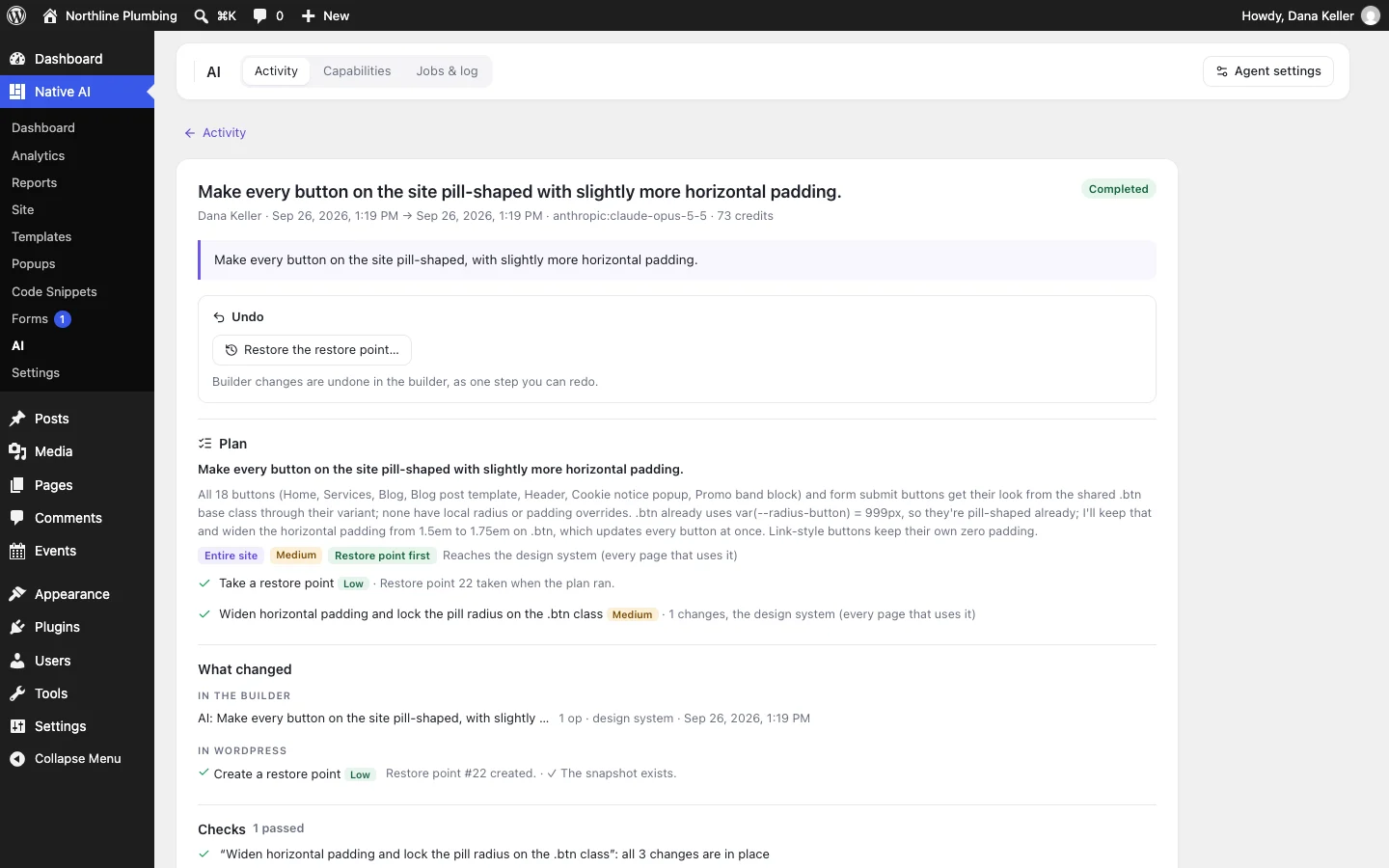
“Make every button on the site pill-shaped.”
Finds the shared class behind every button, shows you the plan, then changes it once.
Content and WordPress
“Write meta descriptions for every page that doesn’t have one.”
Writes them from each page’s own words in a background job, shows the credits first, and puts each one beside its page for you to approve.
Grow
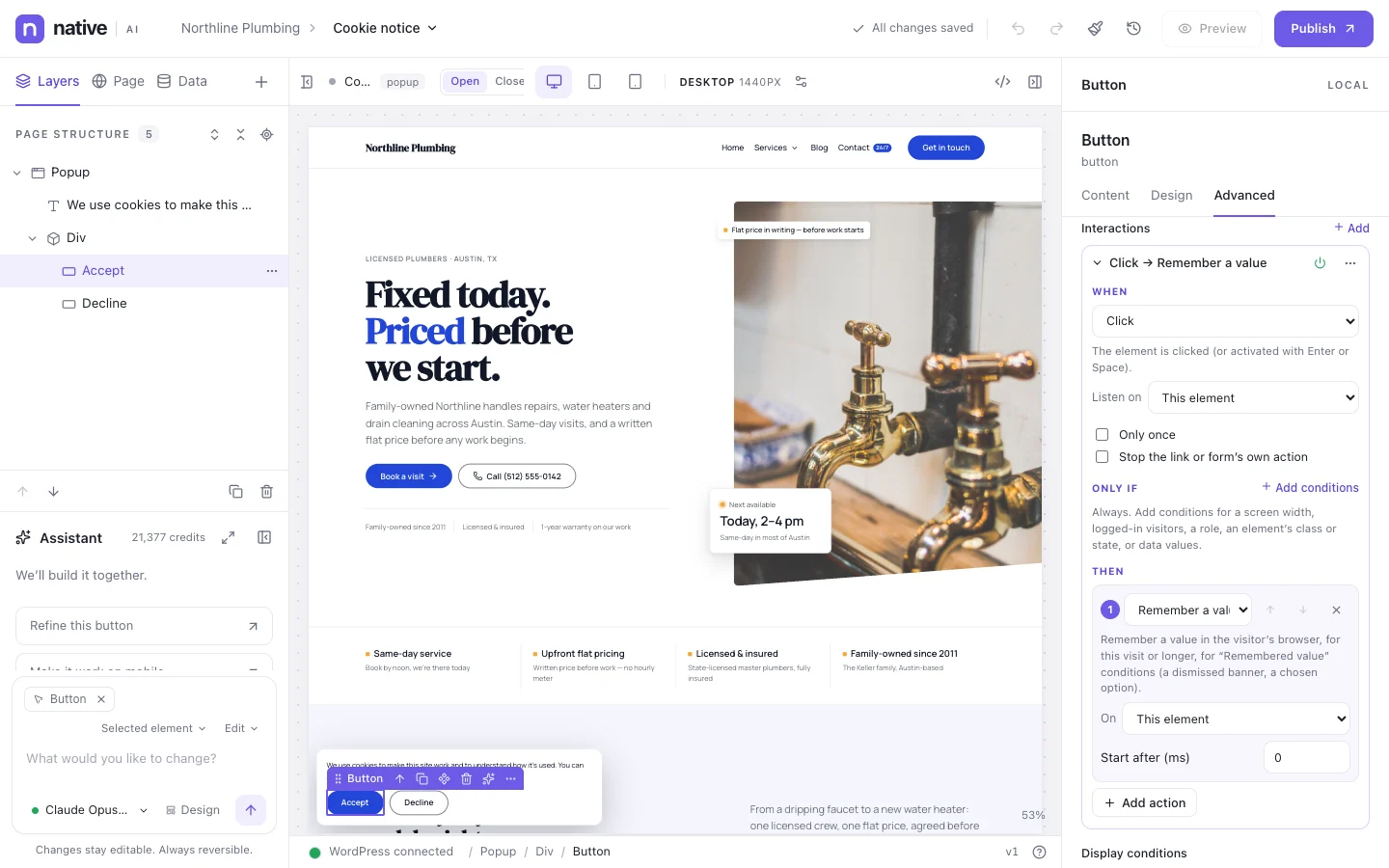
“Add an exit-intent popup offering a free consultation.”
A native popup with its trigger and how often it shows. It starts as a draft.
Grow
“Which pages lost visitors this month?”
Compares this month with last, page by page, and checks recent changes to those pages.
Sell
“Find unfulfilled orders.”
Lists the paid orders waiting to ship, oldest first.
Teach, protect and automate
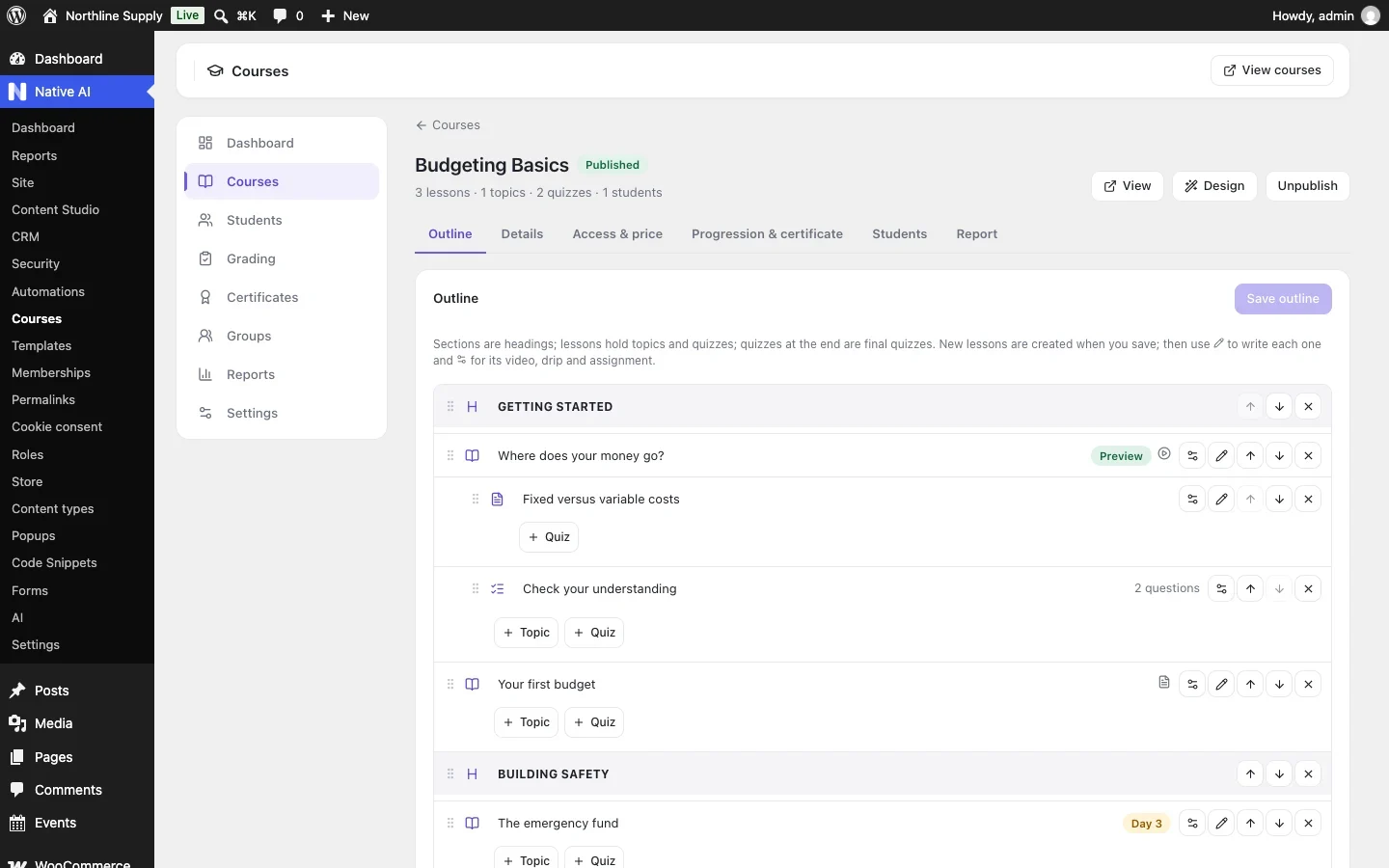
“Write a six-lesson course on home budgeting with a quiz after each lesson.”
Writes the outline, every lesson and the quizzes as drafts for you to review, and sets who can take it.
Teach, protect and automate
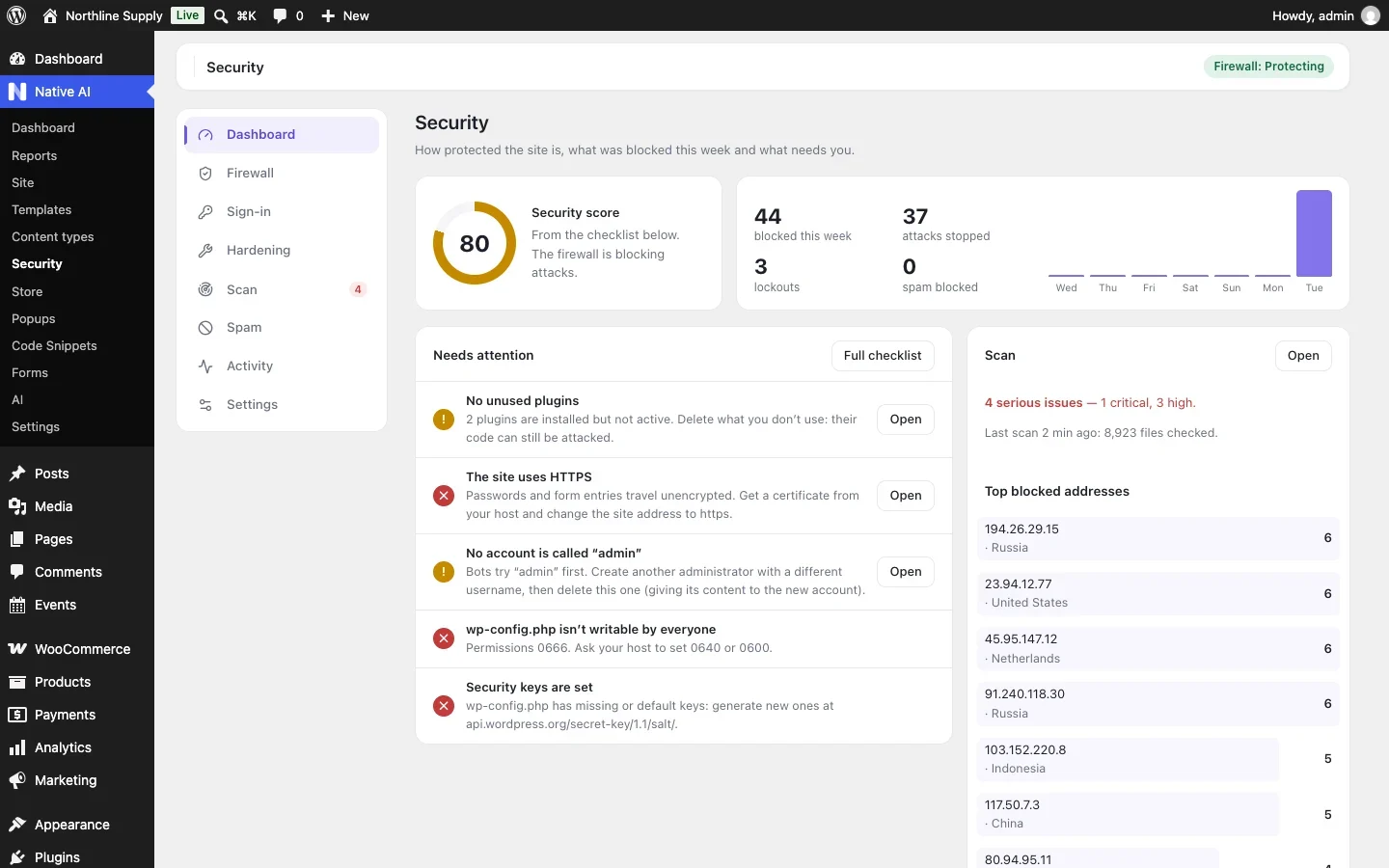
“Why was a customer locked out this morning?”
Reads the security log, finds the lockout and its address, and can unblock it for you.
Run
“Which plugins need updates?”
Lists the installed plugins and the ones with an update waiting.
Design and build
“Use the color scheme of this website: https://…”
Opens the site, reads the colors and fonts it uses most, and sets your design system from them.
Content and WordPress
“Create a Services post type with Price and Duration fields.”
Its own menu in WordPress and custom fields — in ACF when it’s active — ready for a template.
Content and WordPress
“Add the prices from this PDF to the Services page.”
Reads the attached price list and builds it into the page in your design.
Grow
“Count quote requests as a conversion.”
Adds a conversion goal for the form, so Analytics counts every request.
Sell
“Show me low-stock products.”
Reads stock from WooCommerce and lists what’s running low or out, with how many are left.
Sell
“Refund order 1042 and put the items back in stock.”
Prepares the refund with the amount and how it’s paid back, and waits for your confirmation.
Teach, protect and automate
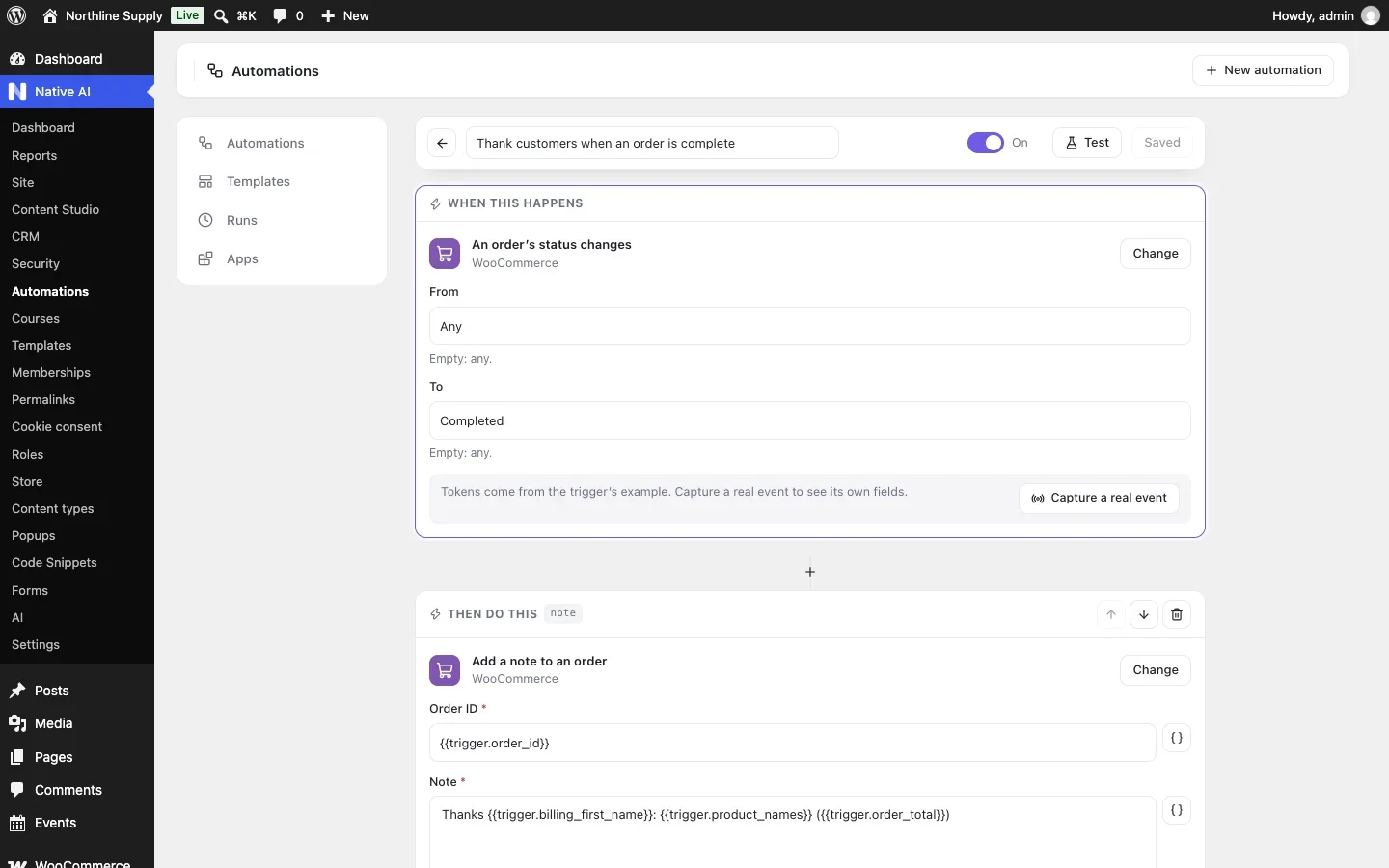
“When someone buys the course bundle, enroll them and tag them in the CRM.”
Builds the automation — the purchase, the enrollment, the CRM tag — as a draft, and asks before switching it on.
Run
“What happened on the site this week?”
Reads the activity record, updates, errors and health checks, and sums them up.
Run
“Add a snippet that turns off comments on pages.”
Writes and checks the code, and saves it as a draft that you switch on.
Two products
Build with our AI, or bring your own.
Native WP AI is a complete website builder with its own AI agent. Native Connect WP is a separate plugin that lets the AI app you already use — Claude, ChatGPT, Cursor — work on any WordPress site, whatever builder it uses. Every Native WP AI plan includes Native Connect WP Pro.
Native WP AI
The website builder with its own AI agent.
For a new site or a redesign: build it and run it in one plugin.
A complete visual builder, with forms, popups, SEO, a CRM, automations, courses and more
Its AI agent designs whole sites from a description and keeps working on them with you
A WordPress AI plugin: a website builder and an AI agent for your whole WordPress site. At its heart is a complete visual builder (elements, design system, templates, menus, dynamic data and filters), with forms, popups, SEO, a translator for other languages, an AI chatbot for your visitors, analytics, an AI blog writer, a CRM, automations, memberships, online courses, security, cookie consent, email delivery, reports and a WooCommerce Storekeeper alongside it — the jobs a site usually needs twenty-two plugins for. Working with it is an AI agent that uses all those parts: it builds whole sites, pages and sections from a description, makes changes across the site, and takes on WordPress work like custom post types, custom fields and plugins, asking before anything risky.
Can AI build a whole WordPress website?
Yes. Describe the business in a few sentences and Native WP AI designs the website — its own fonts, colors, layout and photos — and builds it in your WordPress: the design system, header and footer, every page, the navigation and the forms. It's made of the same builder elements you edit by hand, not pasted HTML, so you change anything afterwards yourself or by asking the AI. Phone numbers, addresses, prices and hours you give are used exactly.
Which plugins does it replace?
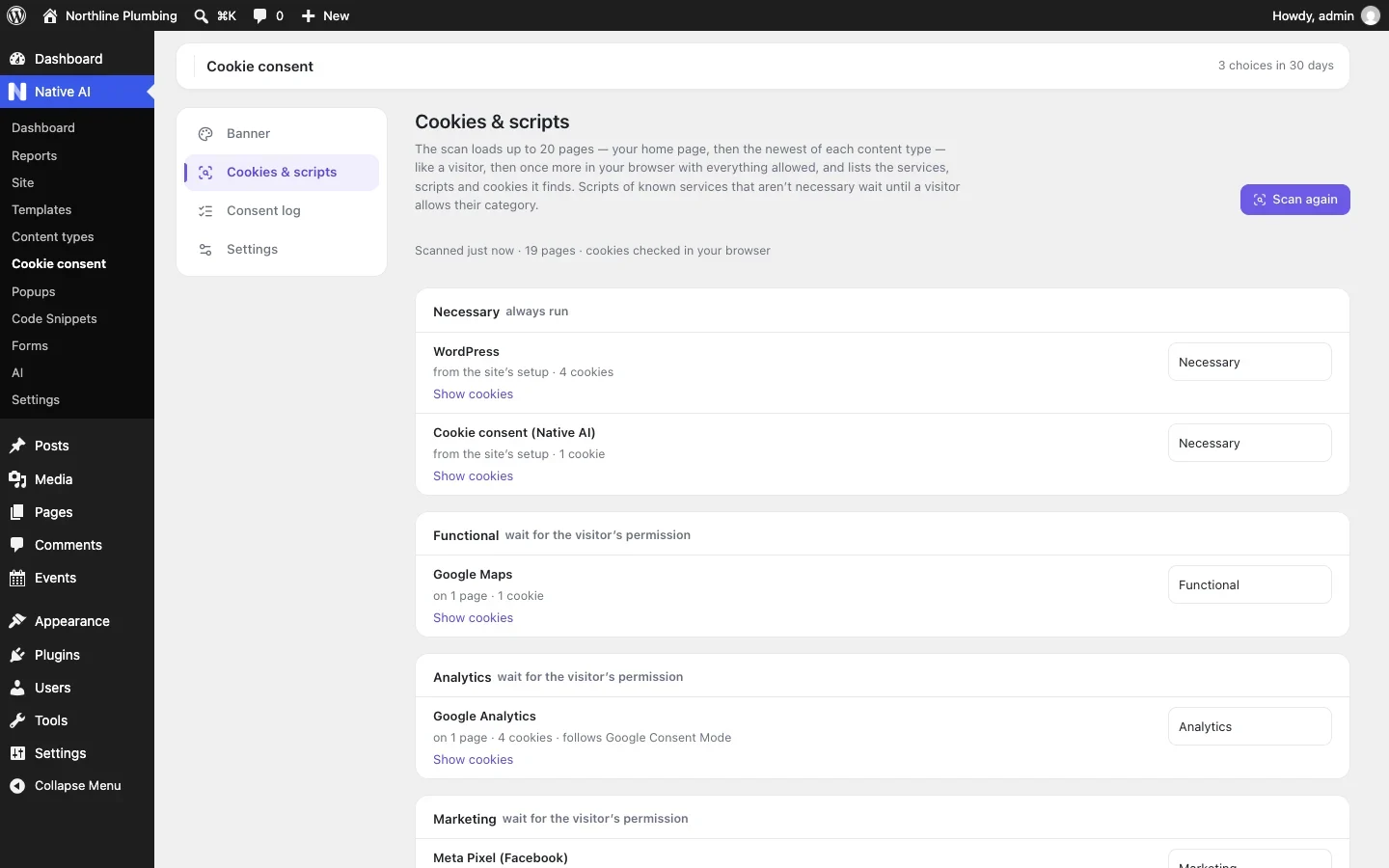
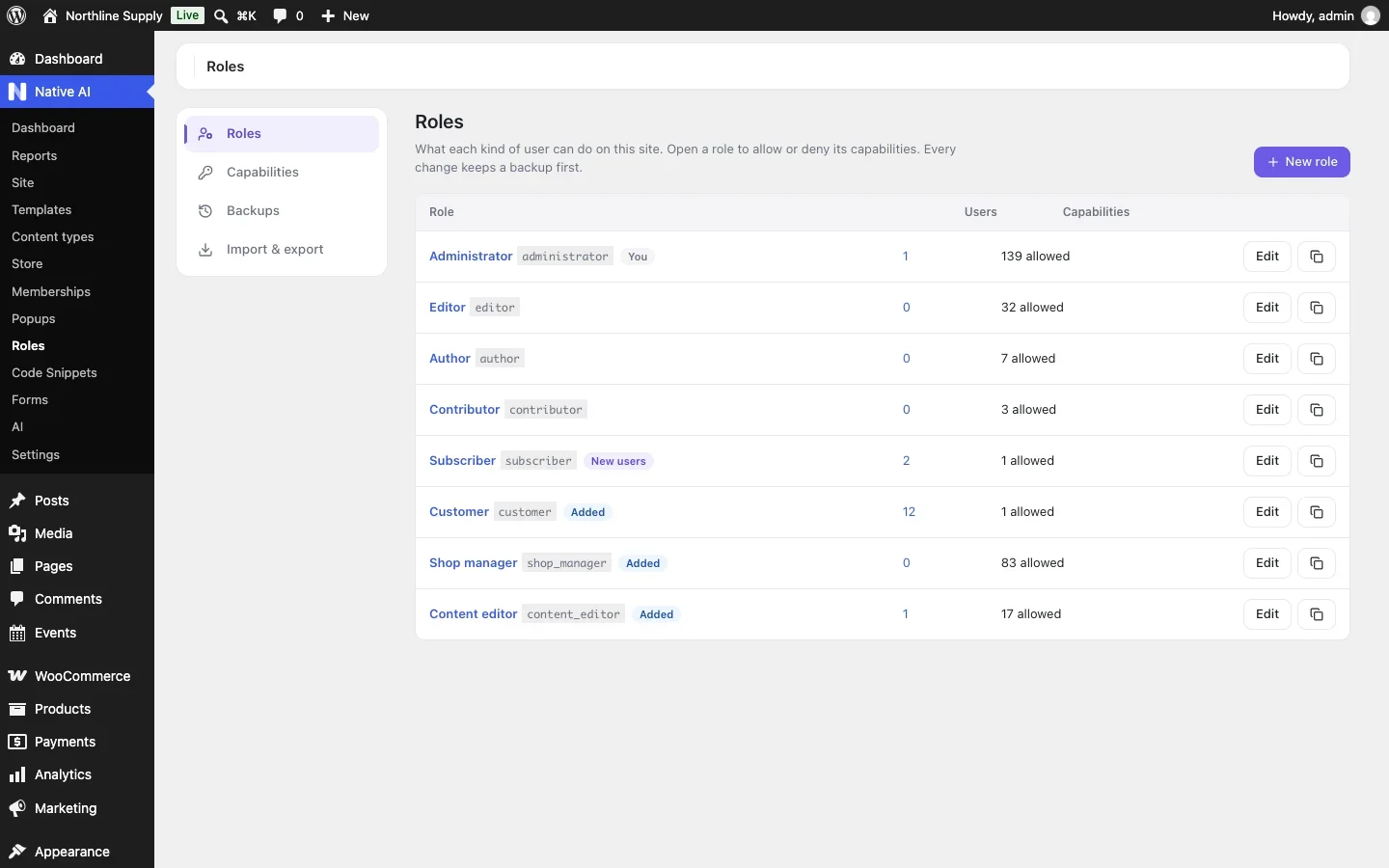
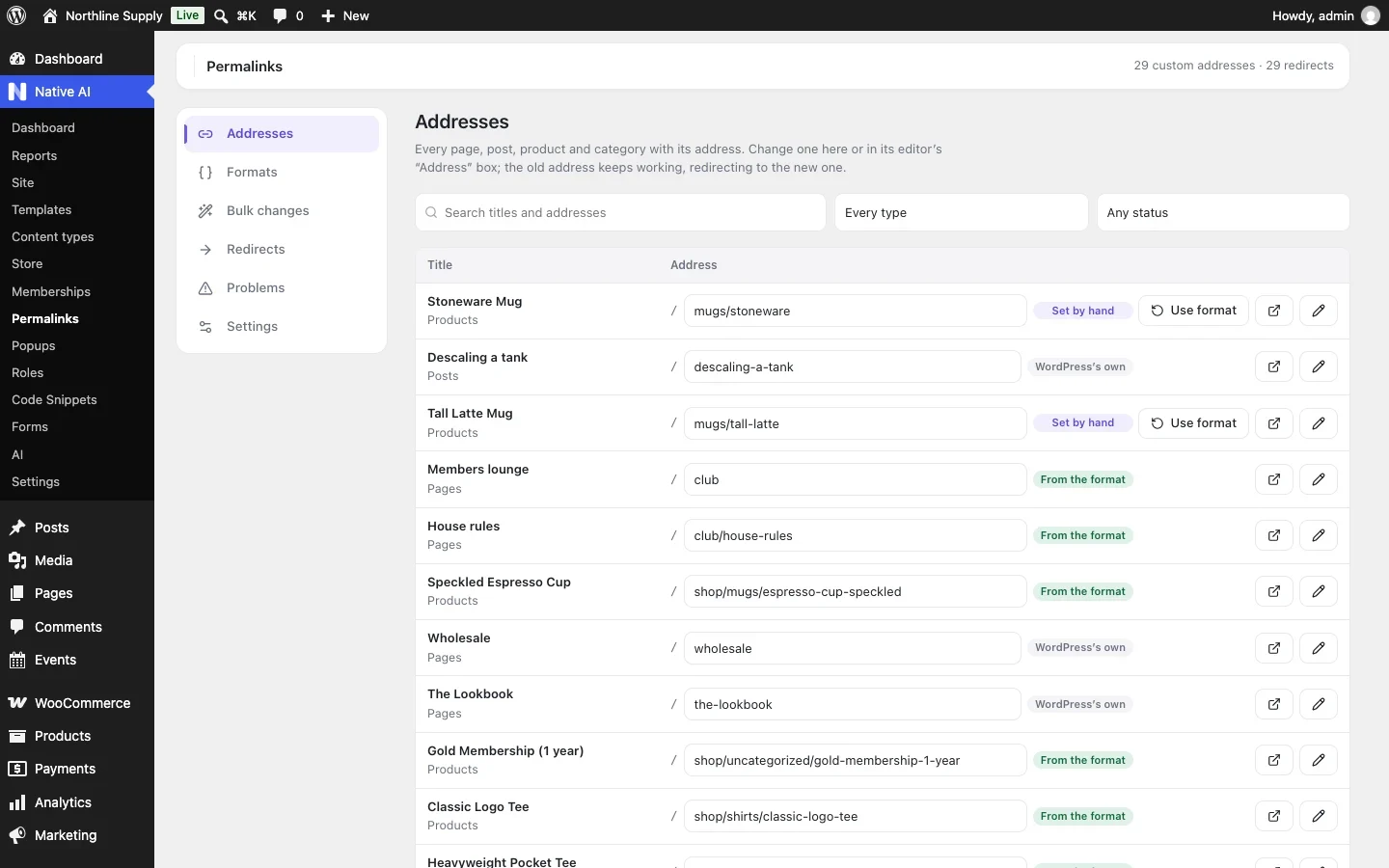
Twenty-two kinds: your page builder, forms, popups, SEO, a translation plugin like Weglot, an AI chatbot like Tidio or Chatbase, an editorial calendar, analytics, a cookie consent banner, filters for shops and listings, a permalink manager, a WooCommerce store dashboard, a CRM, code snippets, mega menus, a membership plugin, SMTP email delivery, reports, a role editor, an LMS like LearnDash, a security plugin like Wordfence and an automation plugin like Uncanny Automator. They share one design system, one set of permissions and one activity log, so the agent works across all of them. The rest of your WordPress stays as it is: WooCommerce itself, custom fields (ACF), caching and backups keep working alongside Native WP AI. Each feature beyond the builder can be switched on or off in Settings → Features.
How is it different from other AI website builders?
Most AI builders generate a site once and leave you with something you can only regenerate or edit as raw HTML, and many are hosted platforms your site has to live on. Native WP AI is a plugin for the WordPress you already have, and its AI builds with structured elements in a design system, so every piece it makes is editable in the builder — and it stays on the job: you can keep asking it for changes on the same site, at any scope, and for work beyond the pages, with undo.
Where is my site’s data?
In your WordPress: your database and uploads folder, on your hosting. The Native WP AI service handles AI requests, licenses and plugin updates; it doesn’t host your site.
What does it cost?
Pro is $99 a month for 3 websites and 3,000 AI credits every month; Agency is $249 a month for unlimited websites and 10,000 AI credits. Every feature is in every plan. Start free: a new account gets a 14-day trial license for one website and AI credits, no card needed.
Start free: a license for one website and AI credits to build with, no card needed. Describe your business and watch Native WP AI design your home page.
Cookies We use cookies to see how this site is used and to measure our ads. Choose what you allow; you can change it any time with Cookie settings at the foot of each page. What they collect