FeaturesRunAutomations
Automate the work between your plugins
A form is sent, an order is paid, a student finishes a course, someone joins a membership, a security scan finds a problem, a webhook arrives or it’s Monday at 9: start an automation that emails people, tags CRM contacts, makes coupons, enrolls students, posts to Slack, adds a row to Google Sheets, asks the AI to sort or write something — and more, with conditions, delays and a log of every run. It works with Native WP AI’s own features, WordPress, WooCommerce and the popular LMS, membership, CRM, form, community and gamification plugins.
- 150+ triggers and 110+ actions across 60 apps
- Conditions, delays, tokens and test runs
- Templates — and the AI builds automations for you
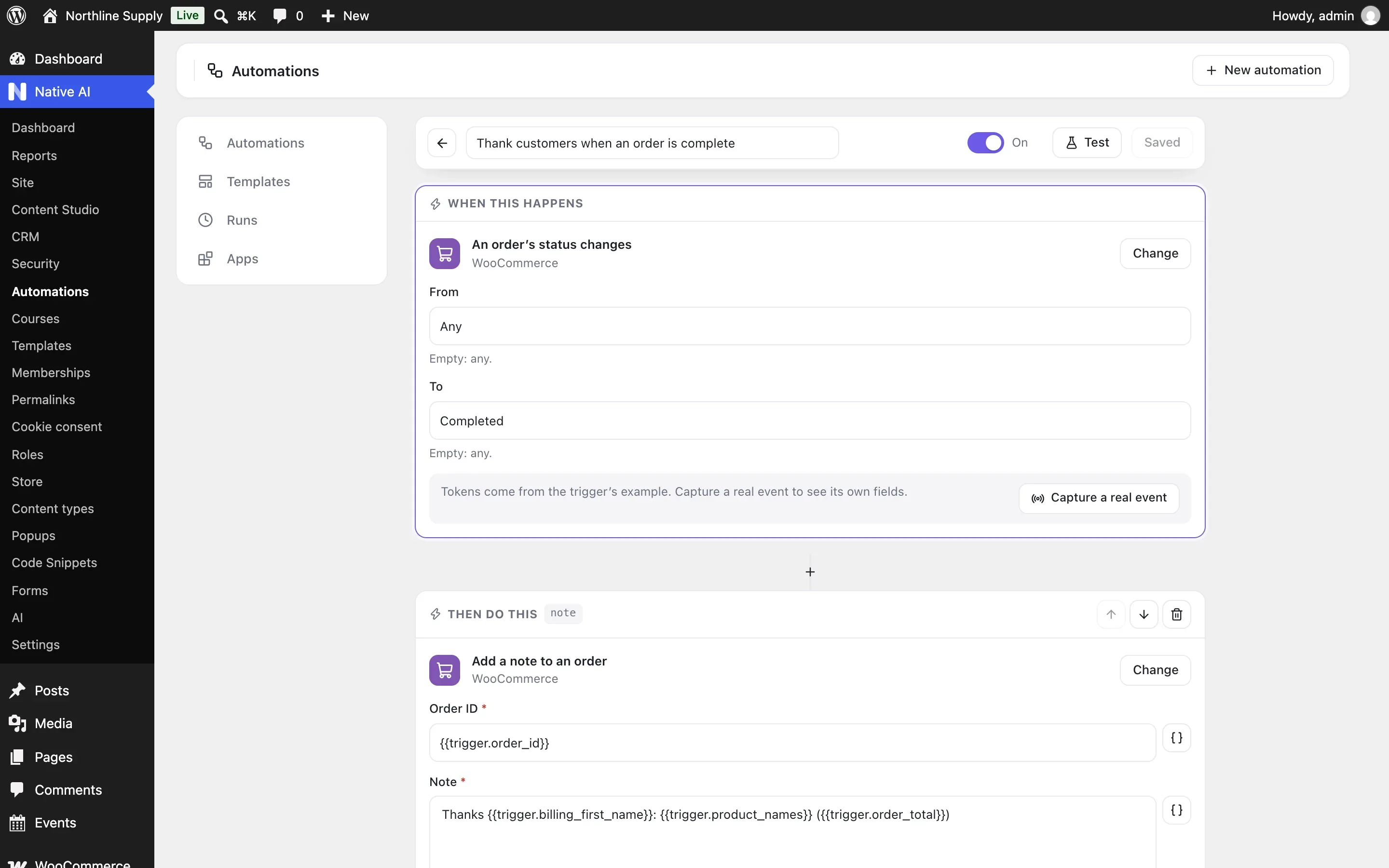
When this happens, do that
Choose what starts the automation, then add its steps in order: actions, “only continue if” conditions, and waits — for a few minutes, days or weeks, or until a date. Every field takes tokens from the event and from earlier steps, like the order total, the student’s first name or the coupon the step before made, with a fallback when one is empty.
Narrow a trigger with its choices (this product, that course, these form fields), run it every time or only once per person, and let a step keep going when an app is down.
- Actions, conditions and delays in any order
- Tokens from the event and earlier steps, with fallbacks
- Once per person, once ever, or every time
Your plugins, connected
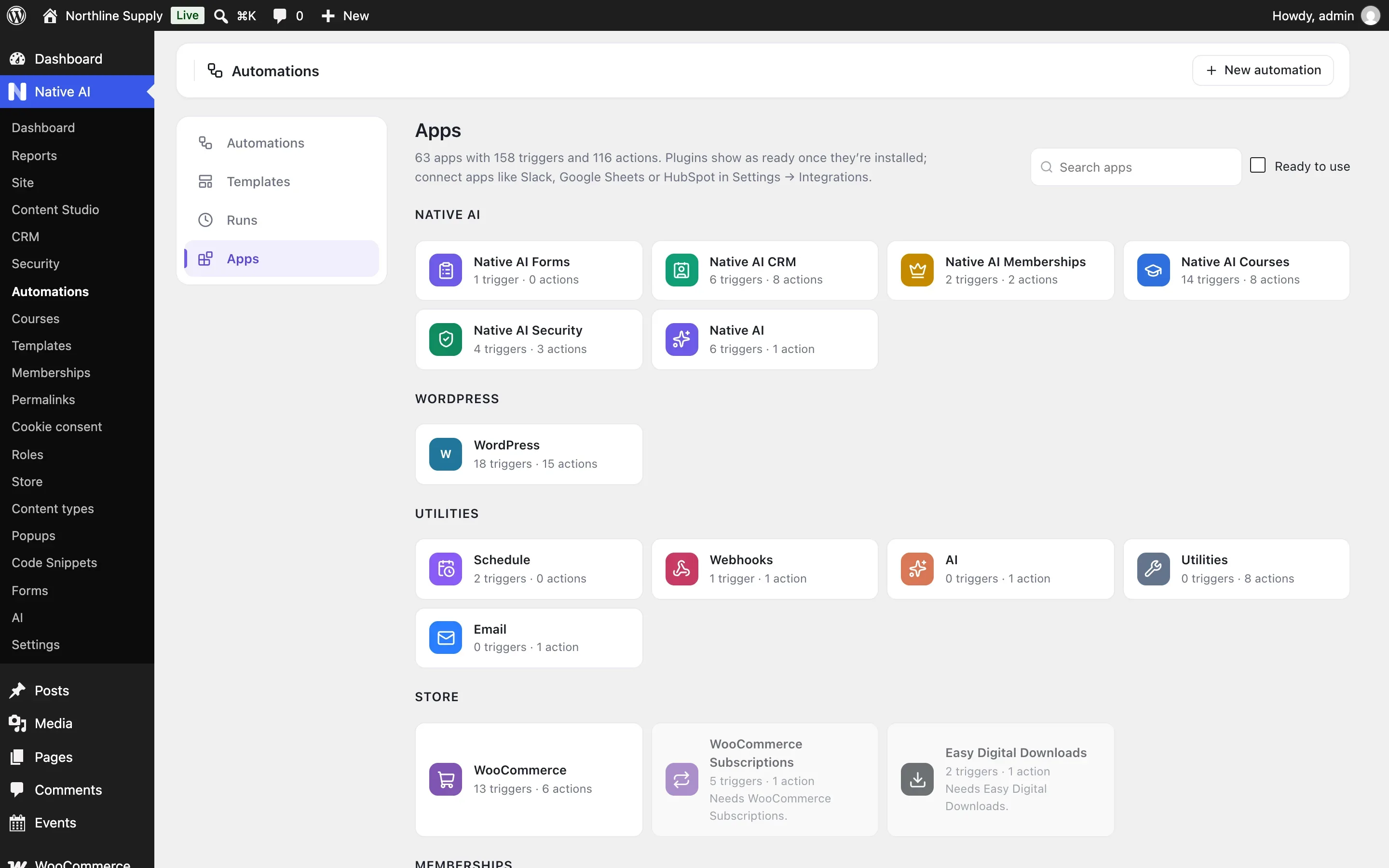
Native WP AI’s forms, CRM, memberships, courses, security, analytics goals, popups and AI writer; WordPress users, posts, comments and roles; WooCommerce orders, products, customers, coupons, reviews and stock, with Subscriptions and Memberships; LearnDash, LifterLMS, Tutor LMS, LearnPress, Sensei and MasterStudy; MemberPress, Paid Memberships Pro and Restrict Content Pro; FluentCRM and MailPoet; BuddyPress, bbPress, Ultimate Member, GamiPress, myCred, AffiliateWP, The Events Calendar, GiveWP and WP Job Manager; and Gravity Forms, WPForms, Contact Form 7, Ninja Forms, Formidable, Fluent Forms, Elementor forms and Forminator.
Apps connected in Settings → Integrations — Slack, Discord, Google Sheets, Airtable, Notion, Mailchimp, Brevo, Klaviyo, ConvertKit, ActiveCampaign, HubSpot, Salesforce, Pipedrive, Twilio, Stripe and more — are actions too, with their keys kept encrypted on your site.
- Each plugin is ready the moment it’s installed
- Connected apps keep their keys on your site
- Webhooks in and out connect everything else
The AI as a step — and as the builder
Add an “Ask the AI” step to sort a form message, summarise an order, translate, or draft a reply, and use its answer — or the fields you asked for, like category and priority — in the next steps. In the builder’s chat, describe an automation and the agent builds it as a draft for you to switch on.
- Answers as text or as named fields
- The agent builds, tests and explains automations
- Switching on and testing always ask you first
Know what ran
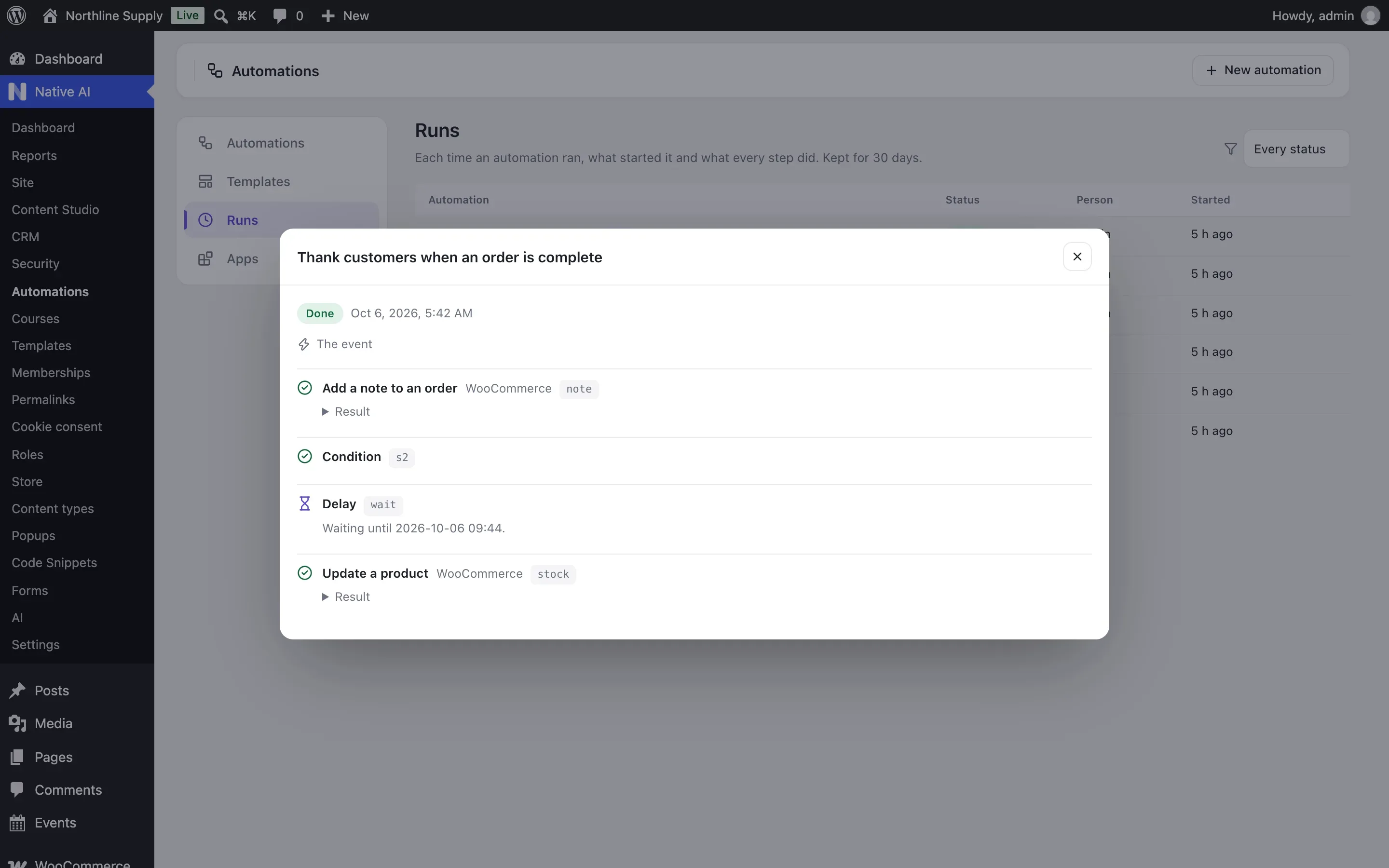
Every run is logged with the event that started it and what each step did, with its result or the reason it failed; waits show when they’ll continue, and you can stop them. Test an automation with a sample event, or capture a real one from your site to see its exact fields. Failures send a notification.
- A log of every run and step
- Tests with sample or captured events
- Notifications when something fails
AutomationsEverything included
Everything in automations
Building
- Triggers with choices; actions, conditions and delays
- Tokens with fallbacks from the event, earlier steps, the person, the site and the date
- Once per person, once ever, or every time
- 17 templates to start from
Starts
- Native WP AI features, WordPress, WooCommerce and 30+ plugins
- Schedules: every few minutes, hourly, daily, weekly, monthly or at a date
- Webhooks with their own secret address
- Capture a real event to see its fields
Does
- Email, users, roles, posts, comments, terms and fields
- Coupons, orders, notes, refunds and products
- Enroll, complete, certificates, memberships, CRM tags and lists, points, groups
- Slack, Google Sheets, HubSpot and other connected apps; webhooks; the AI; text, math, dates and lookups
Safety
- Automations never give administrator-like roles or change capabilities
- Secrets are kept on the server, never shown to the AI
- Chains are stopped after three levels
- A log of every run, kept 30 days
Questions about automations
Do I still need Uncanny Automator or SureTriggers?
No. Turn on Automations in Native WP AI → Settings → Features; the triggers and actions of the plugins you have show up on their own.
Is there a limit on runs or tasks?
No. Automations run on your own site, so there’s no task count. Only the “Ask the AI” step uses AI credits.
Do visitors wait while an automation runs?
No. Runs start after the page is sent, and delays continue in the background.
Can the AI build automations?
Yes. Describe what you want in the builder’s chat; the agent builds it as a draft, and asks before switching it on or testing it.
AutomationsKnowledge base
How to use it
Step-by-step articles, settings and answers in the knowledge base.
- Build an automationAutomations is an optional feature for “when this happens, do that”: choose what starts it — a form, an order, a course, a membership, a sign-in, a schedule, a webhook — then add actions, conditions and delays, test it and switch it on.
- Apps, triggers and actionsWhat automations can start from and do: Native WP AI’s own features, WordPress, WooCommerce and its add-ons, the popular LMS, membership, CRM, form, community and gamification plugins, connected apps like Slack and Google Sheets, webhooks, schedules, email, the AI and utilities.
- Runs, testing and troubleshootingEvery time an automation runs it’s logged with the event that started it and what each step did. Test with sample or captured events, stop waiting runs, and find out why something didn’t happen.
Works well with
“Build a website for my plumbing business in Austin.”
Plans the pages and writes them in a look of their own, with a header, footer, templates and a design system you can edit.
“Make every button on the site pill-shaped.”
Finds the shared class behind every button, shows you the plan, then changes it once.
“Write meta descriptions for every page that doesn’t have one.”
Writes them from each page’s own words in a background job, shows the credits first, and puts each one beside its page for you to approve.
“Add an exit-intent popup offering a free consultation.”
A native popup with its trigger and how often it shows. It starts as a draft.
“Which pages lost visitors this month?”
Compares this month with last, page by page, and checks recent changes to those pages.
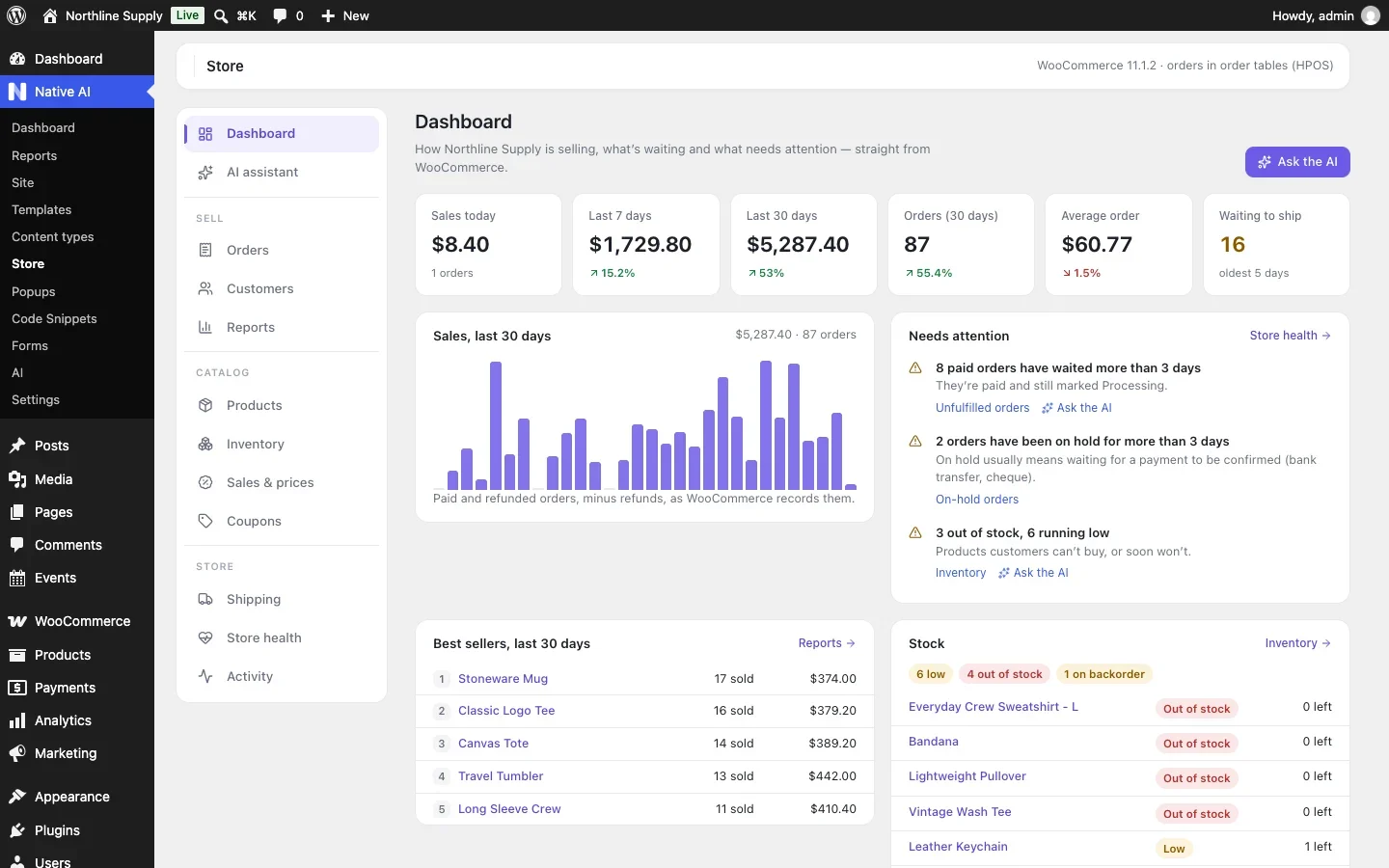
“Find unfulfilled orders.”
Lists the paid orders waiting to ship, oldest first.
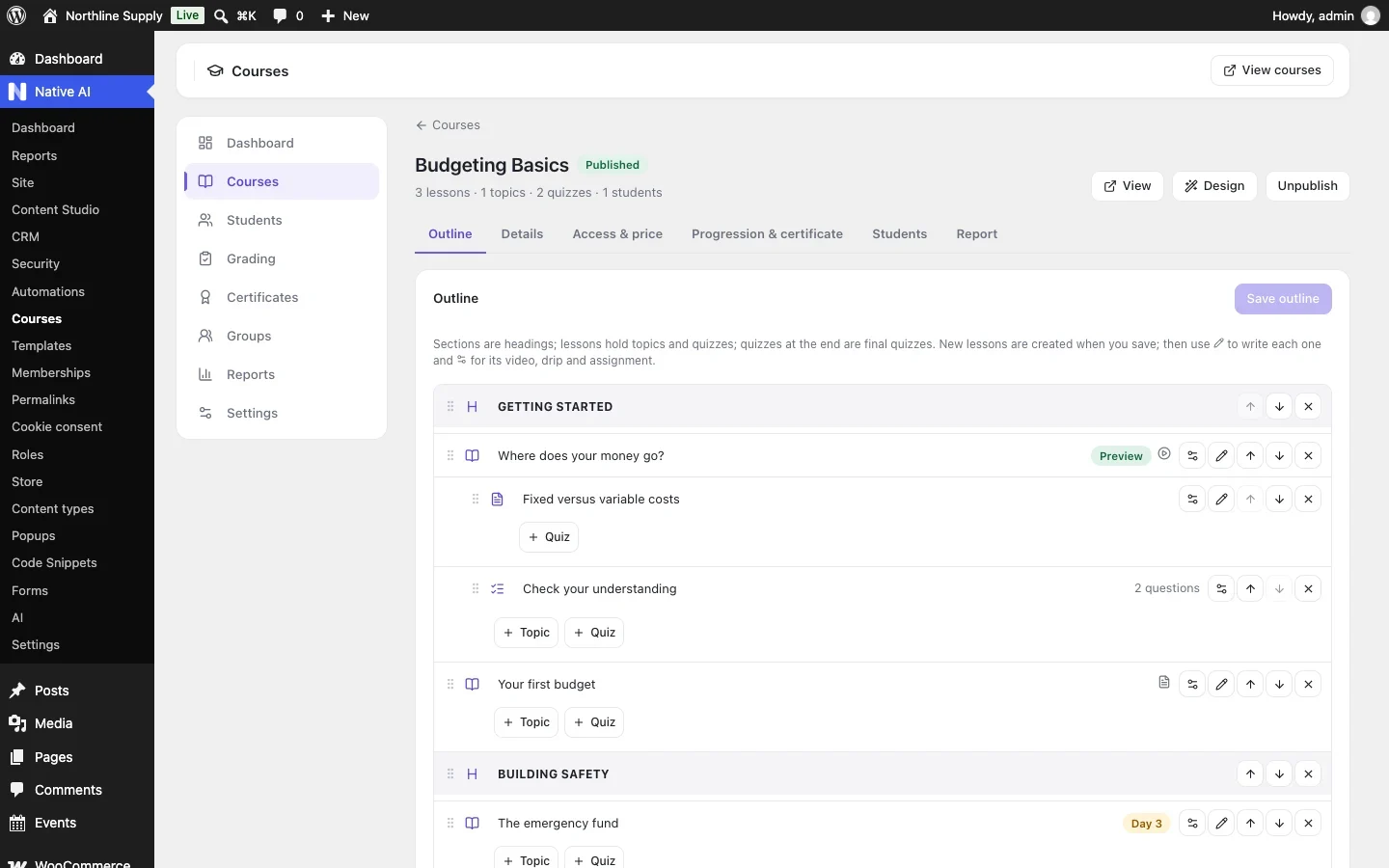
“Write a six-lesson course on home budgeting with a quiz after each lesson.”
Writes the outline, every lesson and the quizzes as drafts for you to review, and sets who can take it.
“Why was a customer locked out this morning?”
Reads the security log, finds the lockout and its address, and can unblock it for you.
“Which plugins need updates?”
Lists the installed plugins and the ones with an update waiting.
“Use the color scheme of this website: https://…”
Opens the site, reads the colors and fonts it uses most, and sets your design system from them.
“Create a Services post type with Price and Duration fields.”
Its own menu in WordPress and custom fields — in ACF when it’s active — ready for a template.
“Add the prices from this PDF to the Services page.”
Reads the attached price list and builds it into the page in your design.
“Count quote requests as a conversion.”
Adds a conversion goal for the form, so Analytics counts every request.
“Show me low-stock products.”
Reads stock from WooCommerce and lists what’s running low or out, with how many are left.
“Refund order 1042 and put the items back in stock.”
Prepares the refund with the amount and how it’s paid back, and waits for your confirmation.
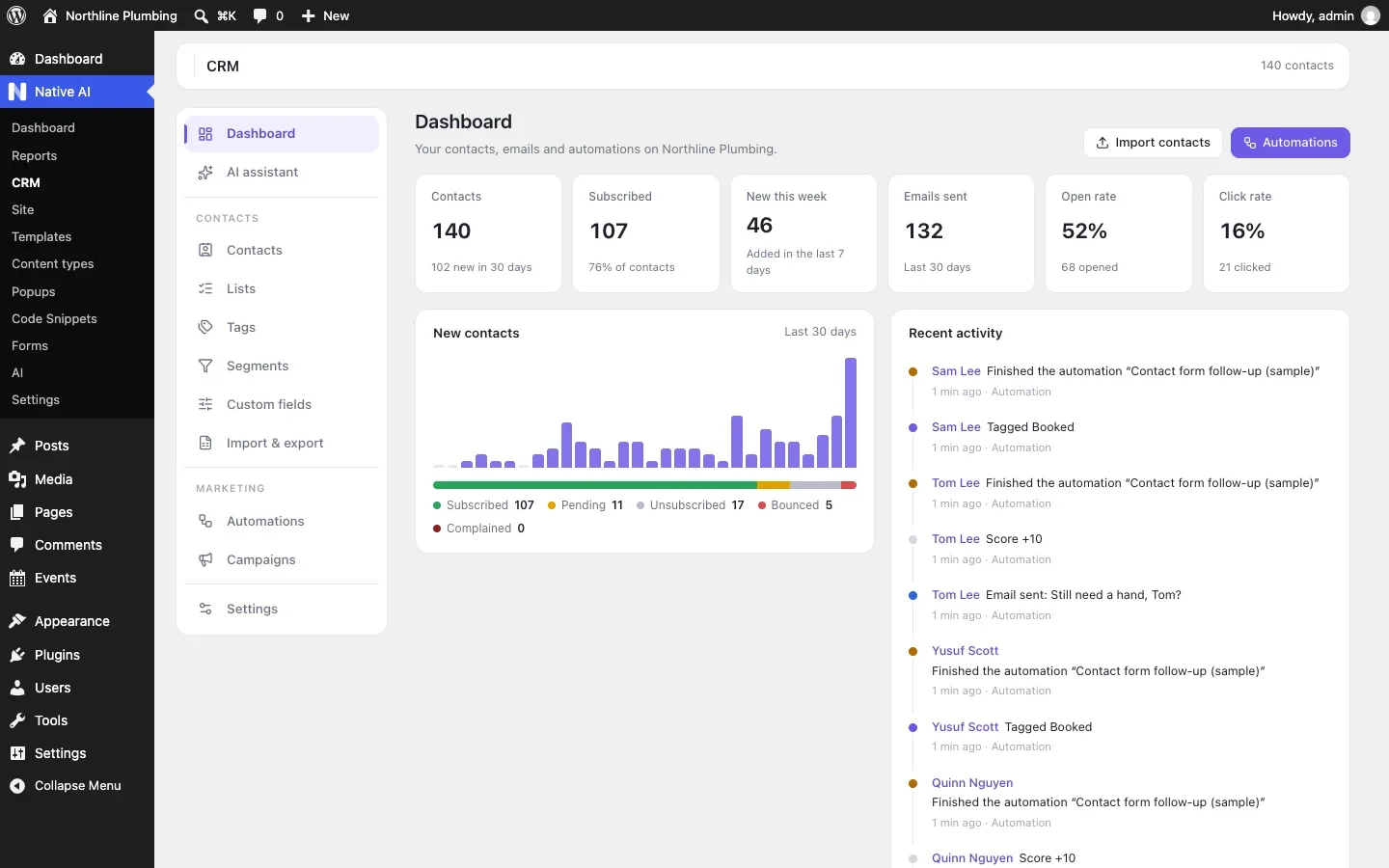
“When someone buys the course bundle, enroll them and tag them in the CRM.”
Builds the automation — the purchase, the enrollment, the CRM tag — as a draft, and asks before switching it on.
“What happened on the site this week?”
Reads the activity record, updates, errors and health checks, and sums them up.
“Add a snippet that turns off comments on pages.”
Writes and checks the code, and saves it as a draft that you switch on.
One plugin. One agent. Your whole site.
Start free: a license for one website and AI credits to build with, no card needed. Describe your business and watch Native WP AI design your home page.